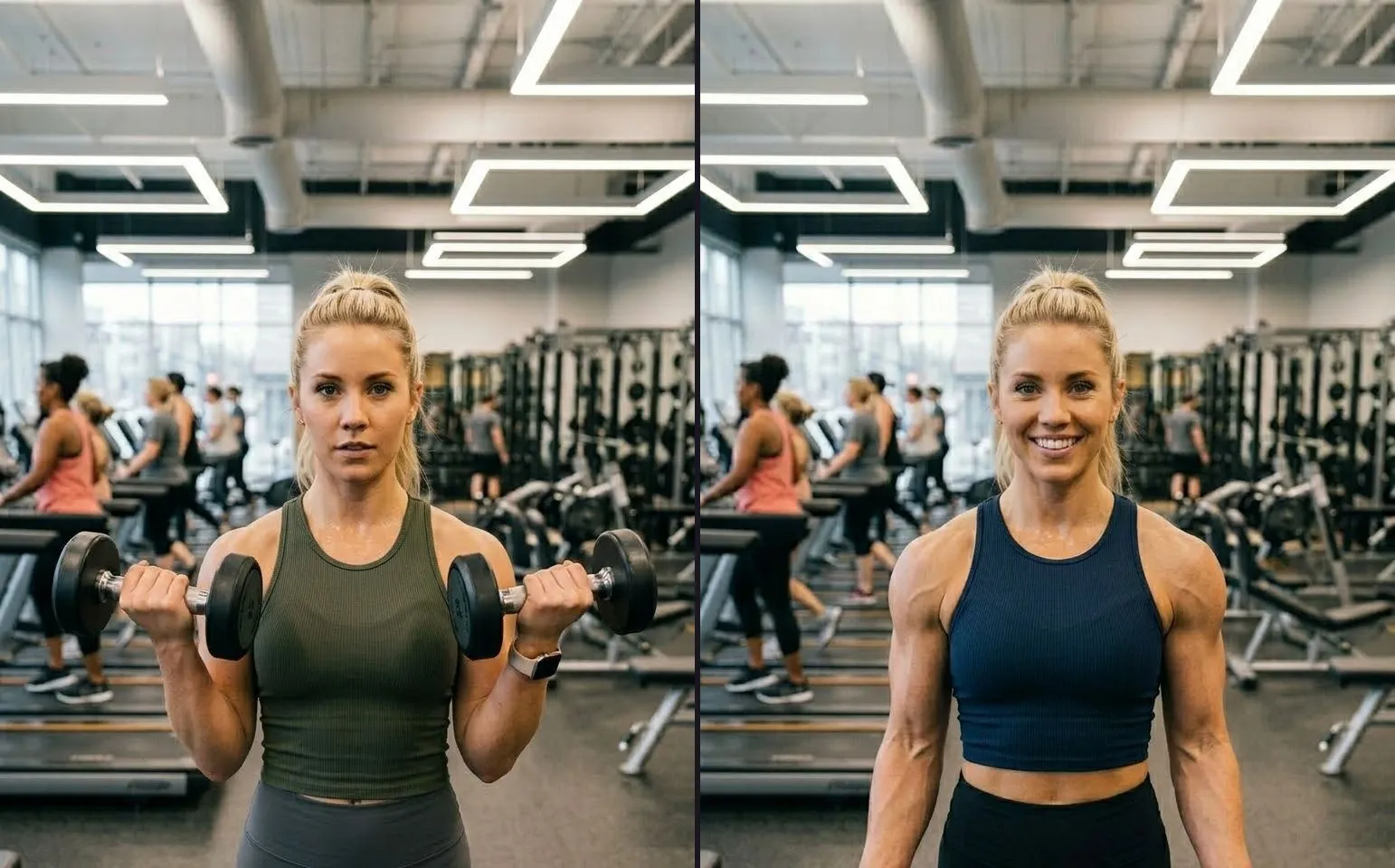
Before and After GIF or Video: Which One You Actually Need
A GIF and a video solve different problems in this app, and the GIF export has a real limitation worth knowing before you pick it. Here is the honest difference, and when each one is the right call.
You have the two photographs, and somewhere in the last few minutes the word “GIF” entered the plan, maybe because you want to drop the comparison into a message thread, or paste it into an email signature, or embed it on a page that should not need a video player. The app can make one. Before you reach for it, it is worth knowing exactly what you get, because a GIF and a video are not the same export at two different sizes. They are two different things, and one of them has a real limitation the other does not.
What a GIF is actually for
A GIF earns its place in exactly one situation: something has to loop automatically, with no tap, no play button and no sound, somewhere that does not reliably run video at all. An email client that strips video attachments but renders an image fine. A forum or a message thread where the recipient’s app does not autoplay a clip. A simple block on a website that should animate the moment the page loads, without a player control sitting on top of it.
That is a narrower list than it sounds. Most of the places people reach for a GIF out of habit, a social feed, a reel, a story, already run video natively and better, which is the next section’s whole point. The GIF’s actual strength is showing up correctly in places that are hostile to video, not competing with a video where video already works.
A concrete example worth naming, because it is the one that trips up most trade businesses: a client who messages a business’s page to ask about a job, and gets a reply with a before and after attached. Plenty of messaging apps render an image or a GIF inline without a tap, and quietly fail to autoplay a video attachment the same way, instead showing a thumbnail the client has to tap to start. For that single reply, a GIF genuinely behaves better than a video would, because it is already moving by the time the client has read the message. That is a narrow, specific case, not a reason to default to GIF everywhere a video would also work.
What the app’s GIF export actually gives you
Here is the part worth knowing before you build anything around it. The GIF export in this app is a separate, simpler export, not a lighter version of your finished video. It is a looping slider reveal, 480 pixels wide, running up to four seconds, and it does not reproduce the template, the comparison mode or the reveal animation you set up in the editor.
That means if you spent time choosing Top / Bottom for a wide subject, picking Tap to Switch for a cluttered interior, adding a label, a sticker or your logo, or choosing Zoom In for the push at the end, none of that carries into the GIF. What you get back is a plain slider wipe between your two photographs at a fixed small width, regardless of which mode or template you actually built. It is honest and useful for what it is, and it is not a smaller copy of the thing you designed.
This is worth saying plainly rather than discovering it after the export finishes: if the label, the branding, the stickers or the comparison mode matter to the file you send, a GIF is the wrong export for that file. The video and the still image are the two exports that honour what you actually built. The video carries your chosen reveal animation. The still image honours all four comparison modes exactly, Slider, Side by Side, Top / Bottom and Tap to Switch alike. The GIF sits apart from both of those, on purpose, as a plain loop rather than a render of your design.
File size: the GIF is usually the bigger file, not the smaller one
People reach for a GIF partly on the assumption that it is the lightweight option, something quick and small for a thread or an inbox that might choke on a bigger file. It is worth checking that assumption before you act on it, because it is often backwards.
A short video, even one running a few seconds at a high resolution, compresses efficiently: modern video codecs are built to throw away the parts of a frame a viewer will not notice and keep the ones they will, across every frame in the clip at once. A GIF works nothing like that. It stores a limited colour palette per frame with comparatively weak compression, and a four-second loop at 480 pixels wide, even at that modest size, can come out larger in bytes than a video covering the same four seconds at a resolution several times higher.
If the actual reason you were leaning toward a GIF is “it will be a smaller file to send”, check both exports before you commit. The video is frequently the smaller one, as well as the one that actually carries what you built.
Part of why is baked into the GIF format itself rather than anything specific to this app. A GIF is limited to 256 colours per frame, so a photograph with a smooth gradient, a sky, a wall, skin tone under even light, gets quantised down to that palette and can end up showing visible banding rather than a clean transition. A video format has no such ceiling and reproduces the same gradient far more faithfully, in a smaller file, because its compression is built around photographic footage rather than around flat-colour animation, which is what the GIF format was actually designed for.
When a video is the better call
Outside the narrow case above, a video wins almost every time, for reasons that have nothing to do with file size.
A video carries whatever you actually designed. The comparison mode, the reveal animation, your label, your logo, the stickers, the length you picked on the 3.0 to 7.0 second slider, all of it survives into the finished file. A GIF strips every one of those decisions down to a fixed, simple loop. If any part of your setup matters to the final export, video is the only one of the two that keeps it.
A video also has sound where a GIF never does. If you are on Pro and the pair is carrying one of the built-in background music tracks, that only exists in the video export, since a GIF has no audio channel at all.
And a video is what every platform this site’s guides actually point you toward is built for. Reels, TikTok and Shorts all autoplay video natively, with the reveal timed to the clip the way you built it. A GIF dropped onto one of those platforms, where it is even accepted as a GIF rather than converted to a still or a short clip on upload, loses the one thing that made it worth making in the first place: the motion.
A quick decision
| What you actually need | Export |
|---|---|
| A loop in an email signature, a forum post or a thread that will not autoplay video | GIF |
| A reel, a Story, a TikTok post, or anything going onto a platform that runs video | Video |
| A file that carries your template, label, stickers or chosen comparison mode | Video, or a still image |
| The smallest possible file size | Check both. The video is often smaller, not the GIF |
| A still comparison to send or check quickly, no animation at all | The free before and after slider tool, or the still image export |
The honest summary
A GIF is a real, useful export for a short list of places video genuinely cannot go, and it is worth using exactly there. It is not a smaller or simpler stand-in for your video everywhere else, because it throws away the template, the mode, the labels and the sound that make the rest of the app worth using, and it is frequently the larger file despite looking like the lightweight choice. If none of that short list describes where the file is going, build the video instead, at whichever length actually fits the subject, and let it carry the comparison mode, the reveal and the branding you set up rather than flattening all of it into a 480-pixel loop.
If you have not built the pair yet, the full flow from two photographs through to a finished export, including where this choice sits in the order of decisions, is in how to make a before and after video from two photos . A reasonable template to start with, regardless of which export you end up choosing, is Minimal from the Clean category, a plain frame that stays out of the way of the photographs themselves. And if you just want to check how a pair holds together before deciding on any export at all, the free before and after slider on this site does that in your browser, with no file produced until you actually want one. The complete free-versus-Pro breakdown, including where background music and the longer export lengths sit, is on the app page .
Common questions
- What does the app's GIF export actually give me?
- A looping slider reveal, 480 pixels wide, up to four seconds long. It is a simple, separate export rather than a smaller version of your video. It does not reproduce the template, the comparison mode or the reveal animation you built in the editor. If you picked Top / Bottom, Tap to Switch, a label, stickers or a frame, none of that carries into the GIF. Pick the video or image export if you want what you actually designed.
- Is a before and after GIF ever the better choice than a video?
- Yes, for a specific job: a loop that has to play automatically with no player, no tap and no sound, in a place that does not run video at all. An email signature, a forum post, a message thread where the recipient's app does not autoplay video, or a simple embedded block on a web page. Outside those cases, a video almost always looks more finished and gives you far more control over how the pair actually plays.
- Is a GIF a smaller file than a video of the same pair?
- Usually not, which surprises most people the first time they check. A short MP4 compresses the actual photographic detail in the frame efficiently. A GIF stores a limited colour palette per frame with comparatively weak compression, so a four-second loop at 480 pixels wide can easily end up larger in bytes than a video covering the same four seconds at a much higher resolution. If file size is the actual reason you were considering a GIF, check both before you decide.
- Can I get a GIF of my actual template, with my labels and stickers on it?
- Not today. The GIF export is a fixed, simple slider reveal rather than a render of whatever you built in the editor. If the label, the logo, the stickers or the comparison mode matter to the final file, export a video or a still image instead. Both of those honour everything you actually built: the video carries your reveal animation and the image export honours all four comparison modes exactly.
- Which should I pick for Instagram, TikTok or Reels?
- A video. None of the three platforms are a good home for a GIF in the first place, since all three auto-play a proper video with sound and a reveal timed to the clip, and a GIF posted as a photo loses its motion entirely on most of them. The GIF export exists for the places a video genuinely cannot go, and a social feed is not one of those places.