
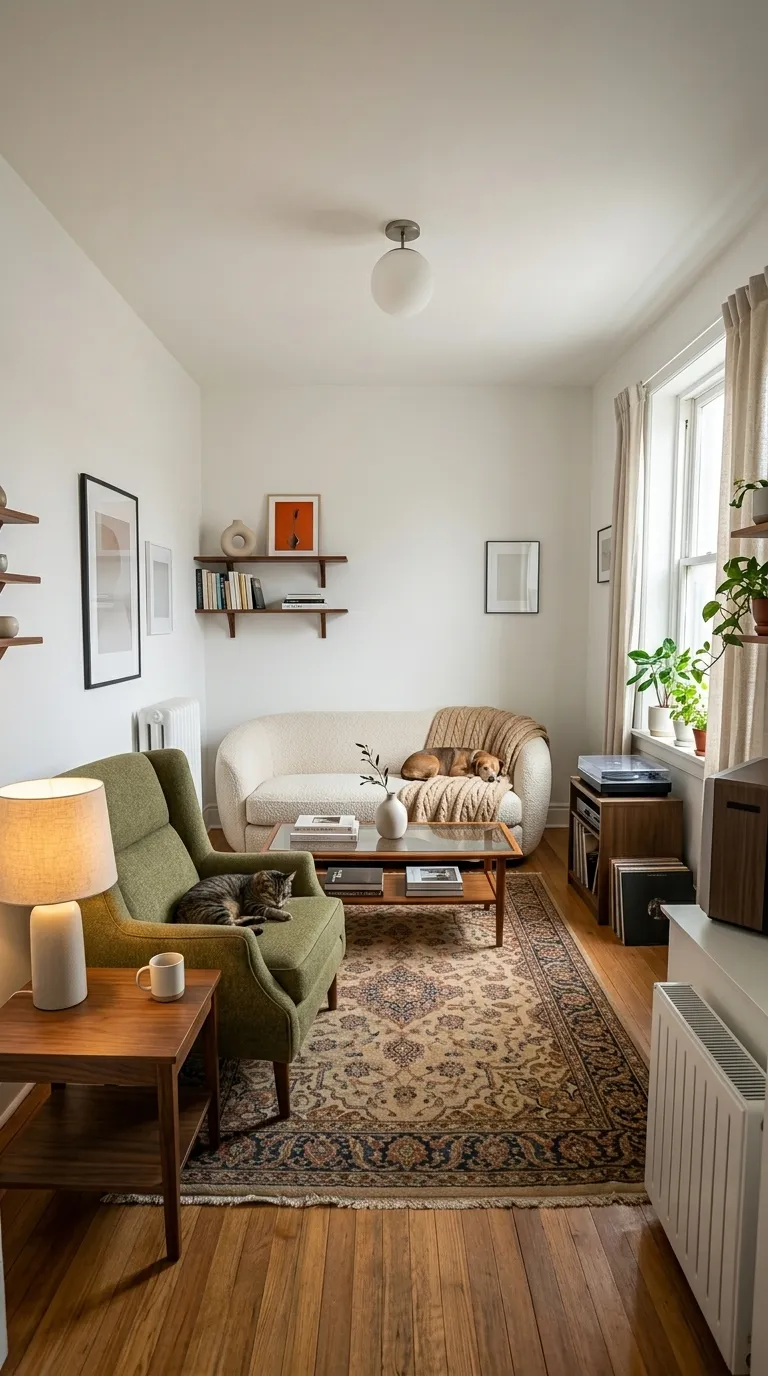
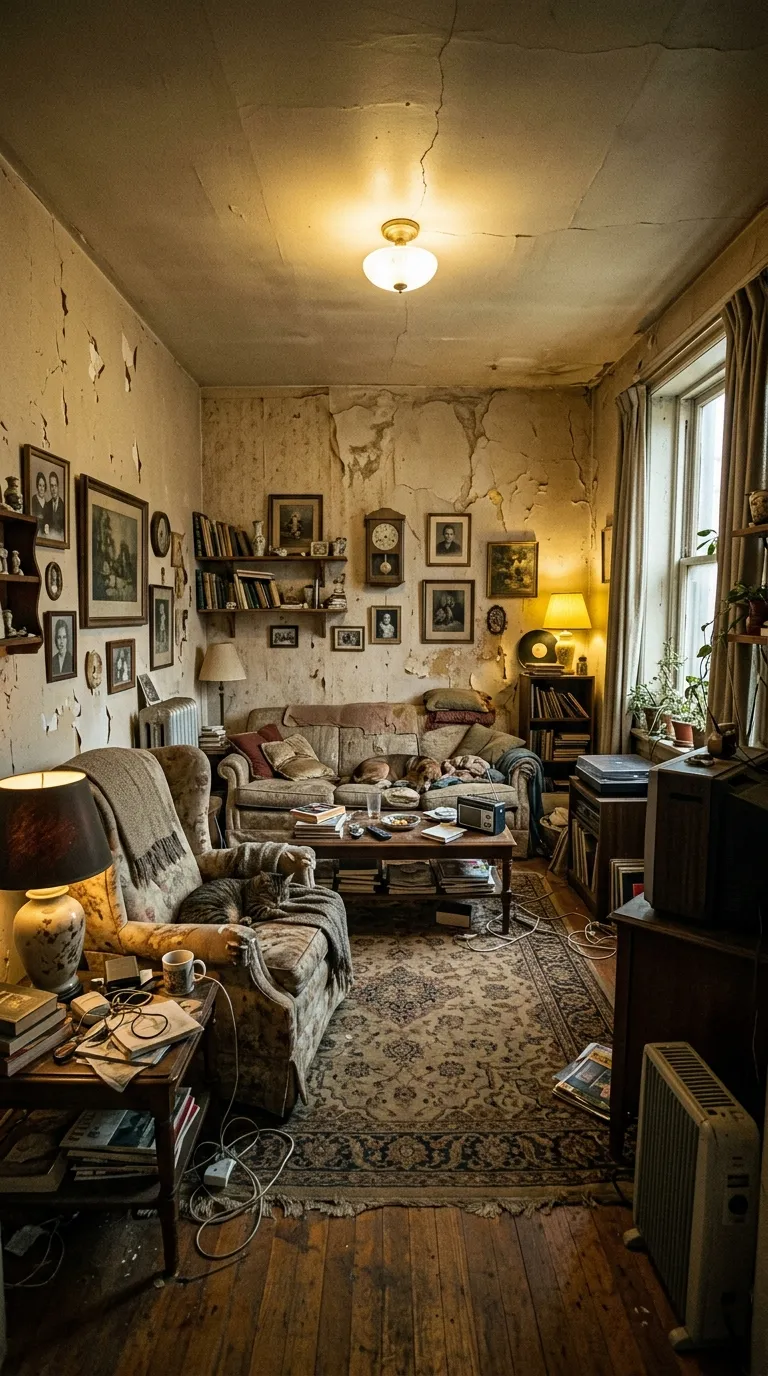
 BeforeAfter
Frames that get out of the way
Plain frames that get out of the way. When the transformation is the whole point and nothing on screen should compete with it.
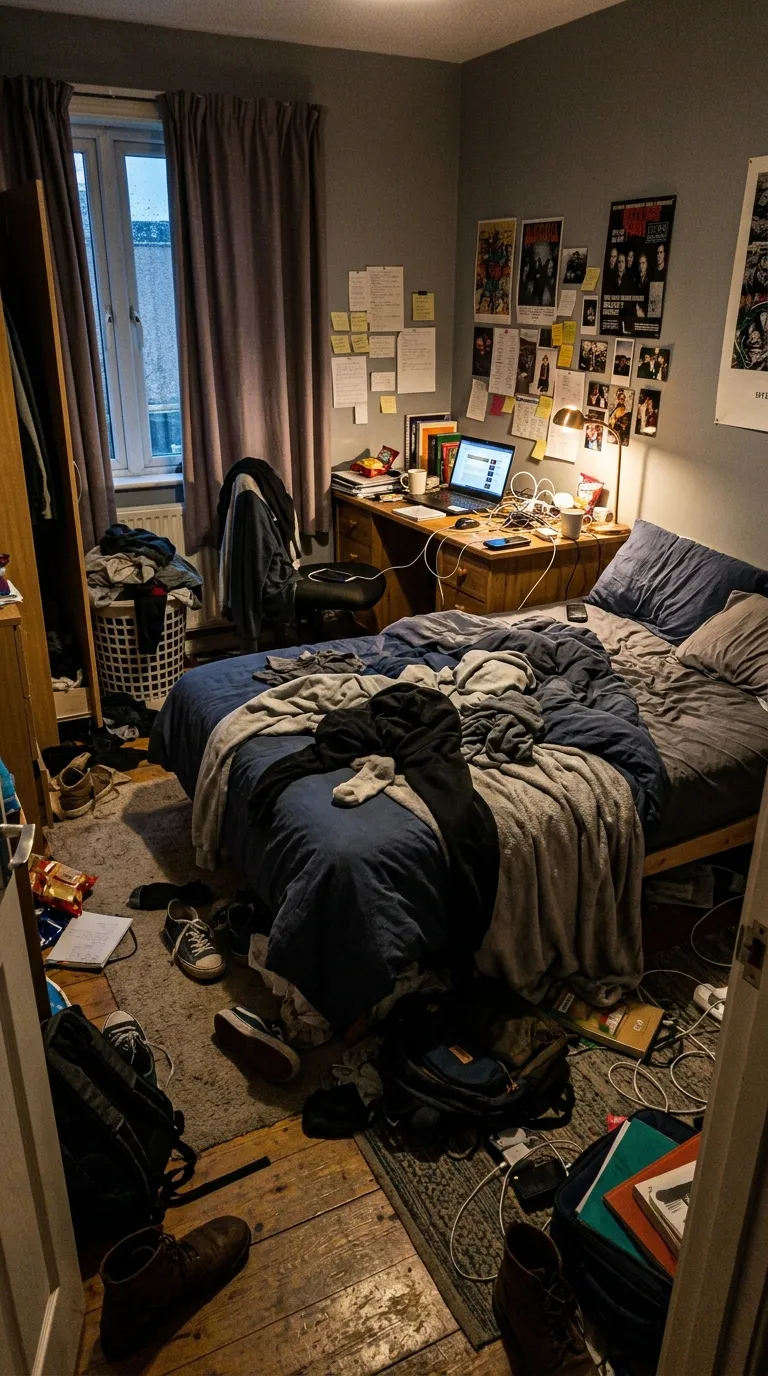
Clean is for work that already photographs well. Restorers, renovators, furniture flippers, cleaners, photographers selling a retouch service: trades where the result carries its own argument and the frame only has to hold two pictures apart without asking to be looked at. If somebody scrolling past could describe what changed in three words with the sound off and no caption, this is the category you want.
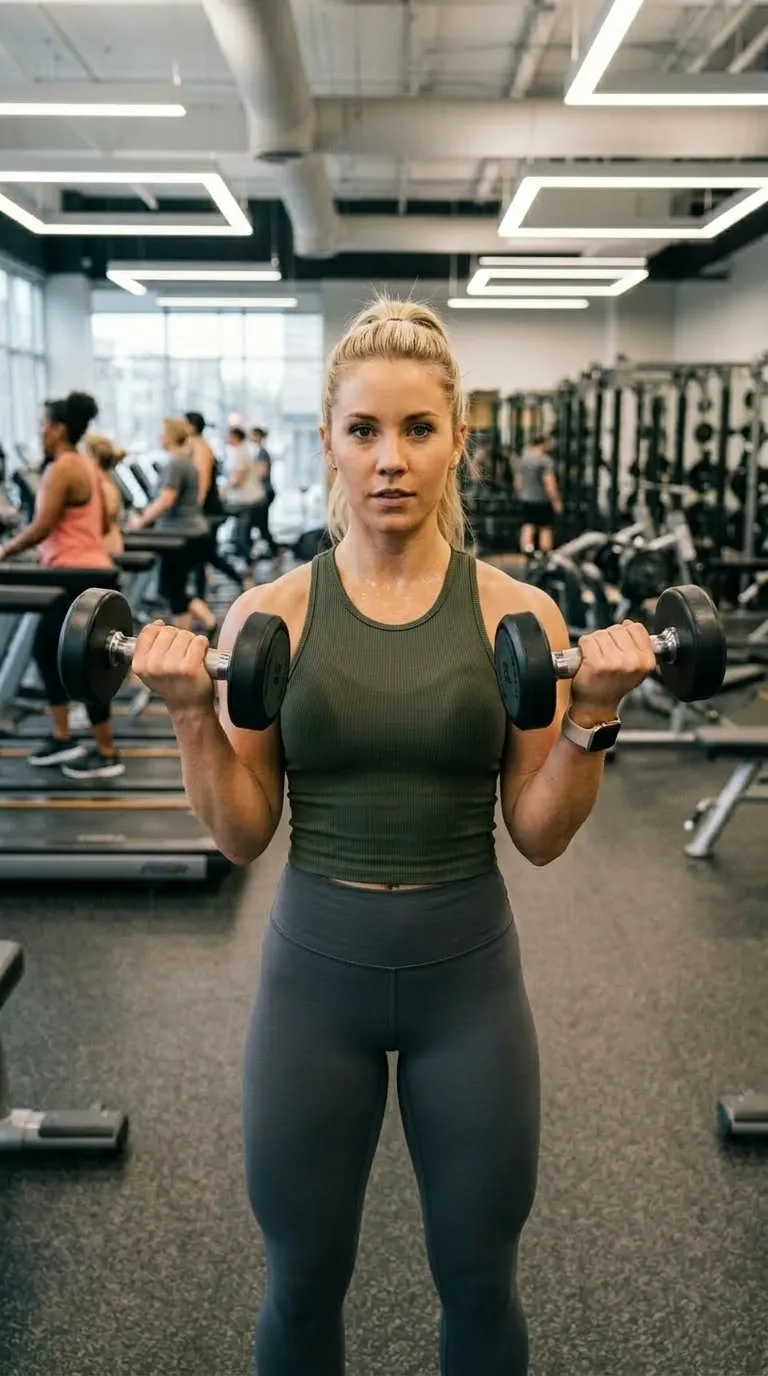
A clean pair lives or dies on the match. There is no saturated band and no thick rule to pull the eye away from a wall that shifted between shots or a light that changed colour, so the framing has to do the work. Stand in one place, use one focal length, shoot at roughly the same hour of day, and let the divider travel across an unchanged background. Anything untidy that is present in the before and still present in the after gets noticed here before the improvement does.
1:1 square · Inter Bold · 2 pt ruleFree
The default. A white frame around a square crop, invisible on a light feed, and the one to reach for when you have no idea which to pick.
1:1 square · Inter Bold · 2 pt ruleFree
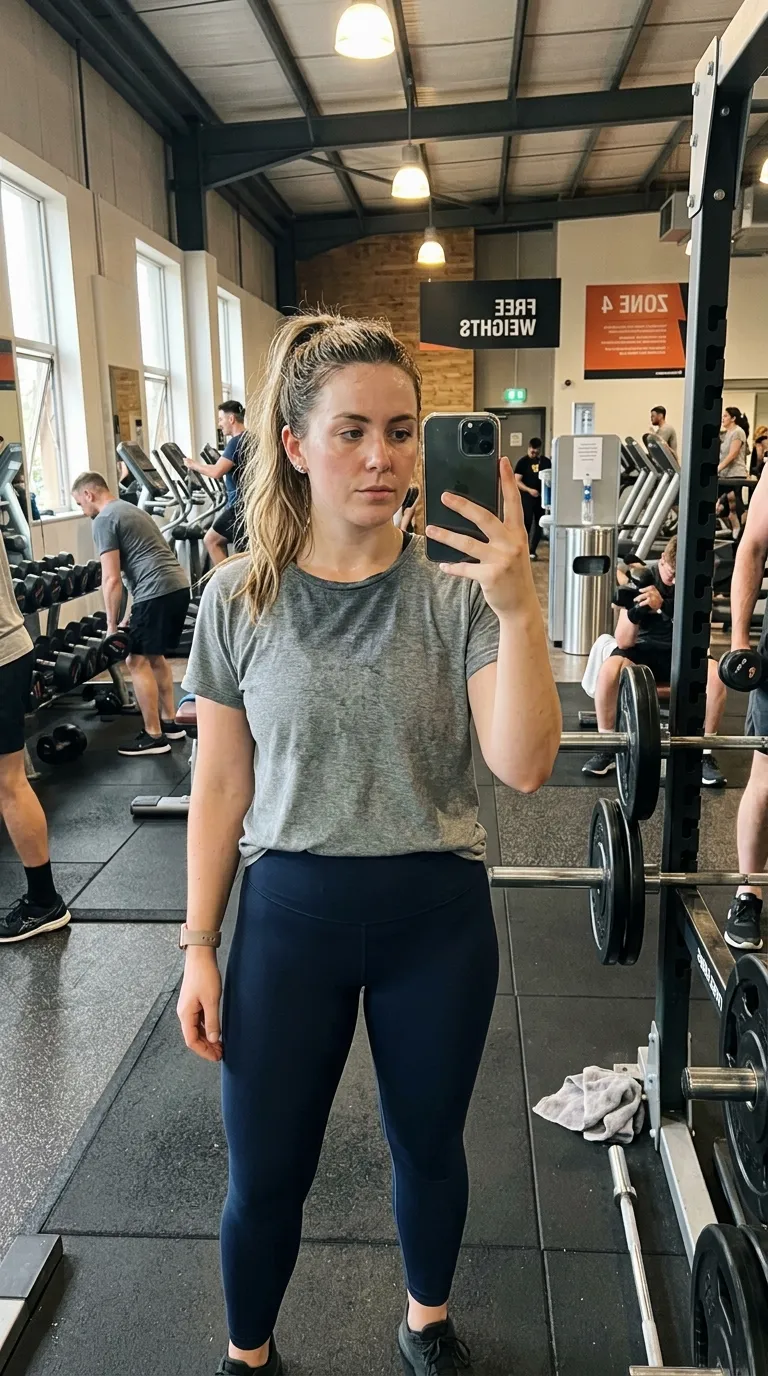
Bright subjects on a dark ground. Gym interiors, chrome, anything lit hard, where a white frame would blow out next to it.
1:1 square · Inter Bold · 1 pt ruleFree
Labels above the pair instead of below, so a caption sitting under the post does not stack on top of the wording.
4:5 portrait · Playfair Display Bold · 1 pt rule · datedPro
Portrait crop, serif labels reading Raw and Edited, date stamp on. Written for a retoucher showing the file rather than the subject.
1:1 square · Space Mono Bold · 1 pt rulePro
Monospace labels and a hairline teal rule on near-black. Screens, dashboards, code, anything already rectangular.
1:1 square · Quicksand Bold · 2 pt rulePro
The one warm frame in the category, with grooming wording built into the labels.
BeforeAfter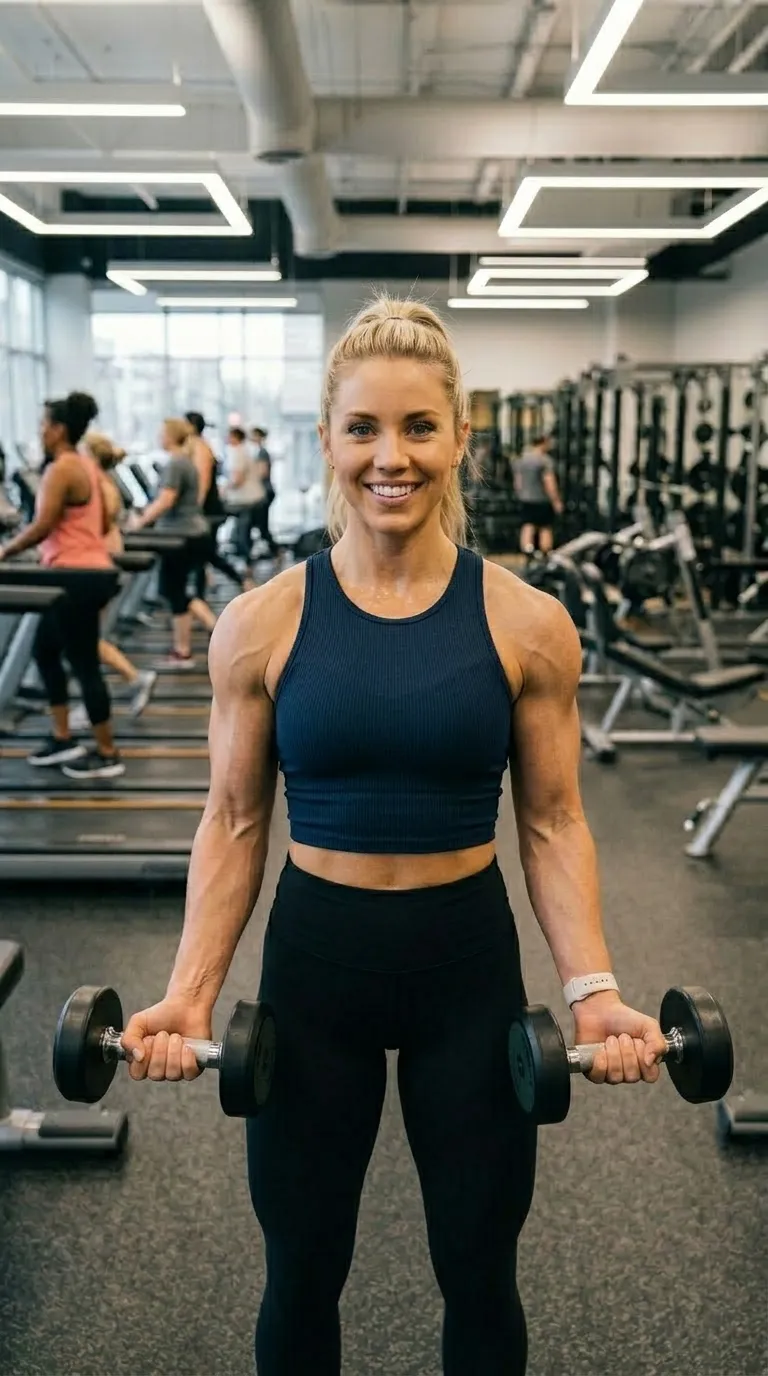
 BeforeAfter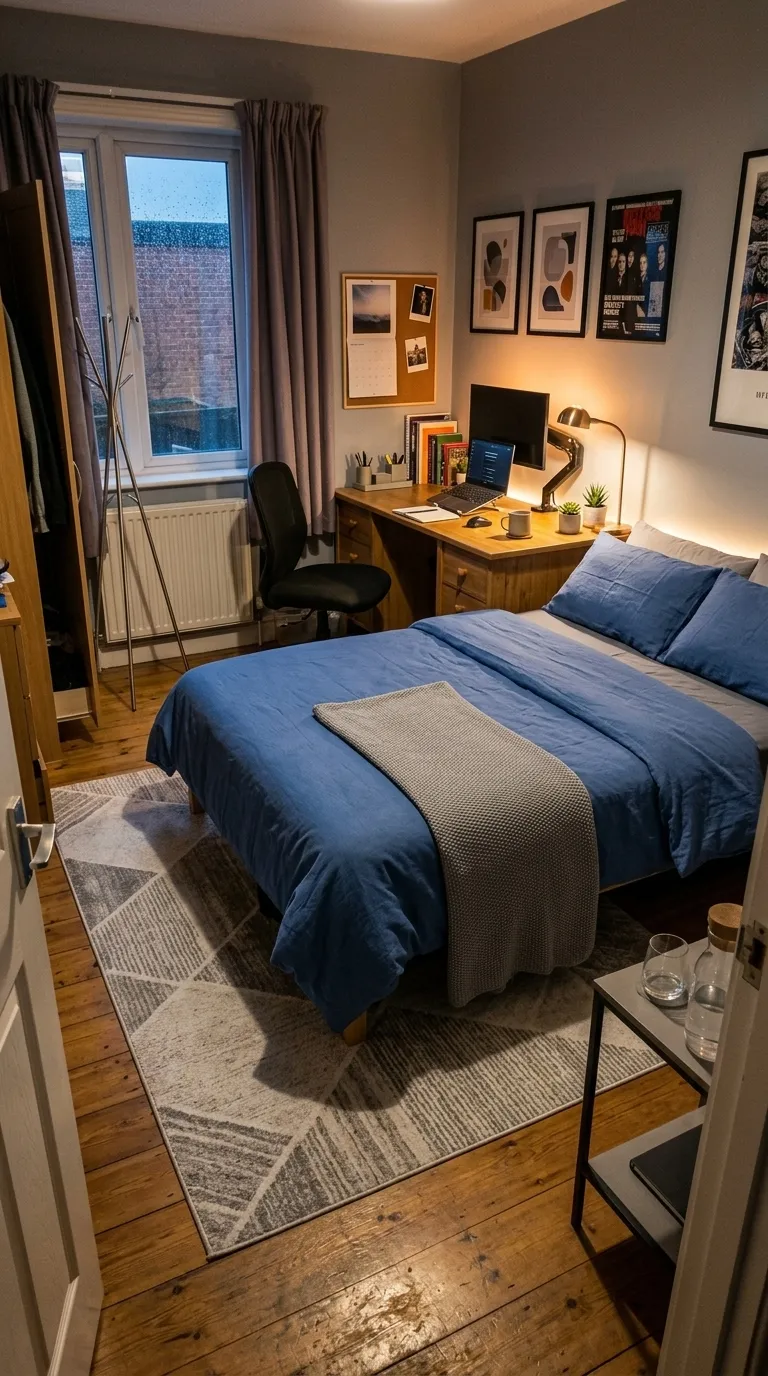
 BeforeAfter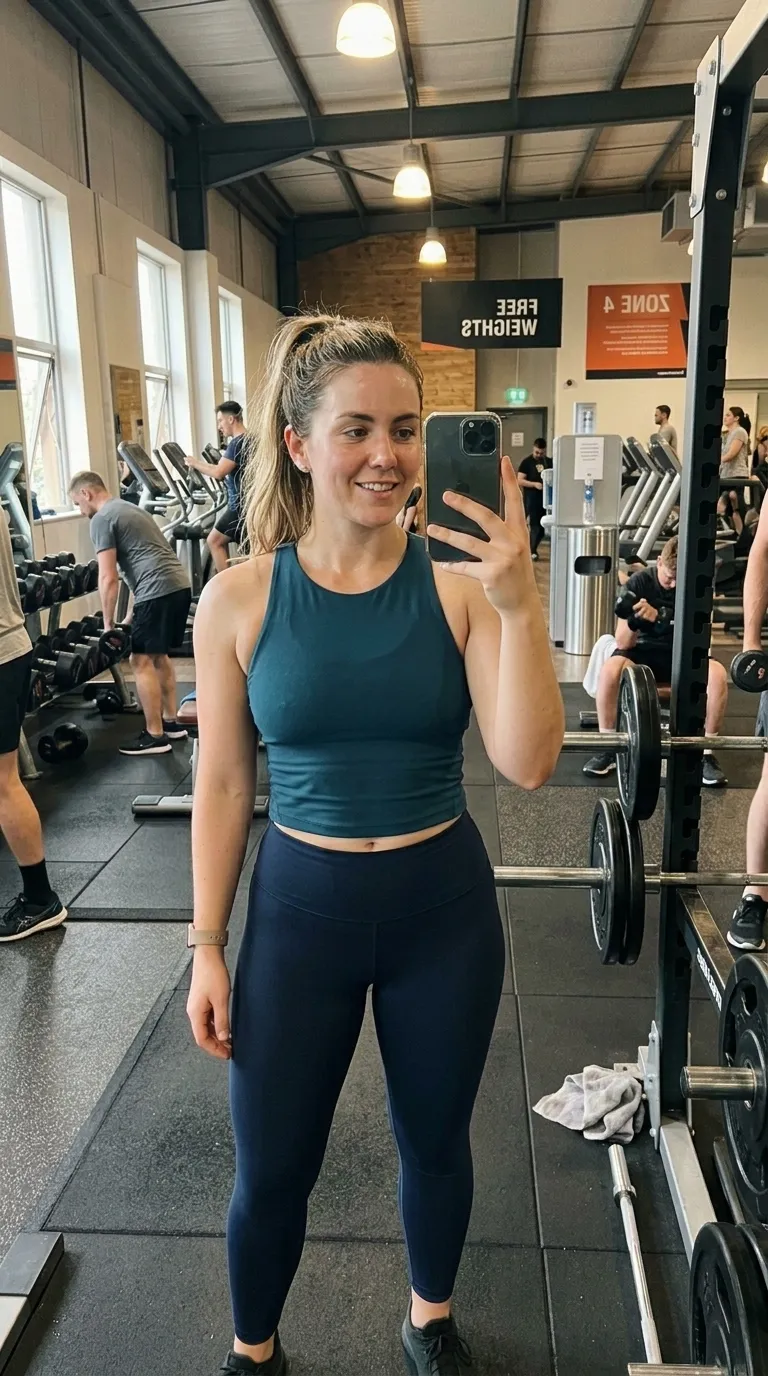
 RawEdited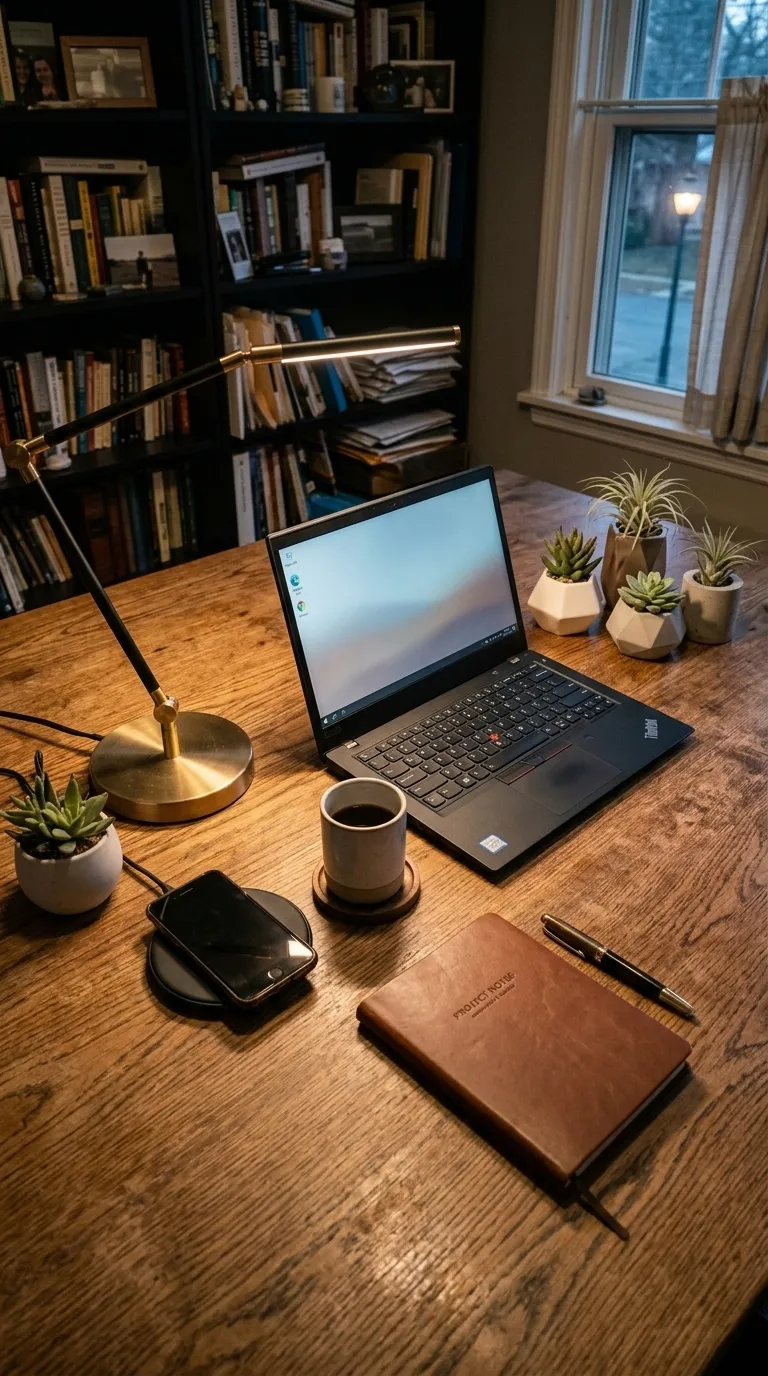
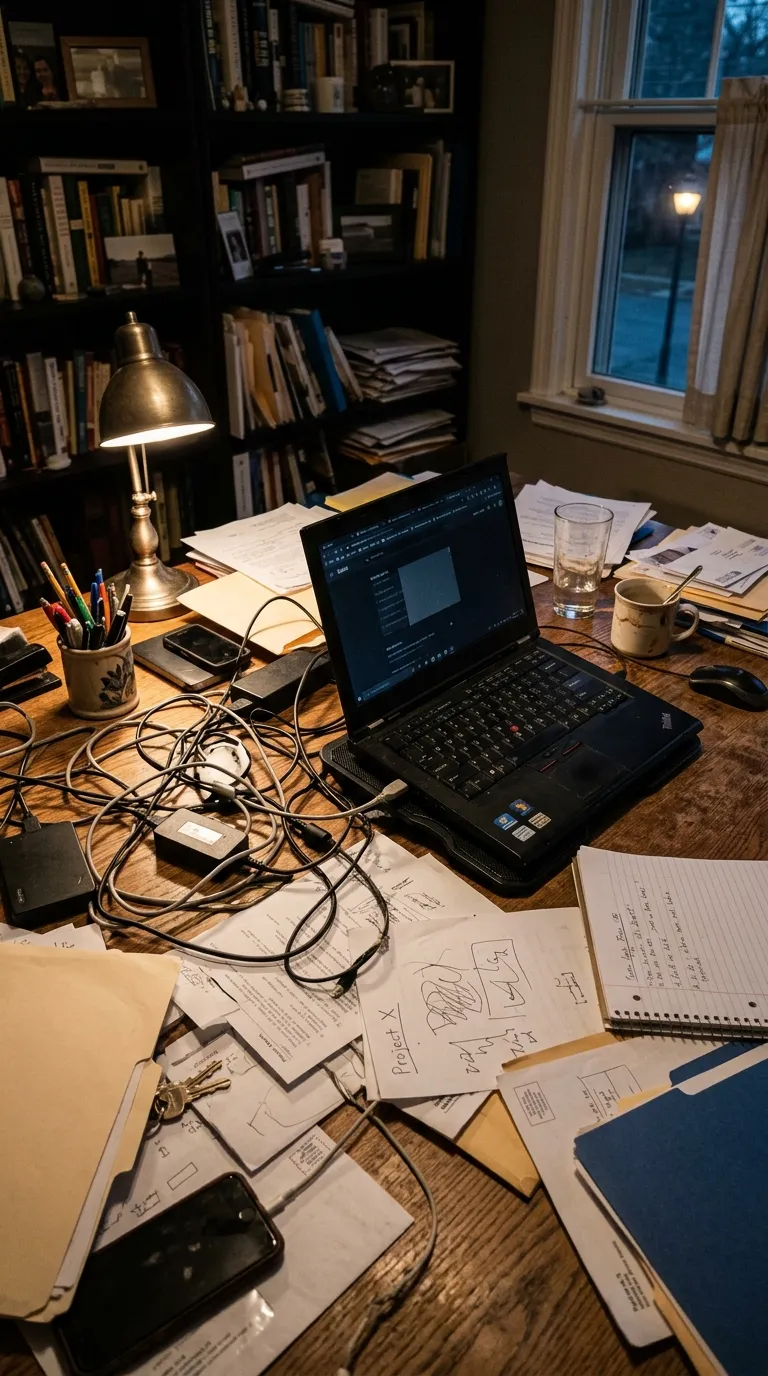 BeforeAfter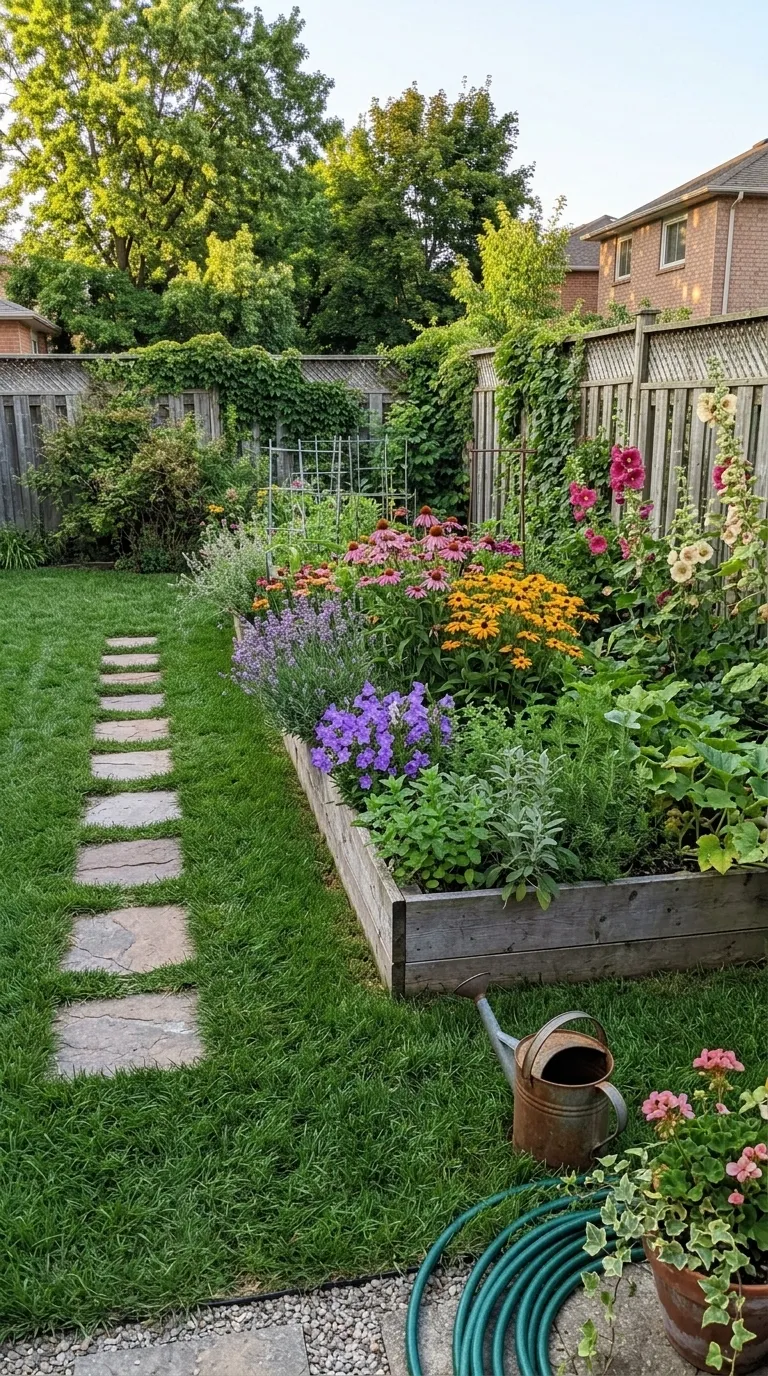
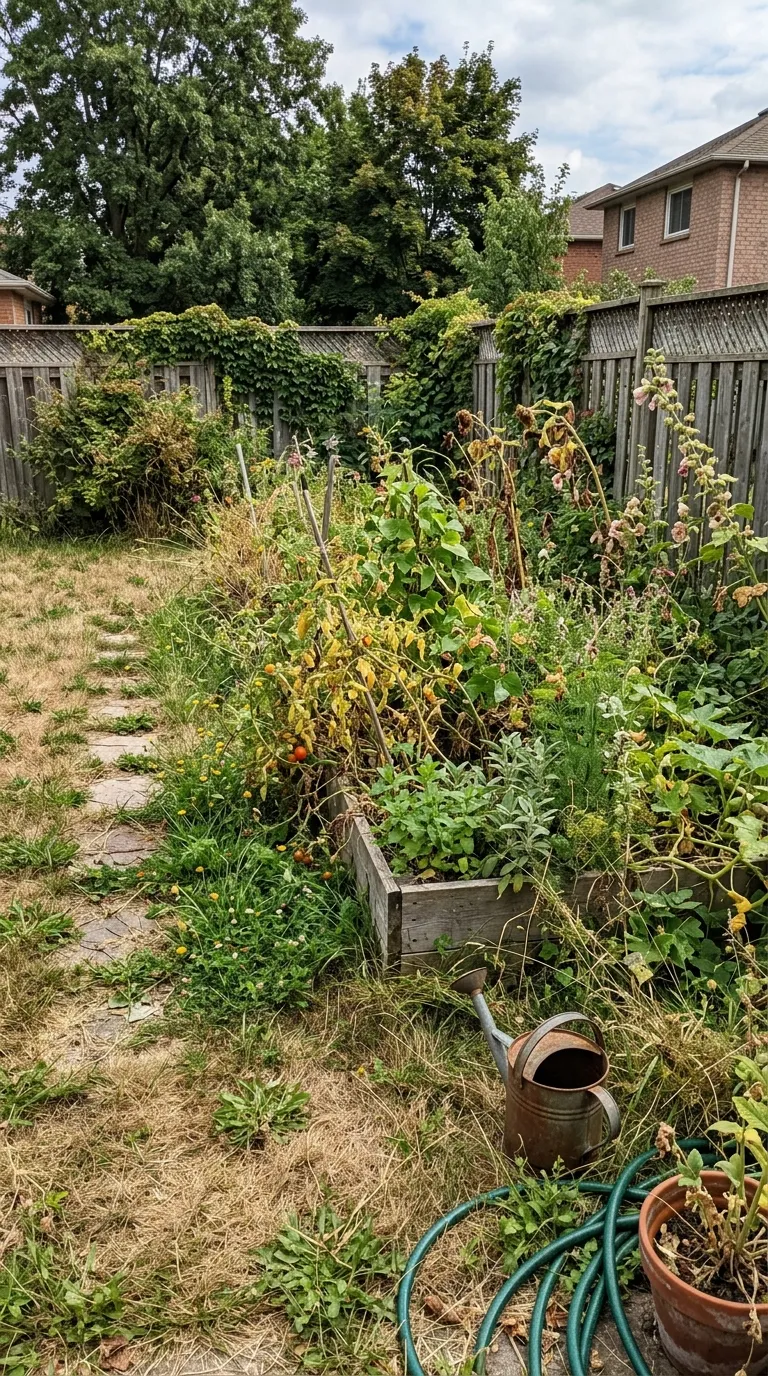 BeforeAfter Groom
A plain frame hides nothing, and that cuts both ways. A pair shot on two different days under two different lights reads as two different rooms rather than one room improved, and nothing in this category rescues it. The sliders on these pages are web renderings drawn from the shipped build's own colours and measurements, not screenshots of an export. Video export takes its layout from the reveal animation rather than from the comparison mode, so a top and bottom or tap to switch arrangement reaches a still export but not a video one yet.
Nothing in this category is decorative, which is why it holds up on jobs the loud categories cannot carry. It is also why it punishes a lazy pair. Get the framing right and the plainest template here beats every neon frame on the site.
Shoot the before, shoot the after from the same spot, and the app does the reveal. Three exports a day are free.