
28 guides
Getting the pair right is most of the job
The software takes about a minute. The photography is where a before and after is won or lost, and almost nobody writes about it properly. These are our attempt at that.
Shooting the pair
The half nobody covers properly. Matching the angle, the light and the distance, so the result reads as real rather than staged.
When to Take the Before Photo (Before You Start, Not After)
The before is a habit fixed to the start of the job, not a photo you remember once the after already looks good. Here is the three-frame arrival set, and what to do when it did not happen.
7 min read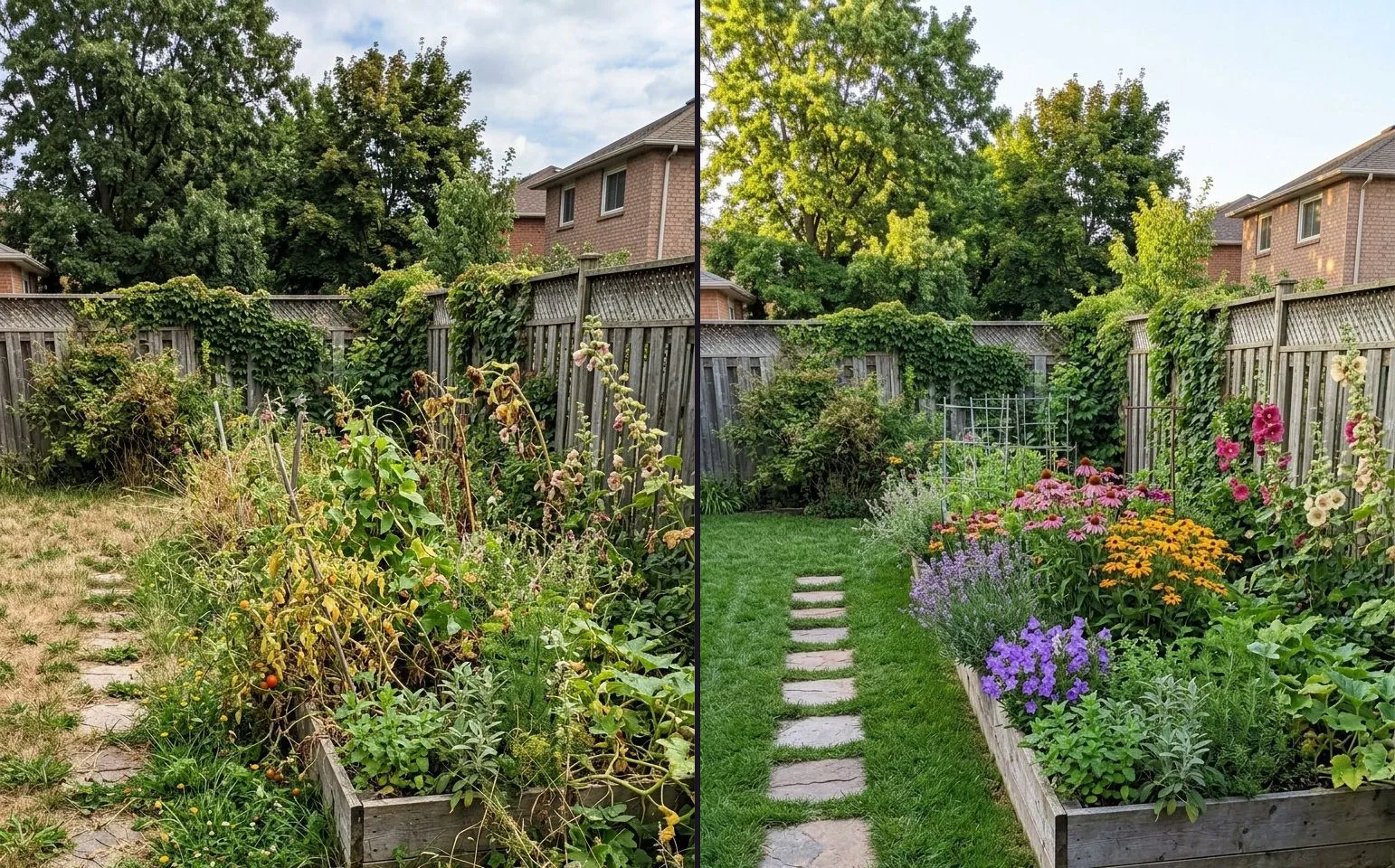
How to Use Ghost Camera to Line Up a Before and After Shot
Ghost Camera lays your before photograph over the live viewfinder so the second shot lines up before you press the shutter. Here is how to use it, the right opacity for different subjects, and what it cannot do for you.
7 min read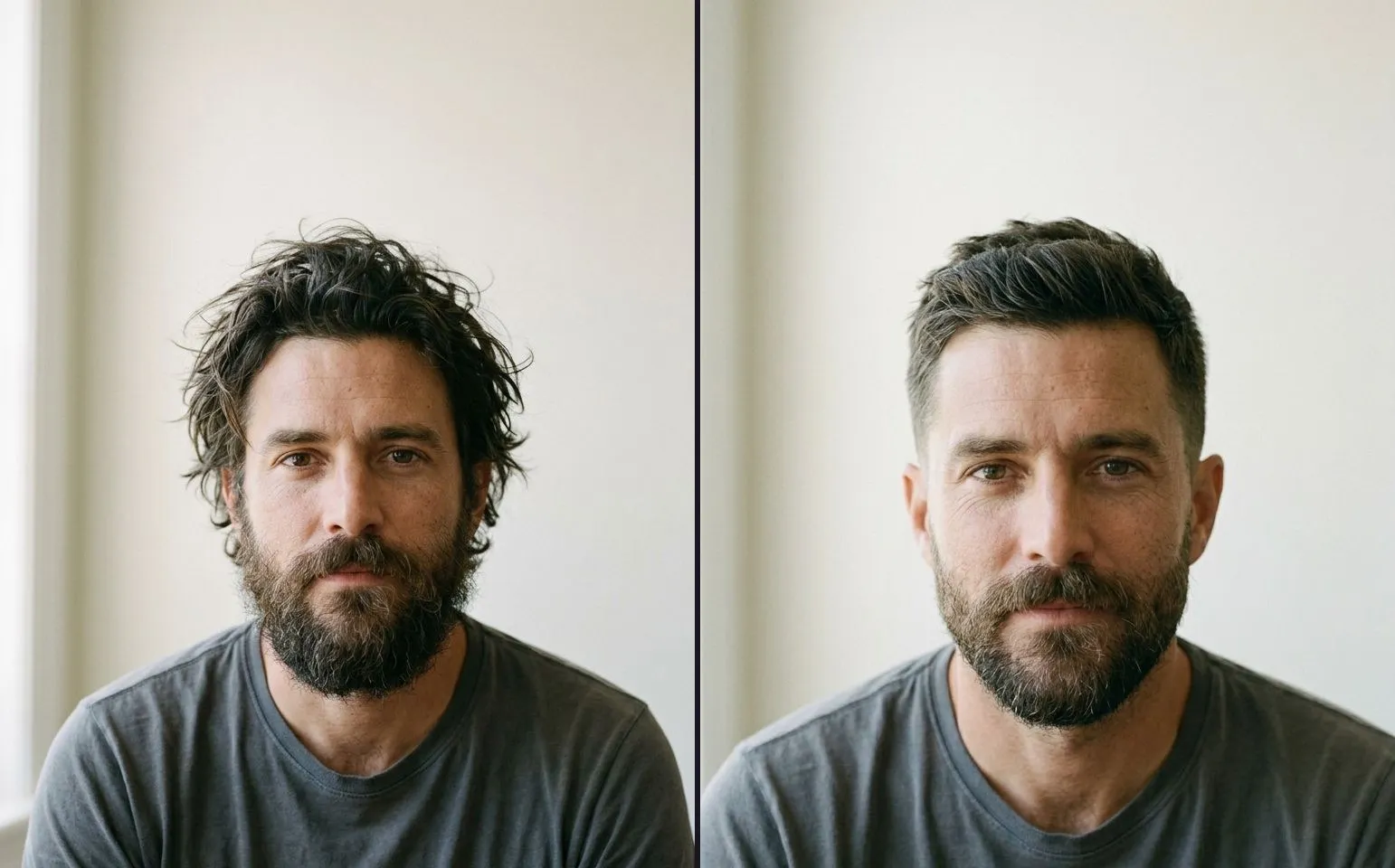
How to Take Matching Before and After Photos
A method you can follow with a phone in a salon or on a driveway: the spot, the height, the distance, the lens and the light, plus the five numbers to write down.
6 min read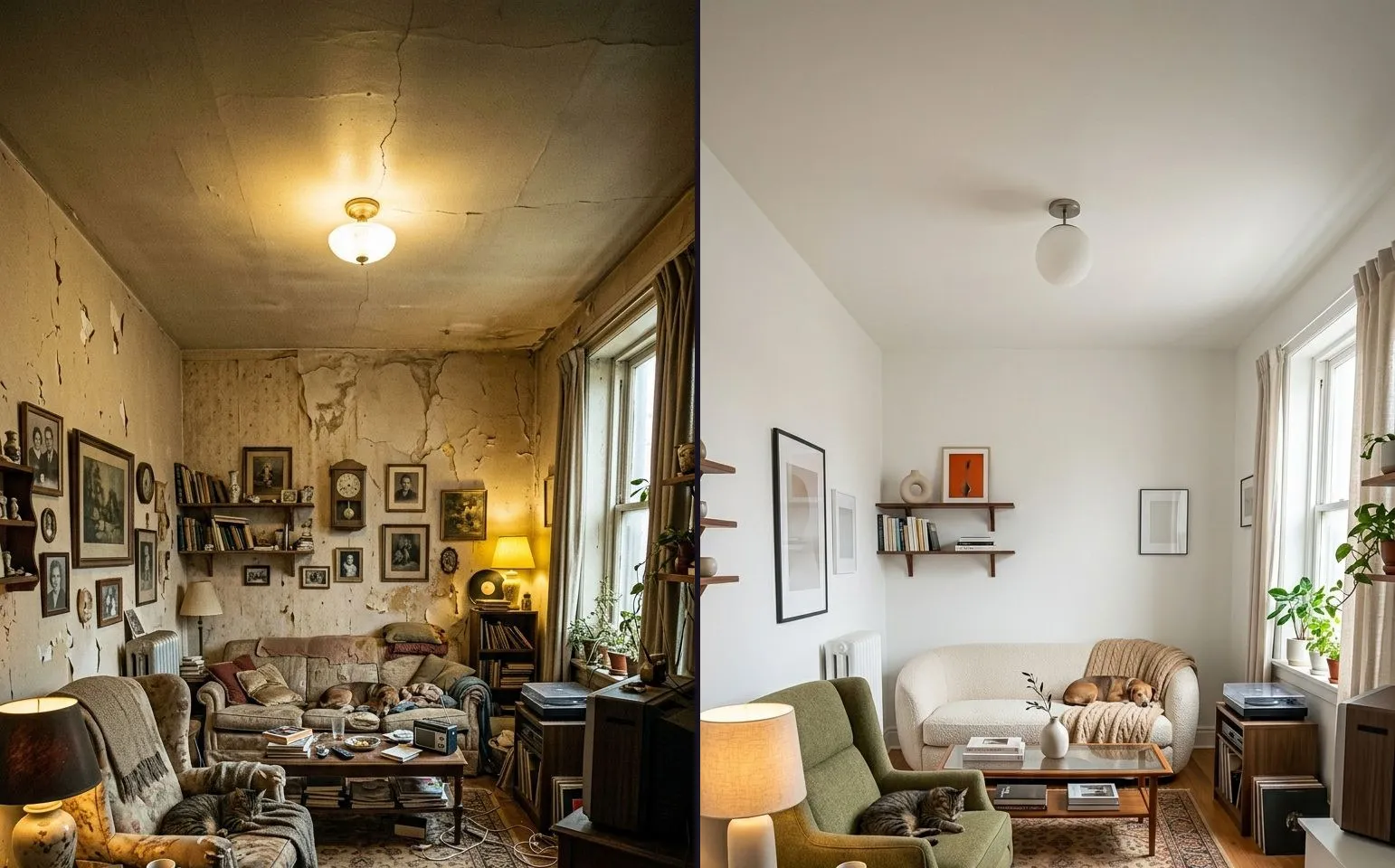
The Same Angle, Six Weeks Later: Repeating a Shot You Took a Month Ago
The renovation is done and the before is six weeks old. Here is how to reproduce a shot from a memory you no longer have, and when to admit the mismatch instead.
6 min read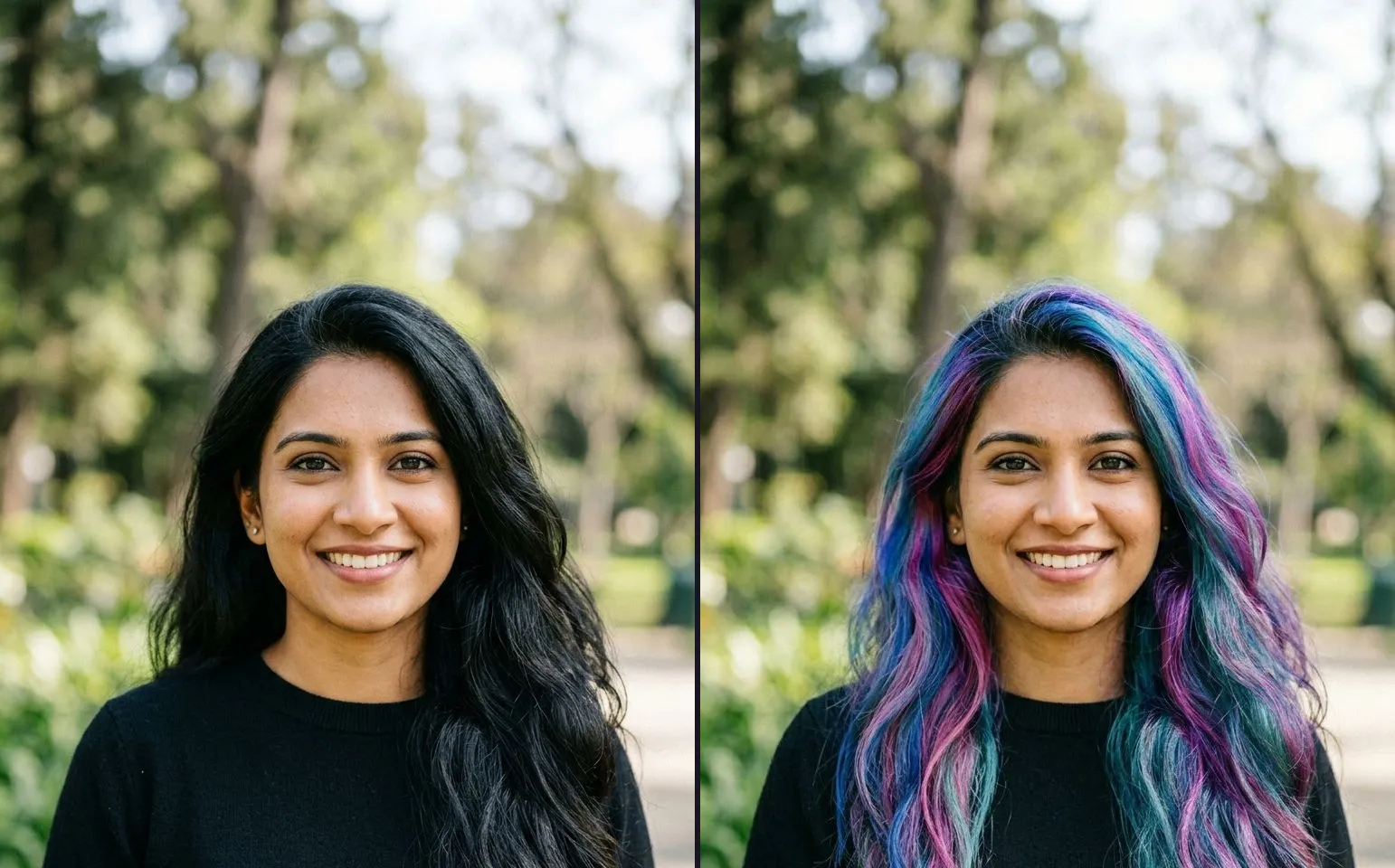
Why Your Before and Afters Look Fake (and the Seven Tells That Give It Away)
A viewer never analyses your before and after pair, they just feel that something is off. Here are the seven physical tells that cause it, and how to fix each one.
6 min readMaking the video
Modes, reveals, length and export. Turning two photographs into something worth posting.
How to Take the Sound Off a Video on iPhone (and Why a Before and After Doesn't Need It)
The native way to mute a clip on iPhone, and the honest answer if you typed this looking for a before and after reveal: the audio question never comes up, because the app never takes a video in to begin with.
8 min readHow to Reverse a Video on iPhone (the Shots to Take Instead)
The honest state of iPhone's native reverse tools, and the answer if you typed this looking for a before and after reveal: you do not need a reversed clip. You need two matched photographs.
8 min readHow to Crop a Video on iPhone (the Shots to Take Instead)
The native way to crop a clip on iPhone, why crop is different from trim, and the honest answer if you typed this looking for a before and after reveal: two photographs shot the same shape, not a cropped clip.
8 min readHow to Trim a Video on iPhone (the Shots to Take Instead)
The native way to trim a clip on iPhone, what trimming actually changes versus cropping, and the honest answer if you typed this looking for a before and after reveal: two matched photographs, not a shortened clip.
7 min readHow to Shorten a Video on iPhone (the Shots to Take Instead)
The native way to shorten a clip on iPhone, and the honest answer if you typed this looking for a before and after reveal: two photographs, matched properly, get you there faster than any trim ever will.
7 min readSlider, Side by Side, Top / Bottom or Tap to Switch: Which Comparison Mode to Use
Four comparison modes ship free and unlimited in the app. Here is how to choose between them by the shape of your subject, not by taste, and which ones actually reach a finished video today.
9 min readHow to Cut a Video on iPhone (the Shots to Take Instead)
The honest answer if you typed this looking for a before and after reveal: you probably do not need footage at all. What the native trim tool does, and the two photographs to take instead.
7 min readHow to Make a Before and After Video Without a Watermark
The honest three-way answer to a watermark-free before and after video: a free browser tool, an app free tier that still watermarks, and what actually removes it.
6 min readHow to Make a Before and After Video From Two Photos
The whole process, in order: two photographs in, one video out. What each step actually decides, and what the free tier gives you before you ever reach the export sheet.
7 min readSizes and platforms
What each surface wants: ratios, safe zones and the crop that costs you a caption.
Can You Put a Before and After Photo in a Paid Ad? (Meta, Google and TikTok, Compared)
The rules for a paid before and after ad are not the rules for an organic post, and the three biggest platforms do not agree with each other. Here is what each one actually allows in 2026.
7 min readBefore and After Video Sizes for Reels, TikTok and Shorts
One canvas covers almost every platform this content ends up on. Here is the size to shoot for, the safe area that survives the interface, and where a divider disappears behind a caption.
7 min readBy trade
Salon, detailing, landscaping, renovation and the rest. What to shoot and what to post.
Real Estate Before and After Videos (Not Virtual Staging)
A listing before and after is two real photographs of the same room, not a rendering. How to pick the room, handle two shoots that never met each other, and brand the reel to the agency rather than the app.
8 min readBefore and After Reels for Makeup Artists (Without a Skin Claim)
Bare skin under one light and a finished face under another is the trade's default mistake. A method for a matching pair that survives a client's own scrutiny, and stays a craft result rather than a skin promise.
8 min read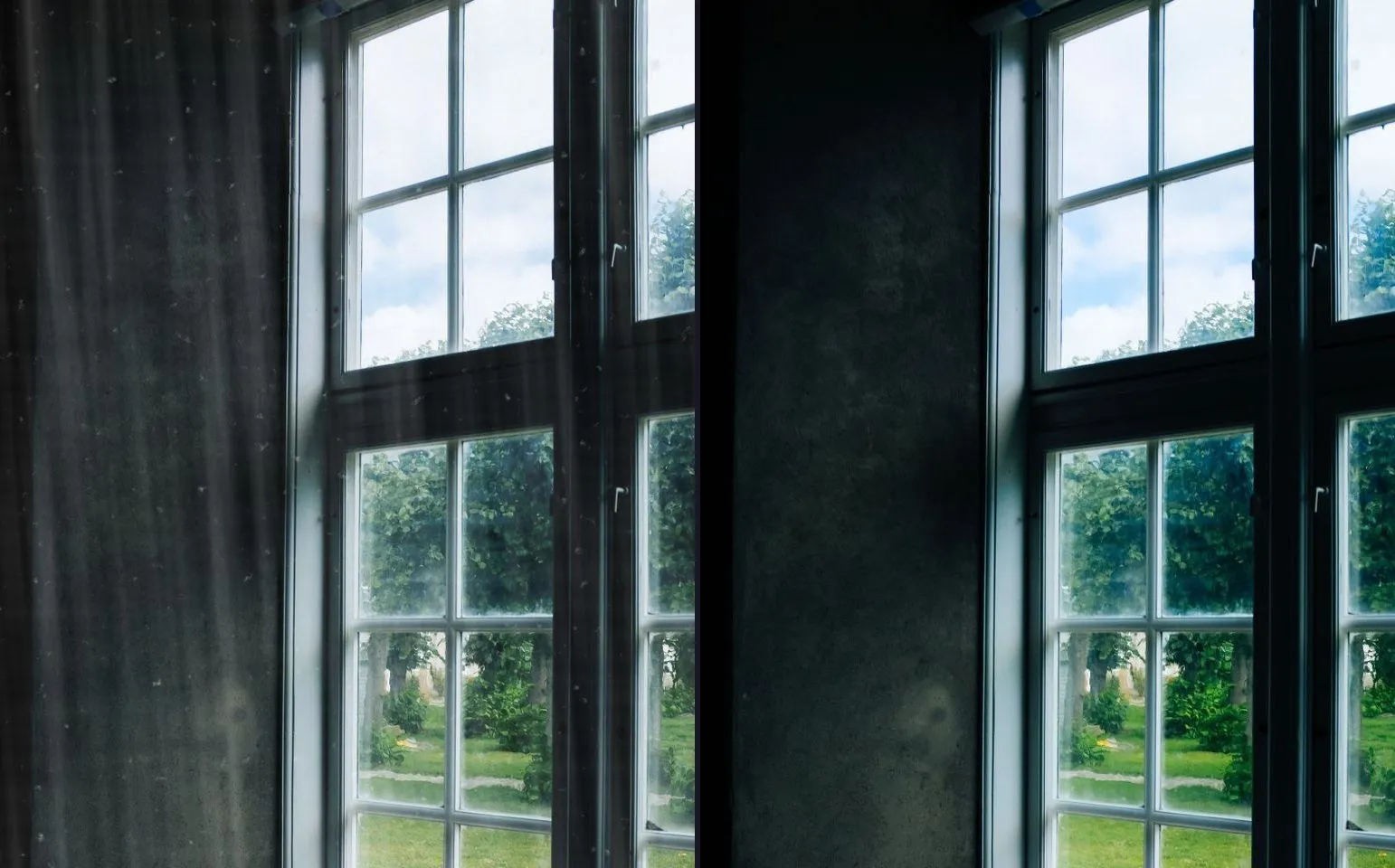
How to Shoot a Window Cleaning Before and After (When the Job Itself Is Invisible)
Clean glass has no texture to photograph, so a window cleaning before and after has to prove itself through what is visible behind the pane, not the pane. Here is the shot that works and the two things that ruin it.
8 min readPet Grooming Before and After Videos That Actually Fill a Book
A dog will not hold a pose, so the table, the backdrop and your standing distance have to be the fixed marks instead. A method for the wet-coat tell that undoes more grooming pairs than any other mistake.
8 min readTattoo and Cover-Up Before and After Reels
Fresh skin is shiny in a way healed skin is not, and a cover-up is a two-visit shot before it is a camera problem. A method for a tattoo pair that actually holds up.
7 min readNail Before and After Reels (the One Distance That Never Changes)
Hands are the smallest, most mobile subject on this site, and a centimetre of drift shows more than it would on a face or a room. A method built around one fixed distance and a plain towel.
7 min read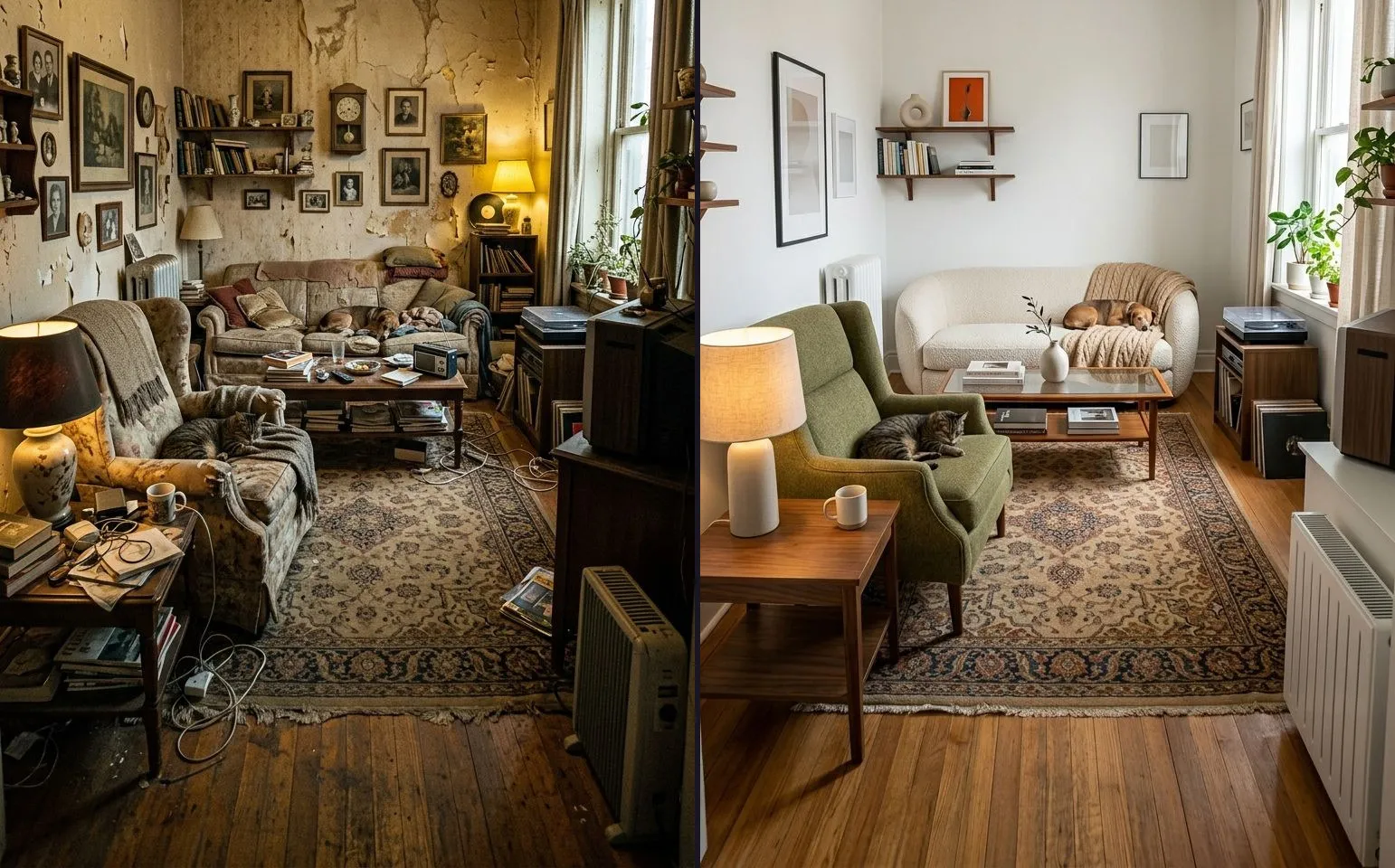
Renovation Before and After Videos for Contractors (Shot by Whoever Opens the Door)
The renovation before does not survive being an afterthought: whoever unlocks the site on day one has to take it, because by week two there is nothing left to photograph. What actually stays fixed through a gut job, and why the pair belongs in the estimate as well as the feed.
9 min read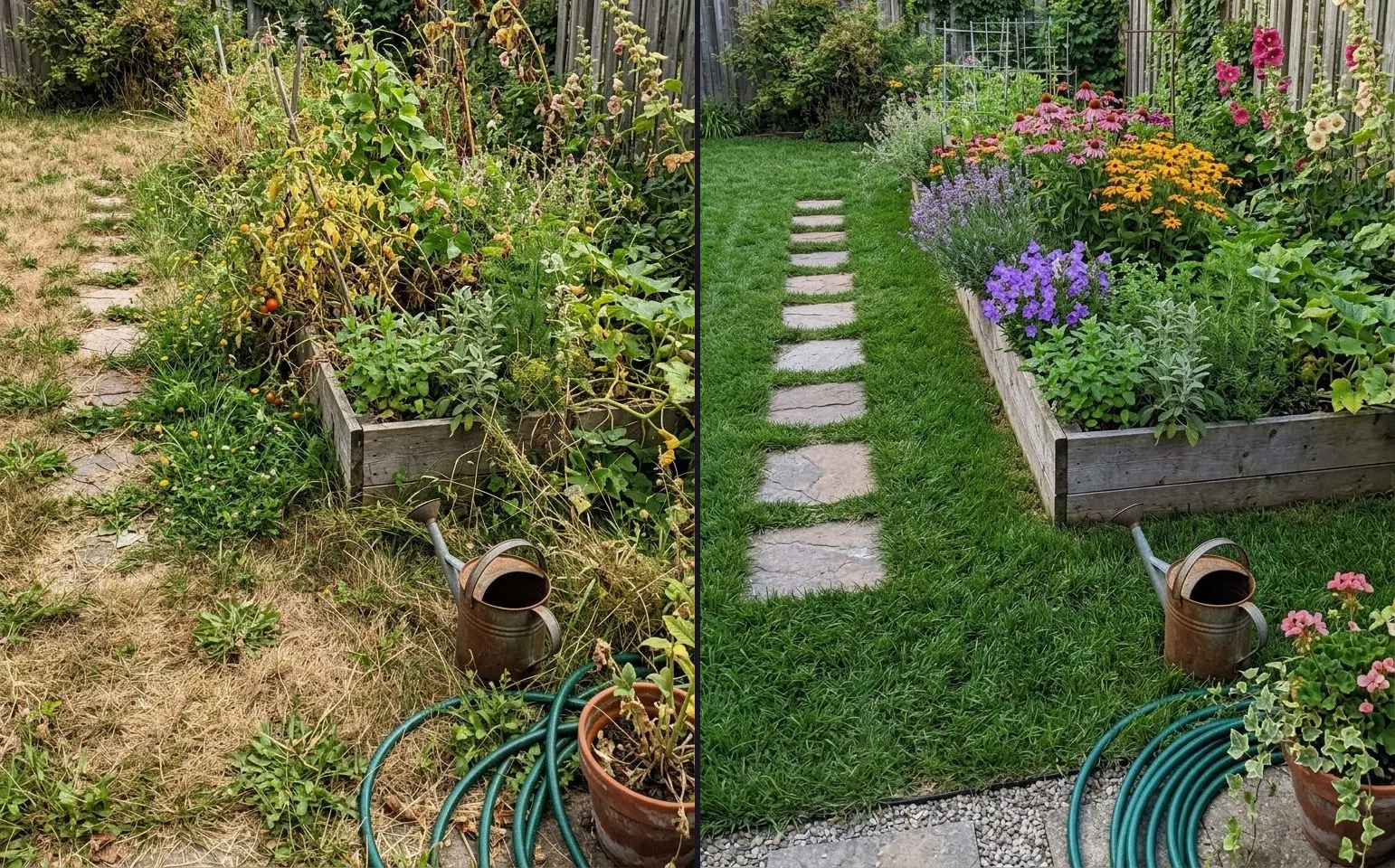
Landscaping and Lawn Care Before and After Videos, Shot to Actually Match
A garden will not hold still for you the way a driveway does. Here is the fixed mark to use instead of the plants, and why the whole plot usually needs to be a smaller shot than you think.
7 min read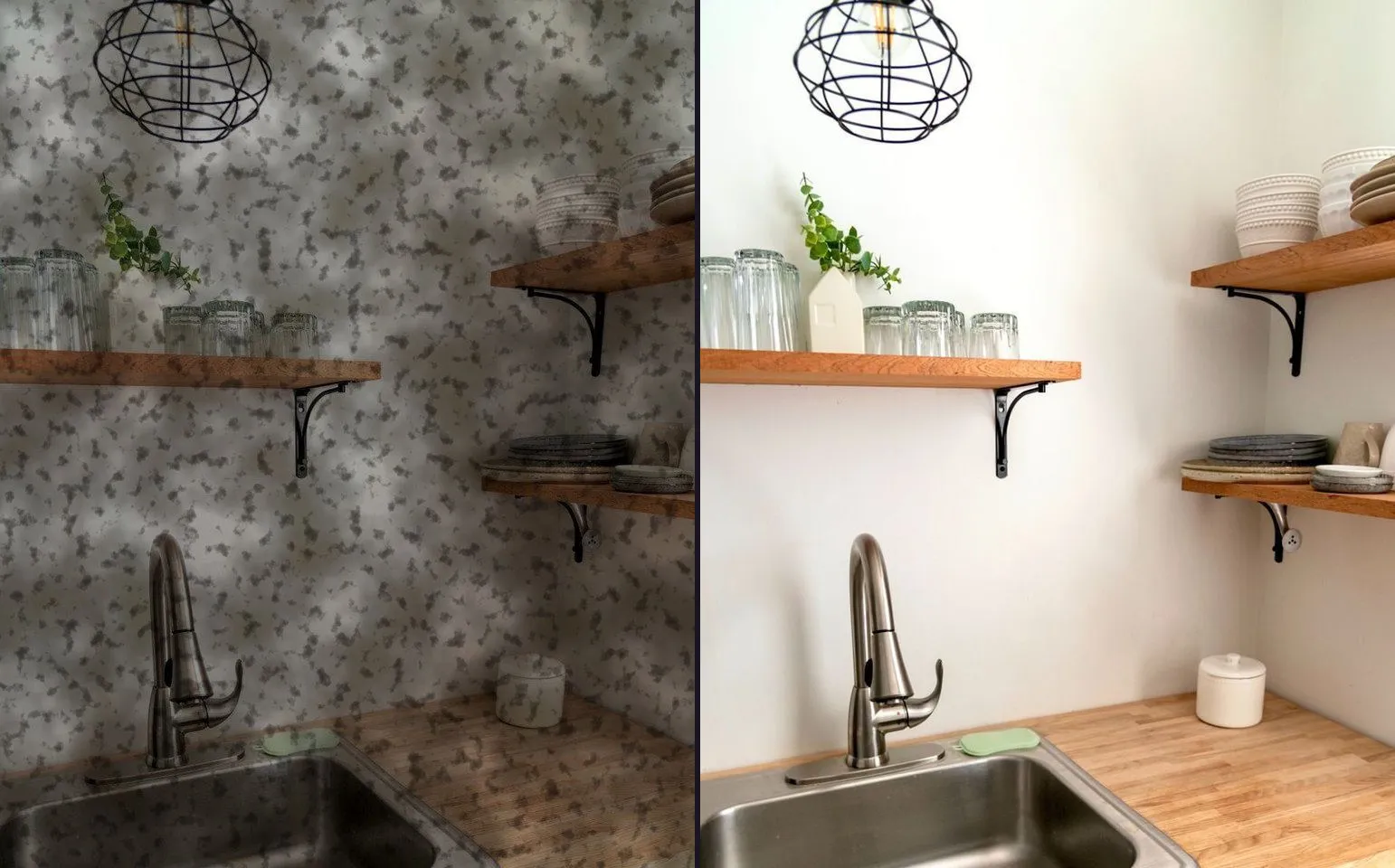
Cleaning Business Before and After Content (the Arrival Routine That Makes It Postable)
A deep clean has no undo, so the before photo has to happen on arrival, from fixed spots, before a single surface is touched. The five frames that make a cleaning job postable, and which jobs are worth shooting at all.
9 min read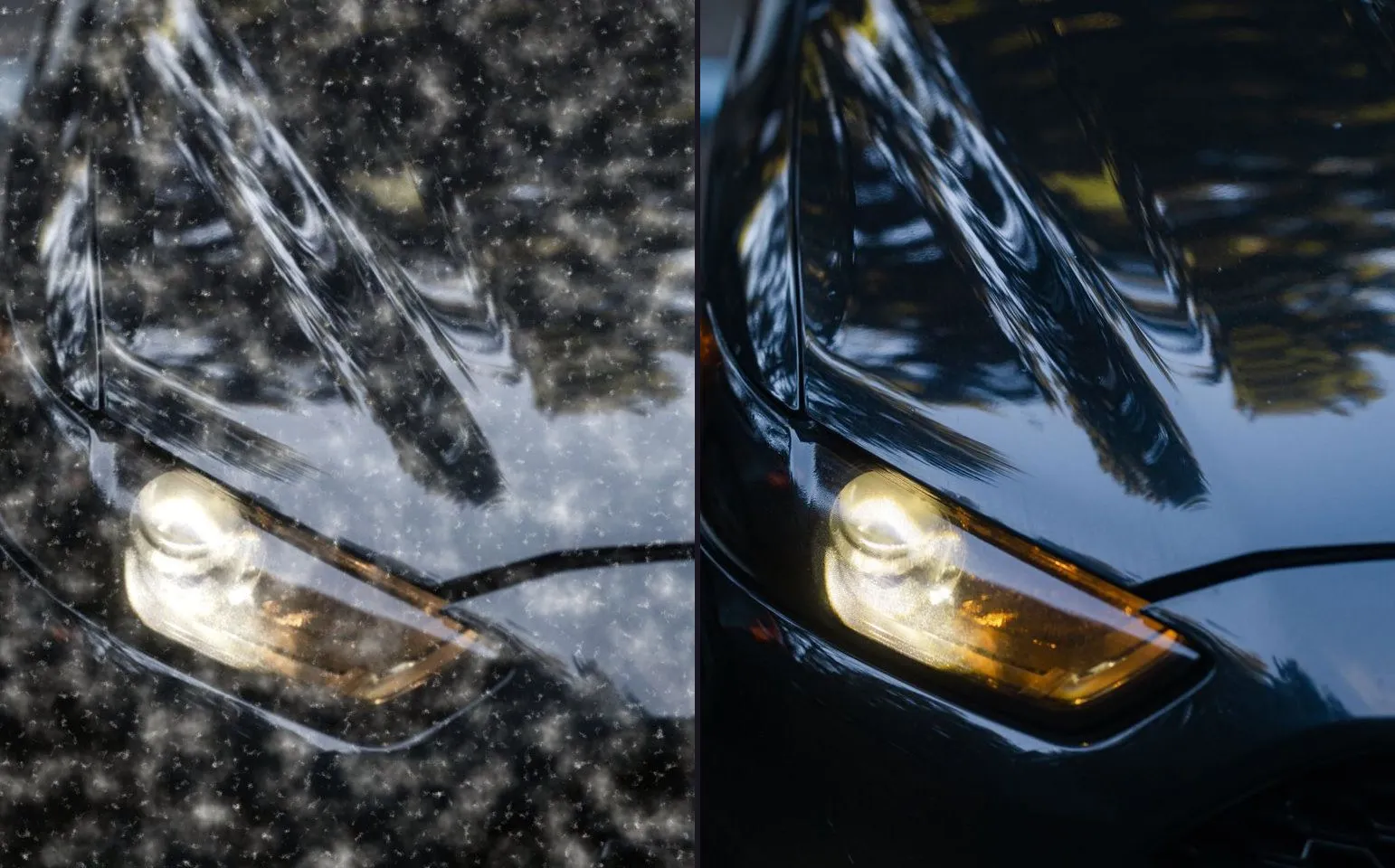
Car Detailing Before and After Reels (the Close-Up and the Full Reveal)
Detailing has two different pairs, not one, and reflections turn a paint job into a mirror. A method for shooting both without the detailer ending up in their own photo.
8 min read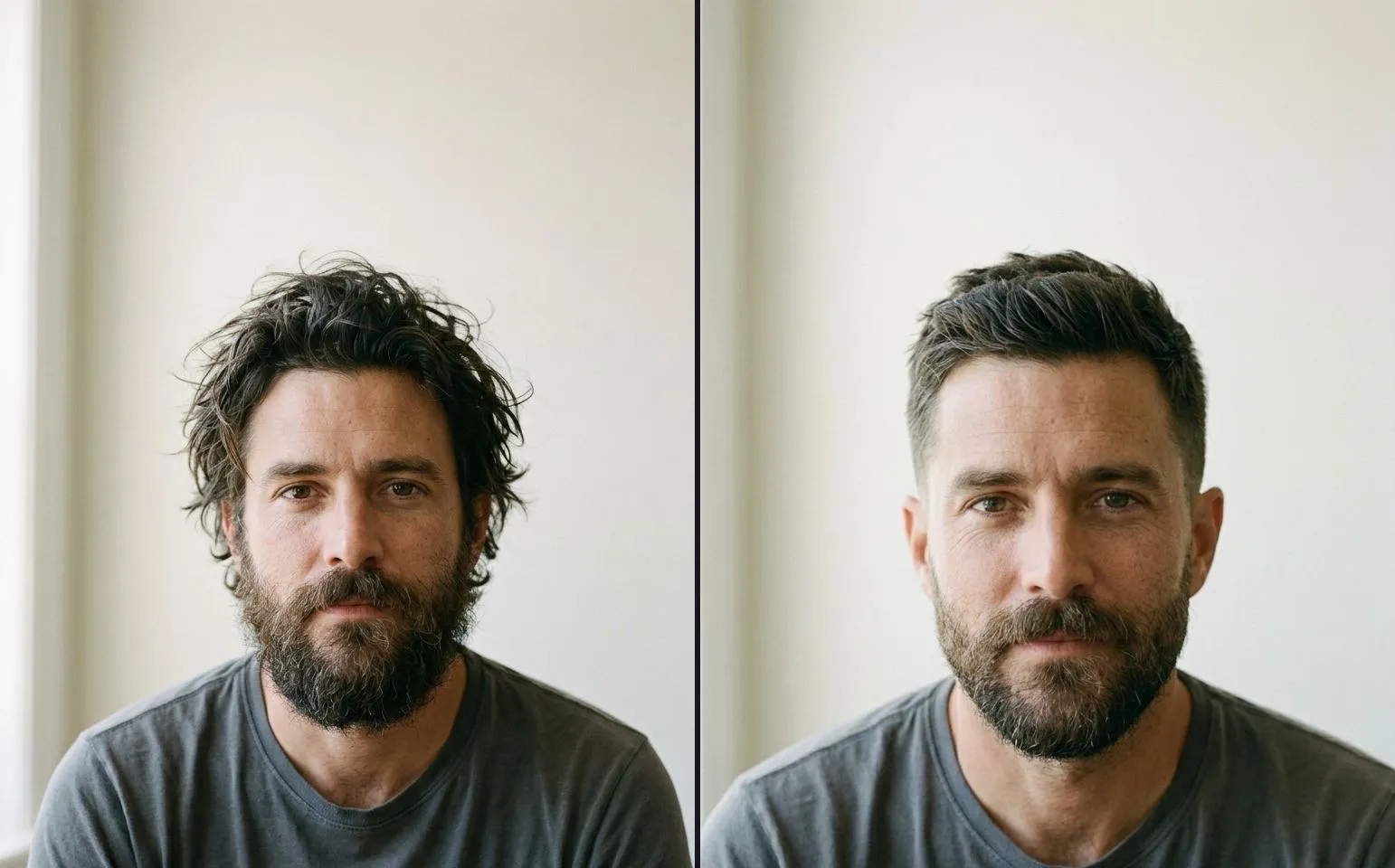
Before and After Reels for Hairstylists and Barbers
The chair is your fixed mark and wet hair is the tell that gives you away. A method for a matching pair between the last snip and the door, in the time you already have.
8 min read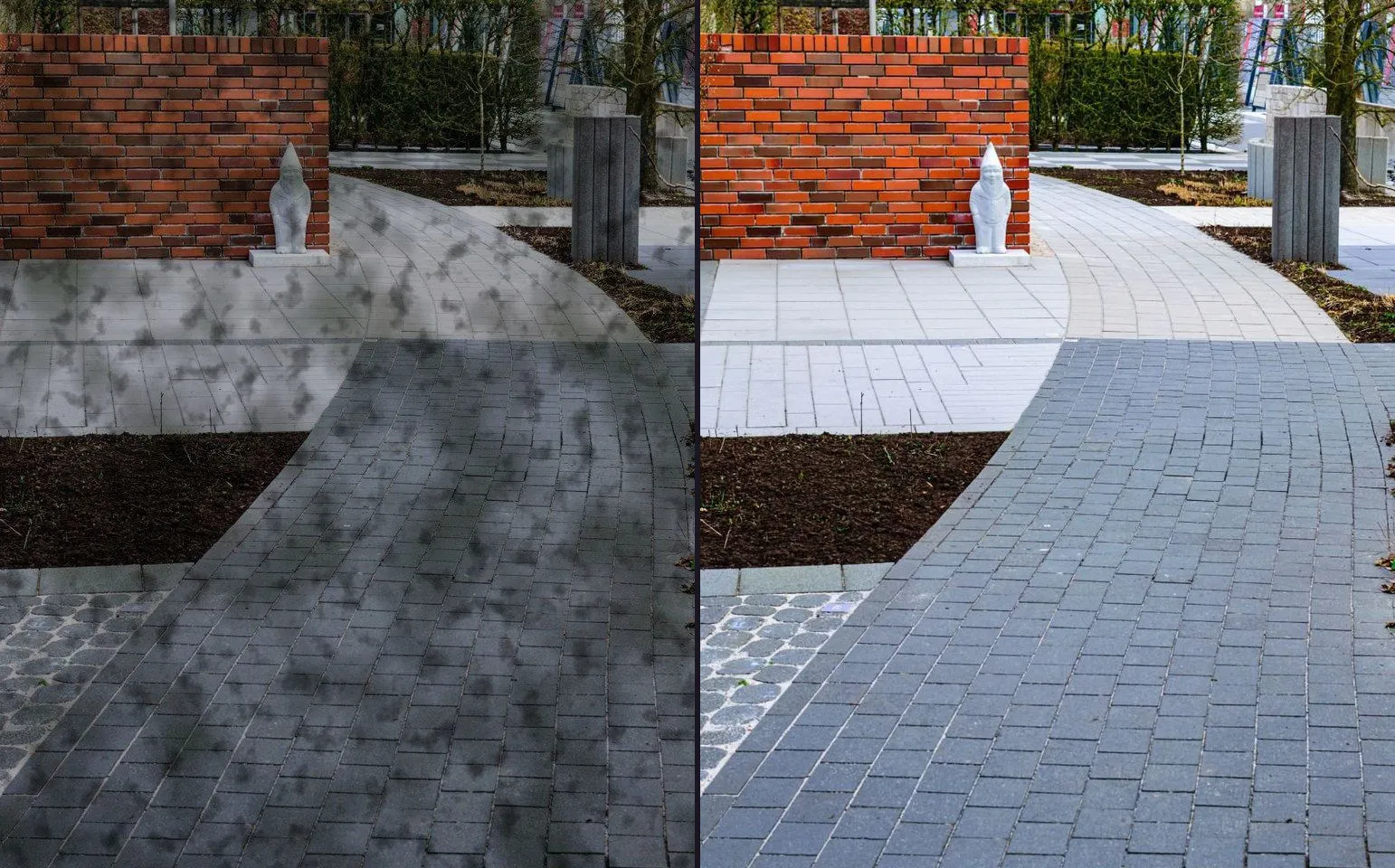
How to Shoot a Pressure Washing Before and After Video (the Half Strip Method)
The half strip shot on a driveway makes the pair for you before you even reach for an app, but only if you also take a real dry before and pick the right mode for a wide surface.
7 min readRead it, then go and shoot it
Ghost Camera is free, and it is the fastest way to make the second photograph line up with the first.