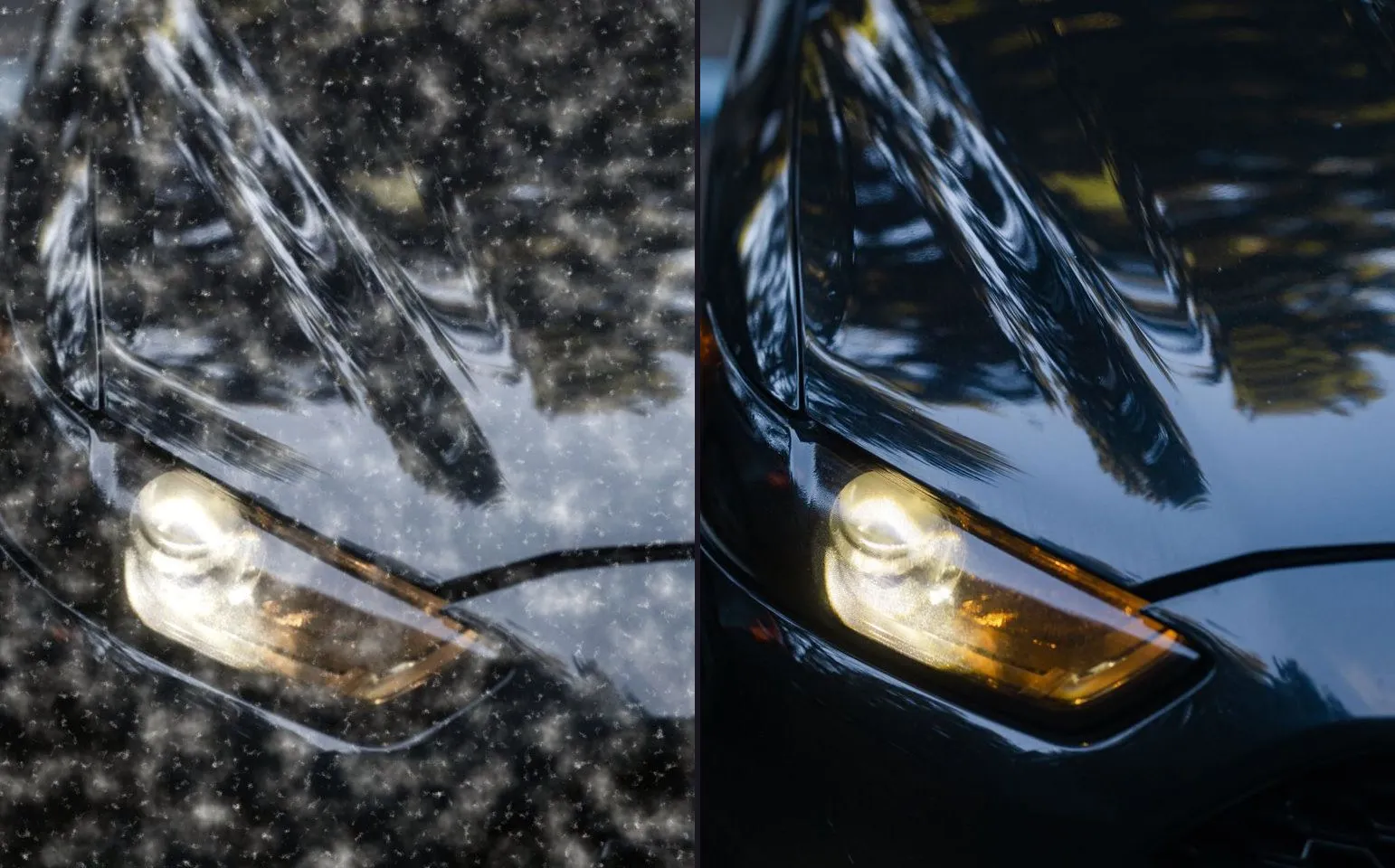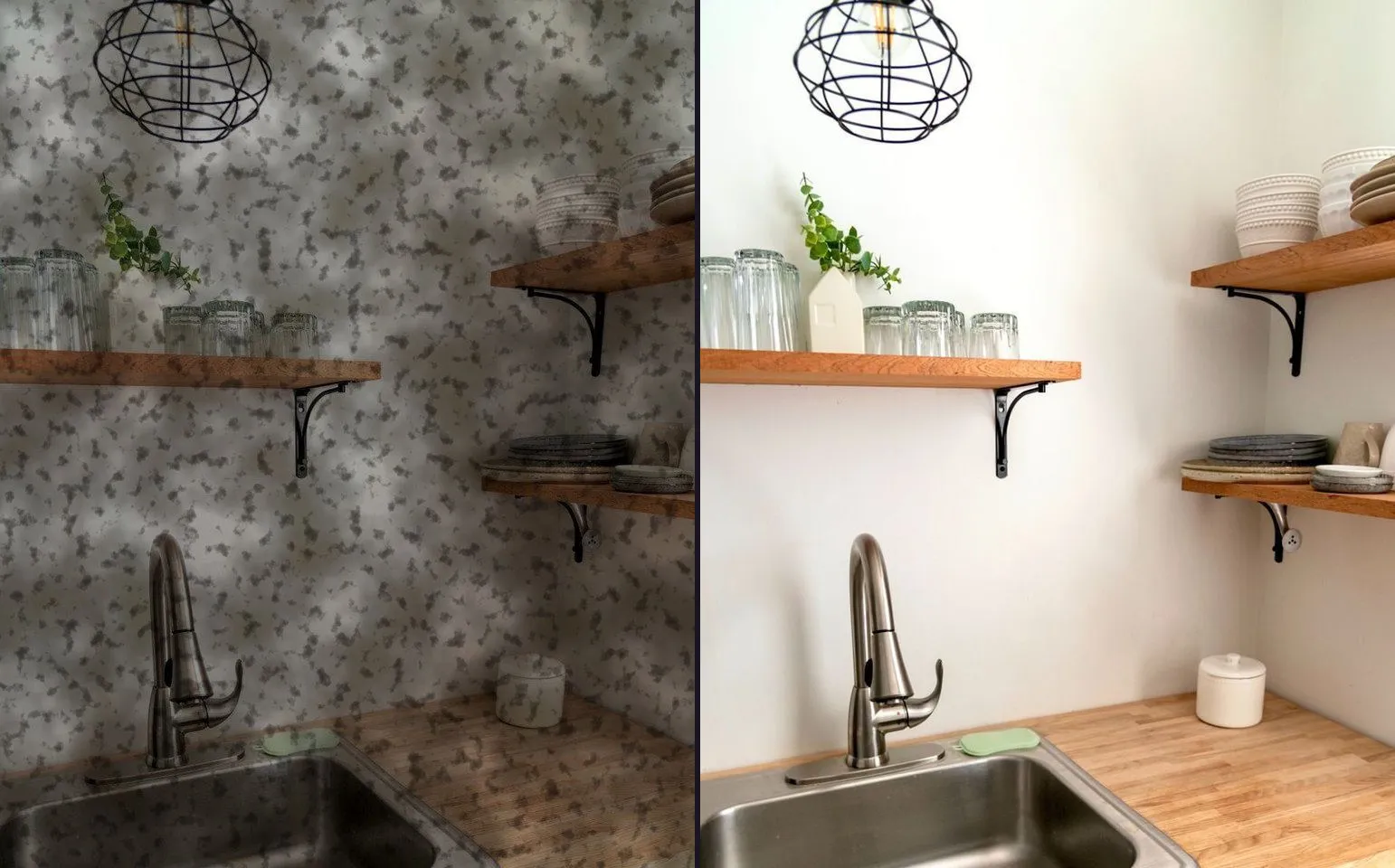
How to Shoot a Pressure Washing Before and After Video (the Half Strip Method)
The half strip shot on a driveway makes the pair for you before you even reach for an app, but only if you also take a real dry before and pick the right mode for a wide surface.
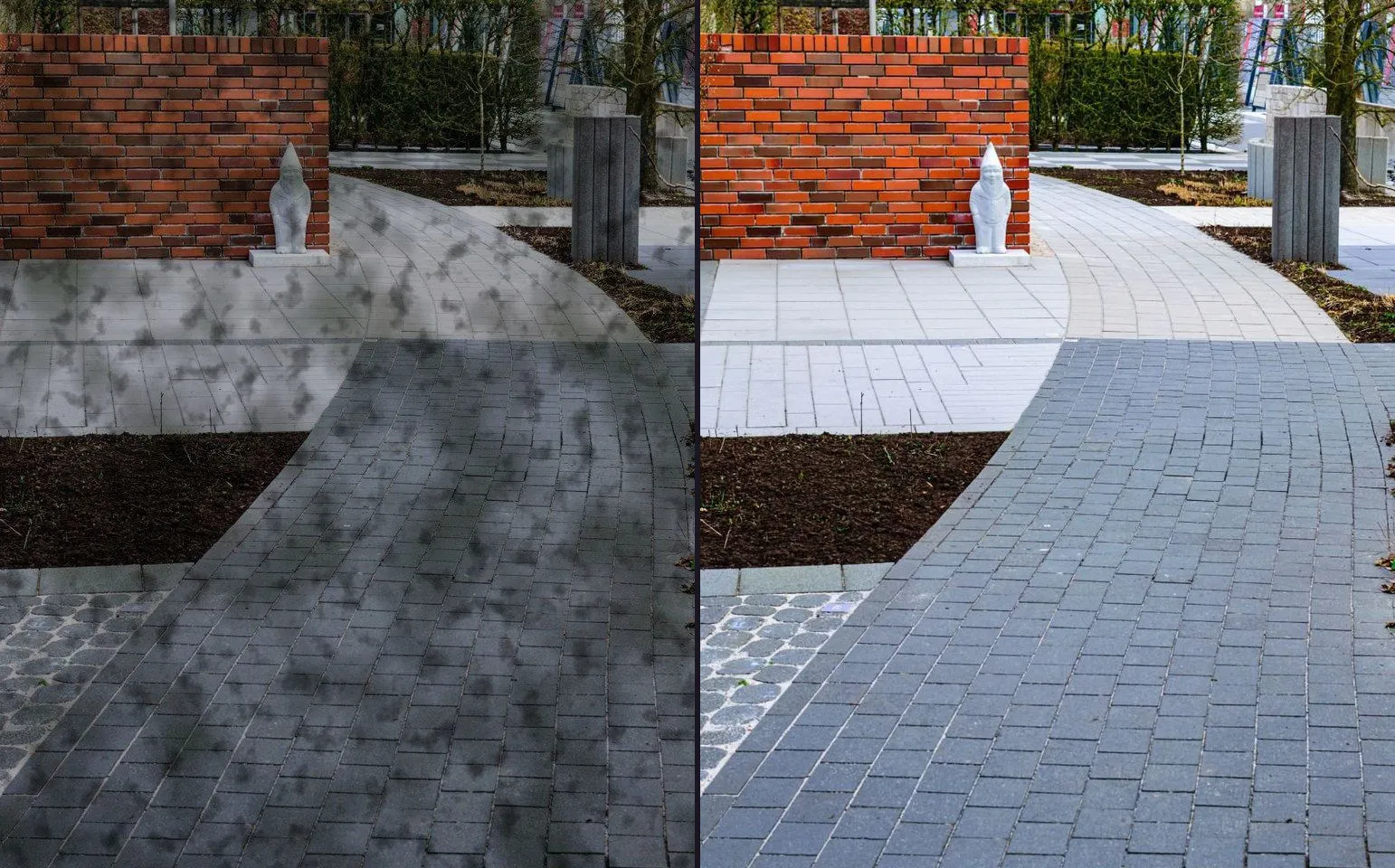
You have just finished a driveway. The van is still running, the wand is coiled up, and you have a phone in your hand and thirty seconds before you have to move on to the next job. This is the moment the pressure washing trade either gets a usable pair out of a job or does not, and there is no coming back for it later.
The good news is that this trade makes the easiest pair on this whole site, because the job itself hands you a shortcut nothing else does.
The half strip shot makes the pair for you
Stop the wand halfway across a slab, a panel or a strip of driveway. Do not finish the pass. Step back, hold the phone steady, and take one photograph of the whole strip: dirty on one side, clean on the other, the line between them running straight down the middle of the frame.
That single photograph is already a matched before and after. Not roughly matched, not close enough, actually matched, because both halves were shot in the same instant, from the same distance, under the same light, at the same angle. Every problem the rest of this site’s craft guides exist to solve, the light moving, the lens changing, the distance drifting, cannot happen here, because there was only ever one shutter press.
Once you have it, open the photo in your phone’s own editor and crop it in half. The dirty side becomes your before. The clean side becomes your after. Save them as two separate images, and you now have a normal photo pair, ready to feed into any comparison mode or reveal the same way you would two photographs taken minutes apart. The app’s picker takes two still photographs in and gives you a video, a GIF or a single image back. It does not take video clips, and this pair is exactly what it is built for: two stills, made from one honest moment on the job.
Do this on every job, on whichever surface takes the longest pass: a driveway, a patio, a section of render. It costs you nothing you were not already doing, since you were pressure washing that strip anyway. You are just pausing for one photograph in the middle of it.
The pair the half strip shot cannot replace
The half strip proves the clean line on one panel. It does not replace the wide shot of the whole job, and that wide shot only exists if you take it before the wand comes out.
Once a surface is wet, it is a different photograph. Wet concrete is darker, wet render throws different reflections, and a customer who scrolls past your after and thinks “was it really that dirty” is a customer who is judging your before photo, not your work. There is no going back for a proper dry before once the job has started, so take it first, on arrival, from a spot you could describe to someone else: standing at the top of the driveway, phone at chest height, the whole width of the surface in frame.
The order of operations is short. Arrive, shoot the wide dry before, then work the job and grab your half strip shot partway through. Two photographs, one habit, and you never again find yourself trying to remember what the driveway looked like an hour ago. If you want the full method for keeping two shots matched across a longer gap, that is exactly what how to take matching before and after photos walks through.
Wide subjects want Top and Bottom, not Side by Side
A driveway is much wider than it is tall, and most trade content on this site’s app ends up in a vertical frame because that is where Reels, TikTok and Stories live. Squeeze a wide driveway into the left or right half of a 9:16 frame using Side by Side and you have thrown away most of the surface that changed. What is left is a narrow strip that could be anything.
Top and Bottom keeps the full width of the driveway visible in both the before and the after, stacked instead of split down the middle. For a wide subject, that is almost always the right call for a still image, and the app’s image export honours all four comparison modes today, so Top and Bottom is a genuinely safe choice for a still pair you post as a photo, on a profile, or in a quote.
Slider is the mode that suits video, and it happens to echo exactly what you did on the job: a straight line moving across the frame from dirty to clean, the same wipe you made with the wand. If your surface is dominated by one clean line rather than a whole width you need to keep, Slider is the natural match for a reveal video. Save Top and Bottom for the still you post to show the whole job at once.
Turning the pair into a post
Once you have your before and after, whichever pair you are working with, the flow in the app is the same. Pick the two photographs, choose a comparison mode, choose how the reveal plays, set how long the video runs, and export at the ratio the platform you are posting to actually wants: 9:16 for a Reel or a Story, 1:1 for a grid, or one of the wider ratios if it is going somewhere other than a phone feed.
The free tier is honest about what it holds back and generous about what it does not. Free gives you three exports a day, each behind a short ad, with a watermark on, the two most common ratios, 9:16 and 1:1, Slider Reveal as the only video reveal, and no music. What is free and completely ungated is everything you actually need to shoot the job properly: every comparison mode including Top and Bottom, every filter, the full sticker set, the label editor, your logo and business name on the frame, and Ghost Camera, which is the free feature worth knowing about if your before and after end up hours apart rather than minutes. It lines your before up on the live viewfinder before you shoot the after, and it is exactly what to reach for if the job runs long and the light has moved by the time you get to the second half of the strip.
A teal strike template suits a punchy exterior reveal if you want the strip to read loudly on a feed. A renovation template is built for the wider transformation frame, useful when you are posting the whole-job wide pair rather than one panel. And Dark Clean, one of the free templates, is a straightforward option if you would rather the photographs carry the post without much decoration around them. All three sit in the bold, social and clean categories if you want to see what else is in each.
Where to check the pair before you post it
Before you commit to a video, it is worth checking that the pair actually holds together. The free before and after slider on this site runs entirely in your browser: drop in your two photographs, drag the handle, and nothing leaves your device. A half strip pair, cropped from one photograph, will hold rock steady while the handle moves, because there was nothing to misalign in the first place. If a pair jumps or shifts as you drag it, the mismatch is upstream in the shoot, not something a template will fix.
Post the strip, save the reveal for the job
The half strip shot is the fastest content this trade produces and it costs you nothing beyond a photograph you would not otherwise have taken. Use it often, on every job, on whichever pass takes longest. Save the full wide reveal, arrival before against finished after, for the jobs worth telling the whole story of: the driveway that took all morning, the render job that changed how the whole house front reads from the street.
Between the two, you have a week of content out of a single job without staging anything or asking a customer to pose for you. That is the honest version of what this trade’s before and after actually is: proof you already made while you were working, photographed once, properly, on the way past.
If you want to see what the trade’s own audience responds to when you post either version, the pressure washing hashtag and caption page has the current rotation for Instagram and TikTok, and the pressure washing companies data has the federal counts behind the trade if you want the numbers rather than the vibe. And if you are shooting this on a phone for the first time, the app is the free download the rest of this page assumes.
Common questions
- What is the half strip shot in pressure washing?
- Stop the wand halfway across a panel, a slab or a strip of driveway and take one photograph that shows both the untouched half and the just-cleaned half in the same frame. Because it is one photograph, the light, the angle and the distance are identical on both sides by construction, which solves the matching problem the rest of this site's craft guides exist to fix.
- Can I crop one photo into a before and an after?
- Yes. Take the half strip photo, then crop it into a left half and a right half in your phone's own photo editor. Save each crop separately. Those two crops are now your before photograph and your after photograph, and you feed them into the app as a normal photo pair the same way you would two separate shots.
- Should a driveway be Side by Side or Top and Bottom?
- Top and Bottom, for the still image export. A driveway or a wide panel is much wider than it is tall, and squeezing it into the left or right half of a vertical frame throws away most of what changed. Stacking it top and bottom keeps the full width of the surface visible in both frames.
- Do I still need a proper before photo if I have the half strip shot?
- Yes, for the whole-job reveal. The half strip shot proves the clean line on one panel, but it will not stand in for a wide shot of the entire driveway or house front before the job starts. Take that wide before while the surface is still dry, because there is no redoing it once the water has been run.
- Does pressure washing footage need to be a video?
- No. A still pair posted side by side or stacked works on a profile, in a quote, or in a local group, and the app's image export honours all four comparison modes today. Save the video for the reveal you actually want people to watch scroll past, and use a still for everything else.