
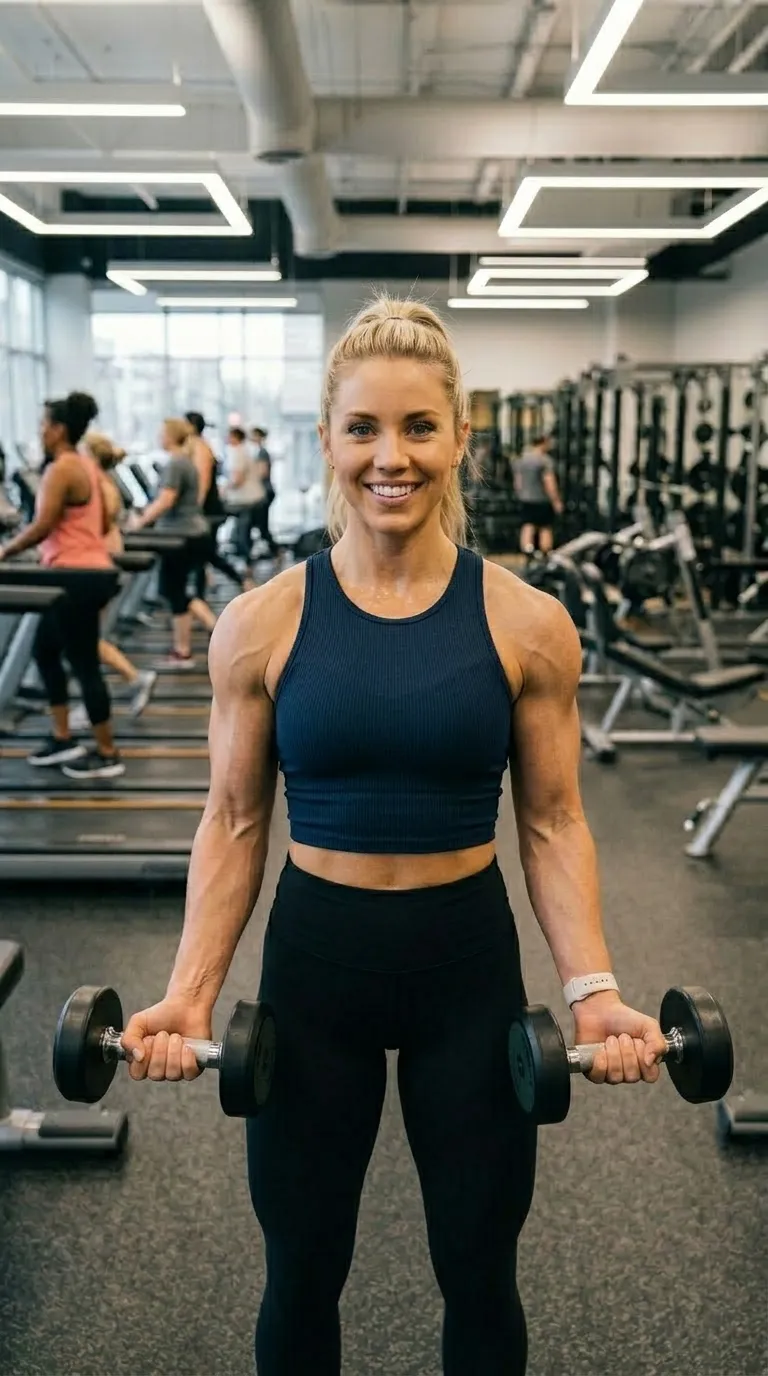
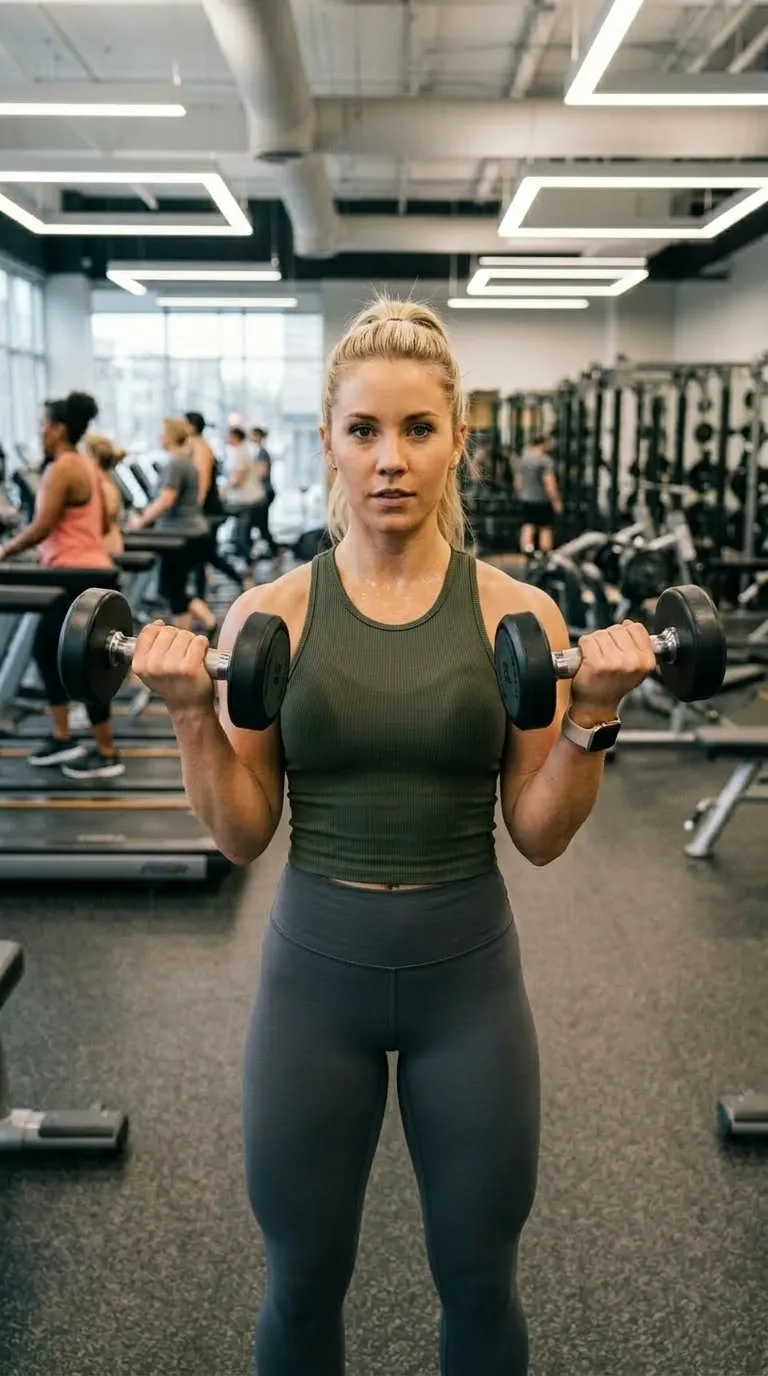
 BeforeAfter
Shaped for one surface
Shaped for a specific surface: vertical for Reels, TikTok and Shorts, portrait for a feed post, tall for Pinterest.
Anyone posting to a specific platform rather than to all of them. The other categories are chosen by taste; this one is chosen by where the post is going. Vertical for Reels, TikTok and Shorts, portrait for a feed post, tall for Pinterest, with the ground colours borrowed from the surfaces themselves.
The shape is the point, so compose for it. A vertical frame gives you height and takes away width, which suits a person, a door, a full-length pair and almost nothing that lies down. A driveway or a kitchen bench put into a vertical crop arrives as a stripe. Check where the platform's own interface sits too: captions, handles and buttons crowd the bottom of a vertical post, which is exactly where most of these templates put their labels.
9:16 vertical · Inter Bold · 2 pt ruleFree
The free vertical. Black ground, thin white rule, nothing platform-specific about it, so it posts anywhere.
9:16 vertical · Quicksand Bold · 3 pt ruleFree
Rounded vertical with a cyan rule and labels at the top, clear of the reply box at the foot of a story.
9:16 vertical · Bebas Neue · 3 pt rulePro
Near-black with the platform pink as the divider, condensed caps, rounded corners.
9:16 vertical · Inter Bold · 2 pt rulePro
The three-stop purple to orange gradient, vertical, ordinary sans labels.
4:5 portrait · Quicksand Bold · 2 pt rulePro
Portrait rather than vertical, which is the crop a feed post keeps at full size.
2:3 tall · Playfair Display Bold · 2 pt rulePro
The tall crop, red ground, serif labels. The only template on the site cut for a pin.
BeforeAfter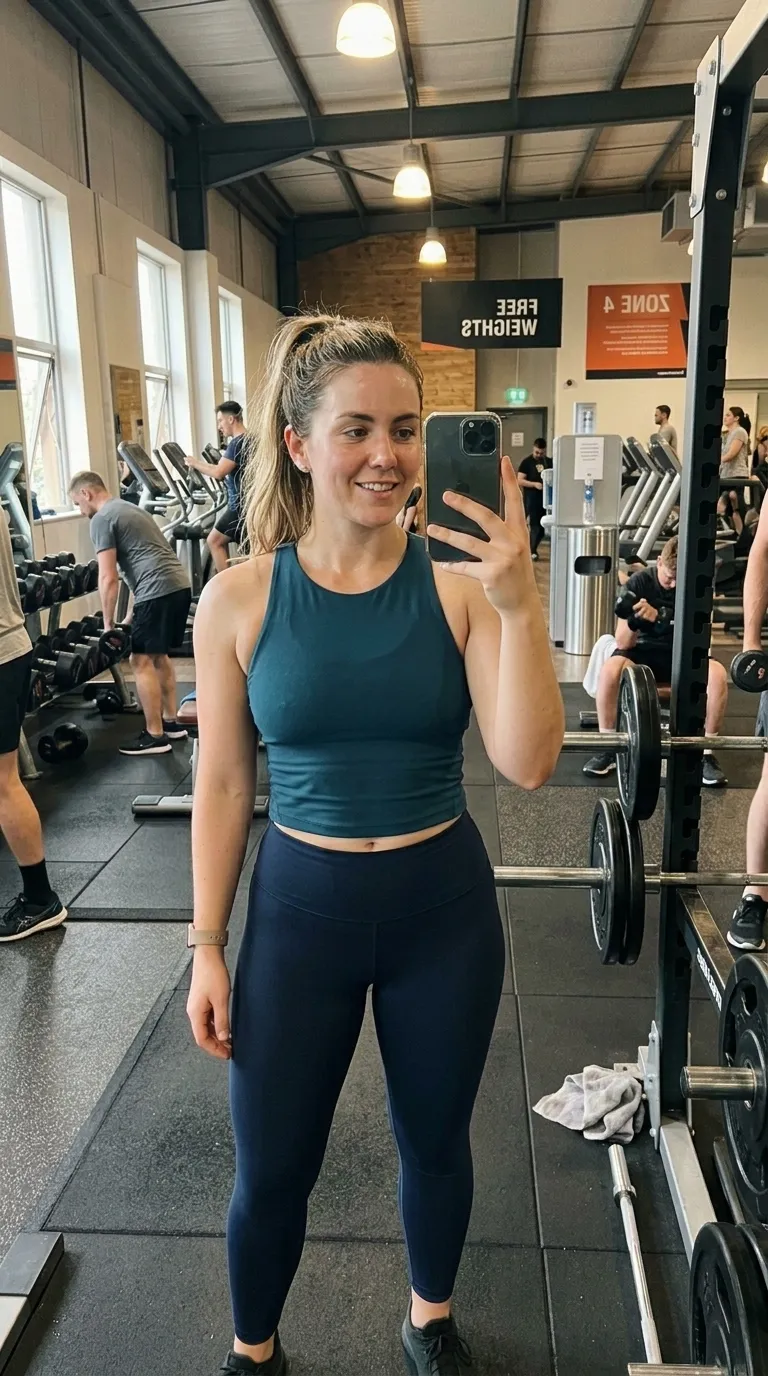
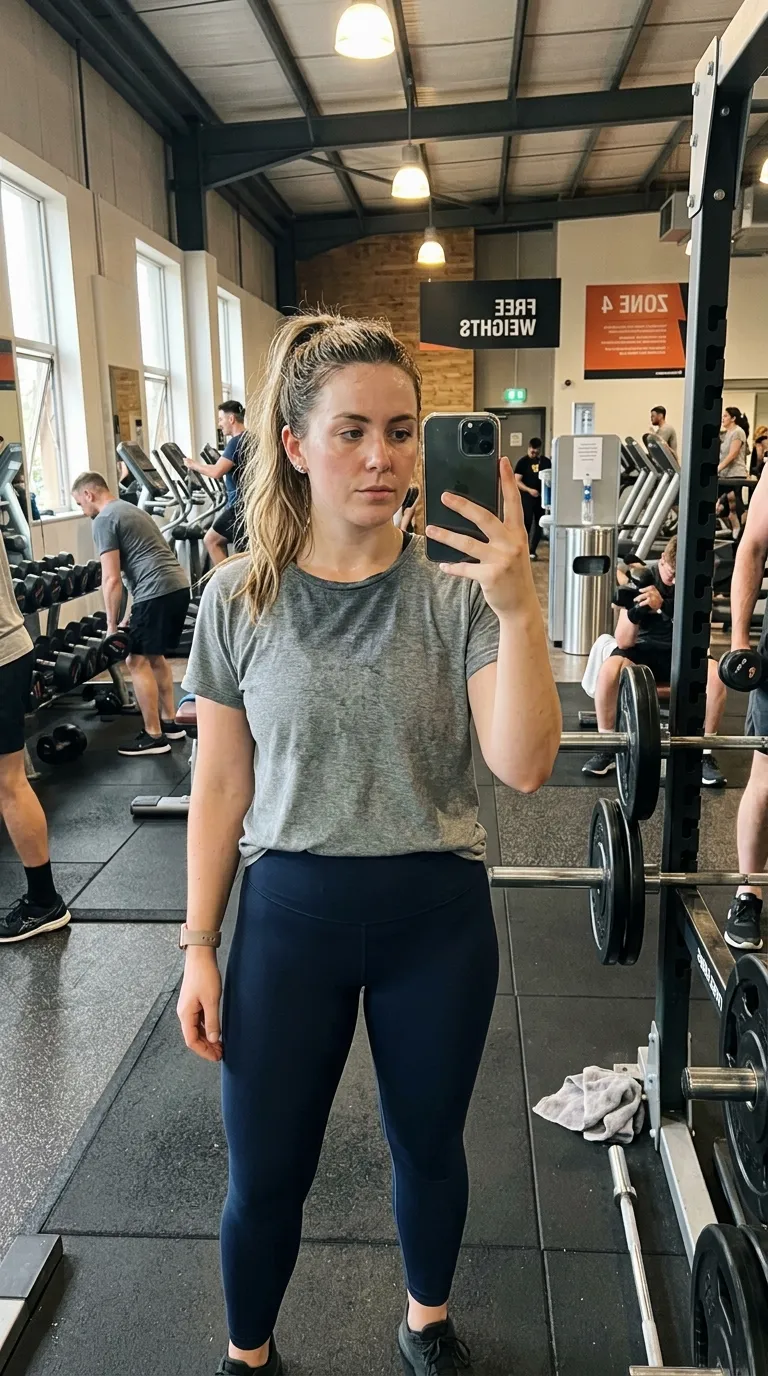 BeforeAfterDay 190 Days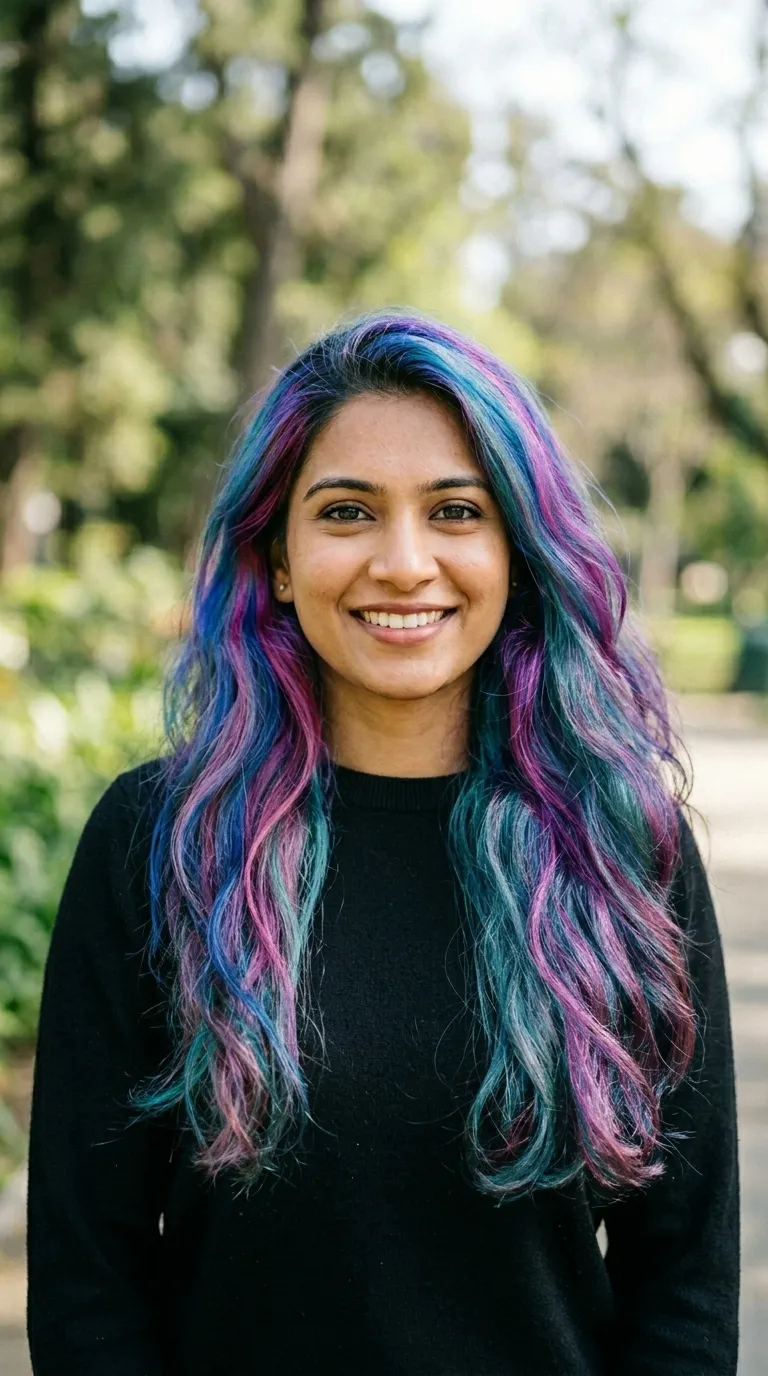
 UntreatedGlowing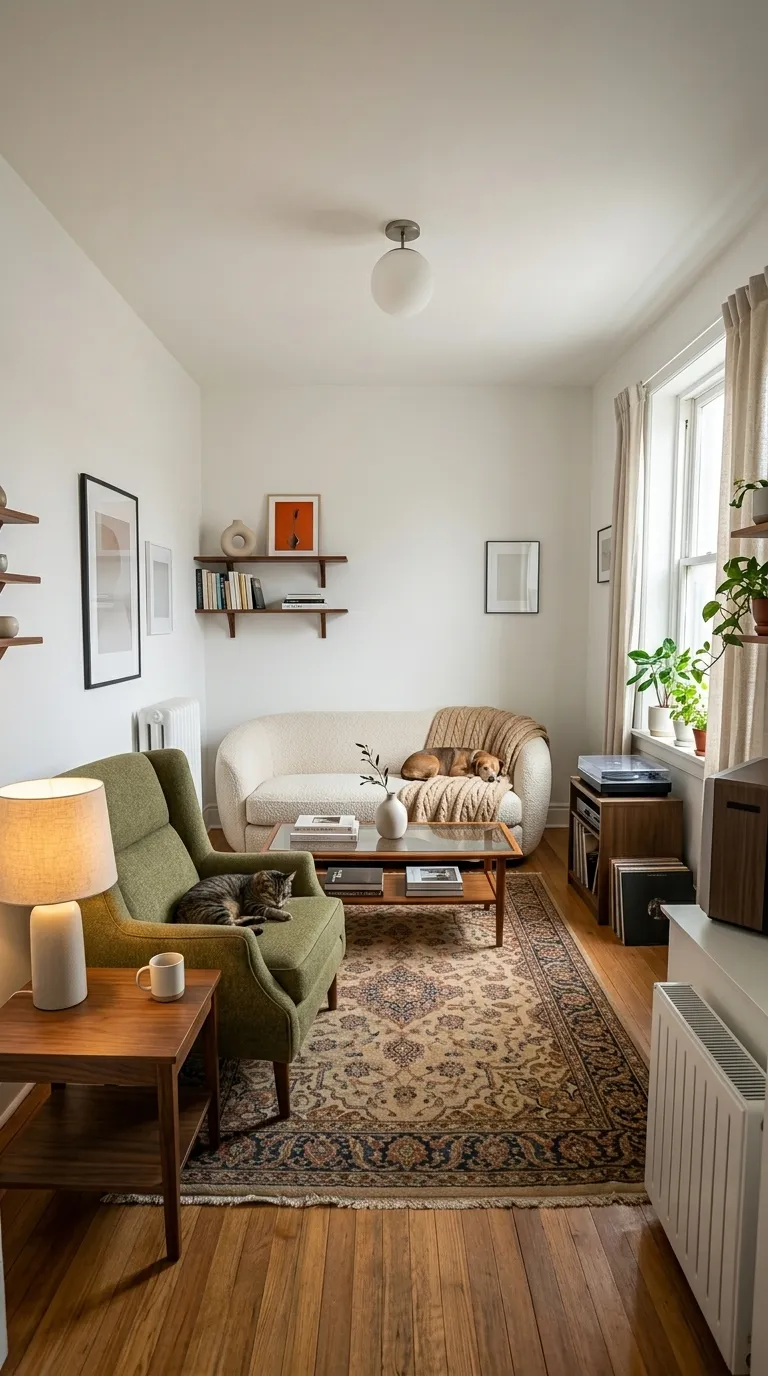
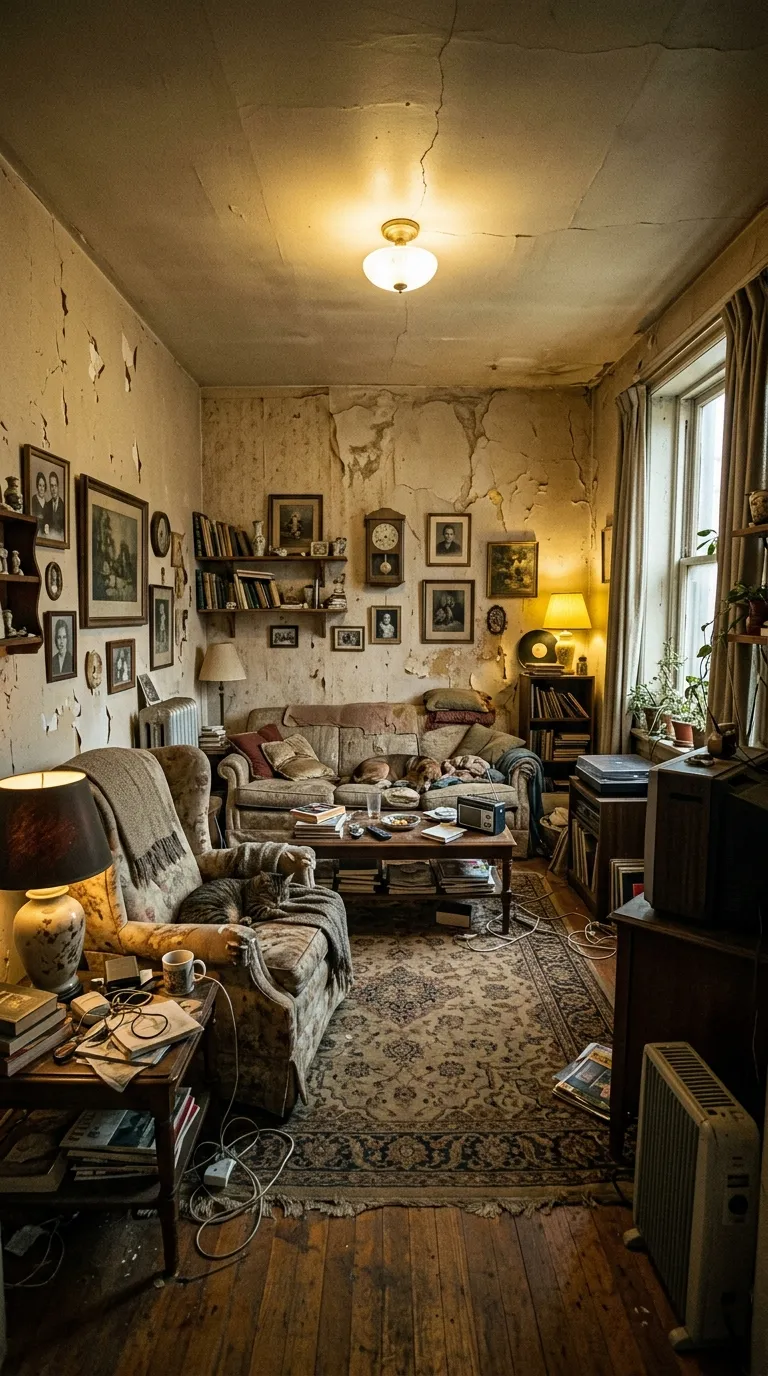 Before RenoTransformed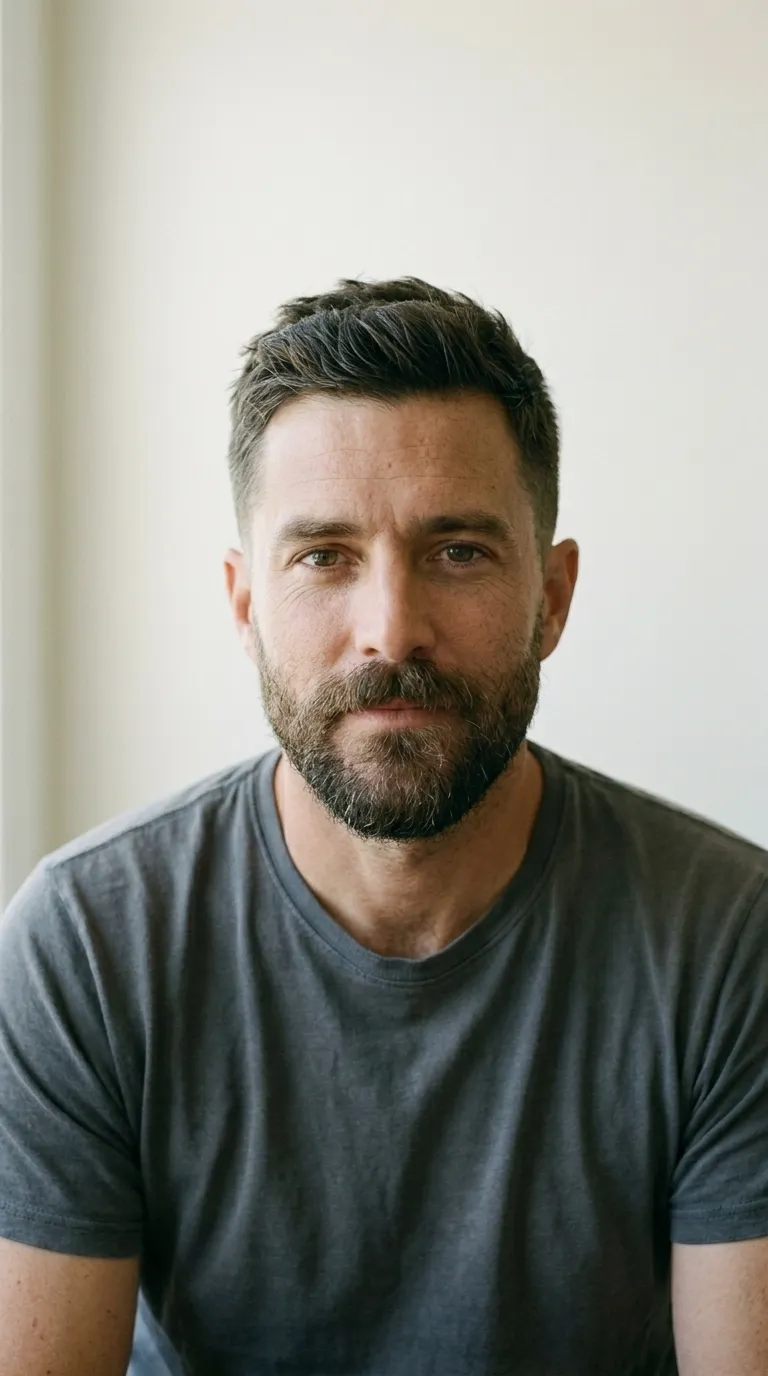
 BeforeAfterBeforeAfter
 BeforeAfterBeforeAfter
 BeforeAfterUntreatedGlowing
A template's canvas and your export ratio are two different settings, and a mismatch is the commonest way one of these posts arrives letterboxed. The tall Pinterest crop in particular has no matching export ratio of its own, so it reaches its shape through the original ratio option. Platform interfaces also change without warning: the safe area at the foot of a vertical post is a moving target, and a label that cleared the caption last year may not clear it now. Two still photographs remain the whole input.
The platform-named templates are ground colours and shapes, not integrations. Nothing here posts for you, and nothing here is endorsed by the surface it is named after. What they buy you is a frame that does not clash with the app it lands in.
Shoot the before, shoot the after from the same spot, and the app does the reveal. Three exports a day are free.