Before After Video MakerTwo photos, one reveal
Get the app free

Two photos, one reveal

Free templateFreeSocial

Reels Ready

Social category, on a 9:16 vertical canvas, with Inter Bold labels reading Before and After, over a gradient ground. Drag the handle to see it work.

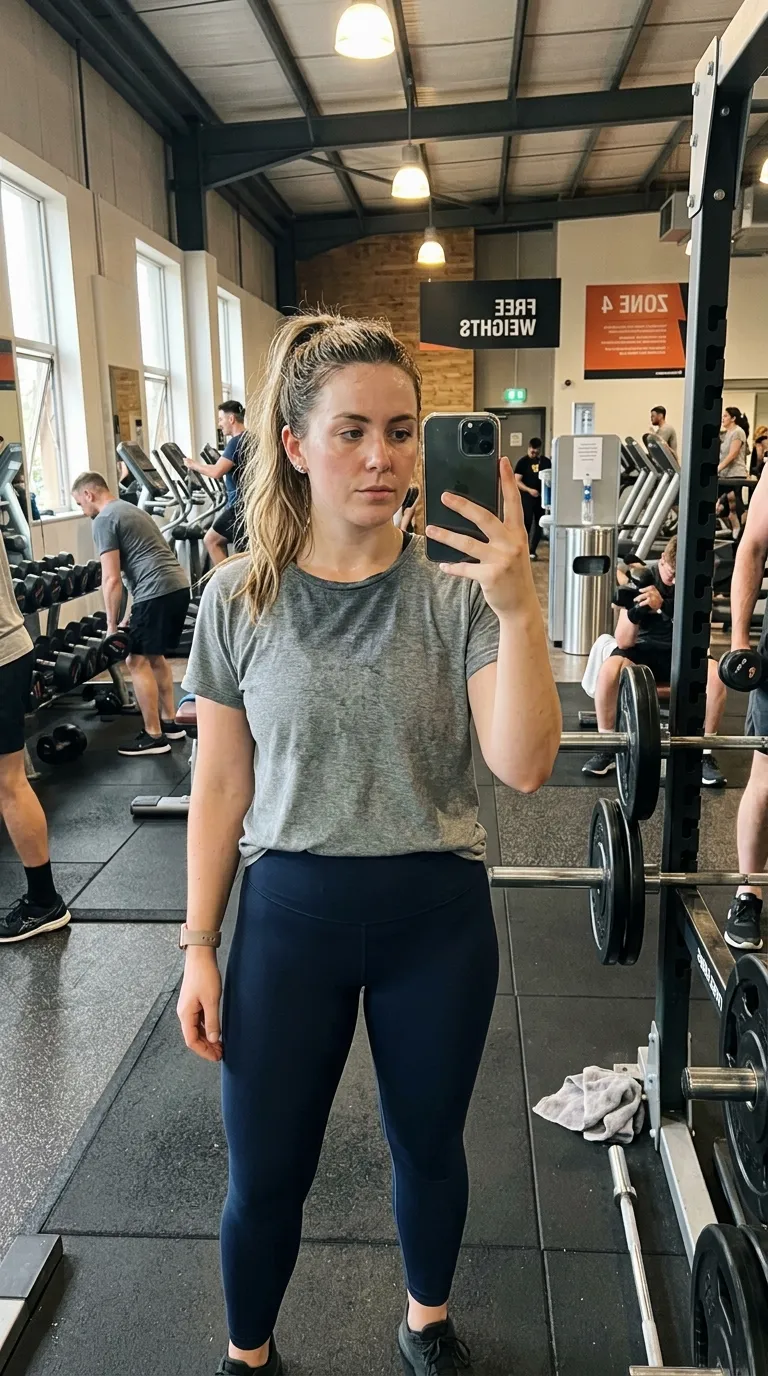
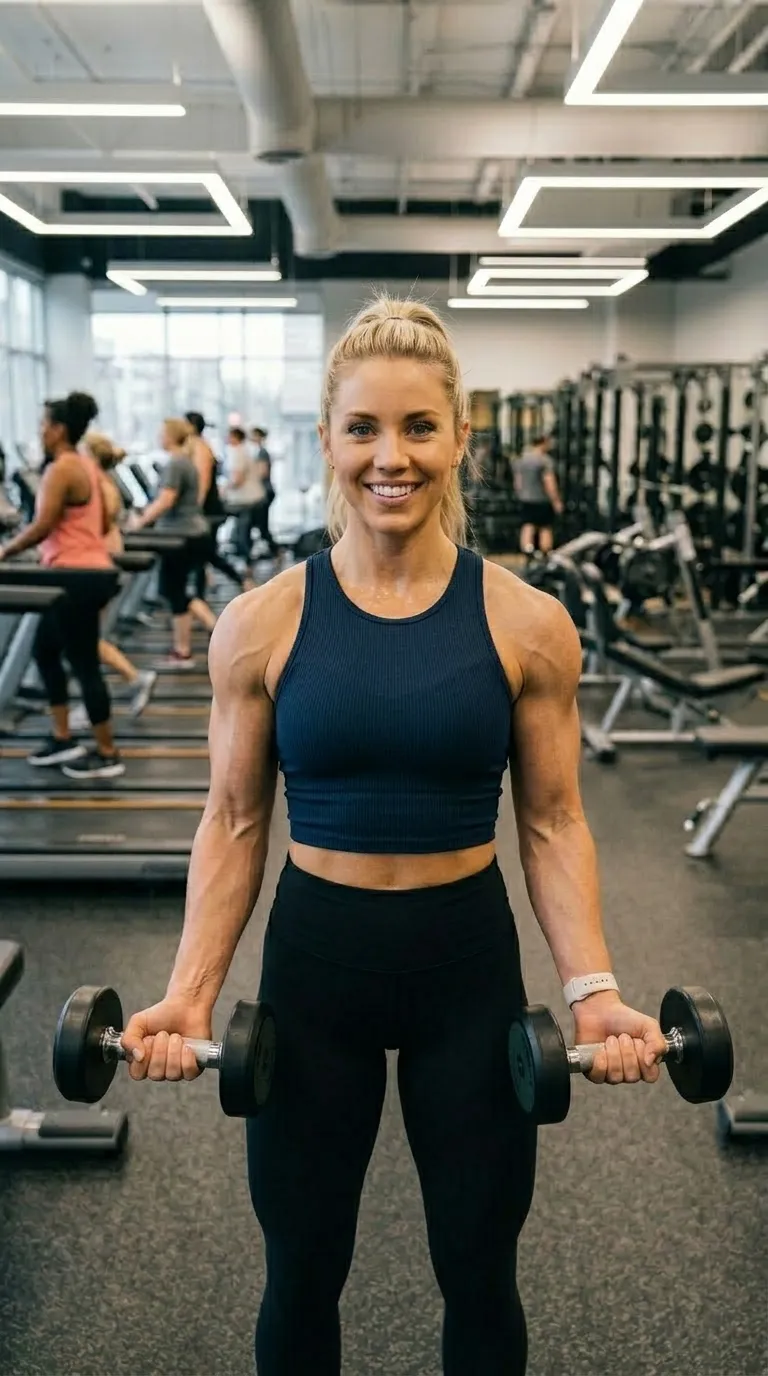
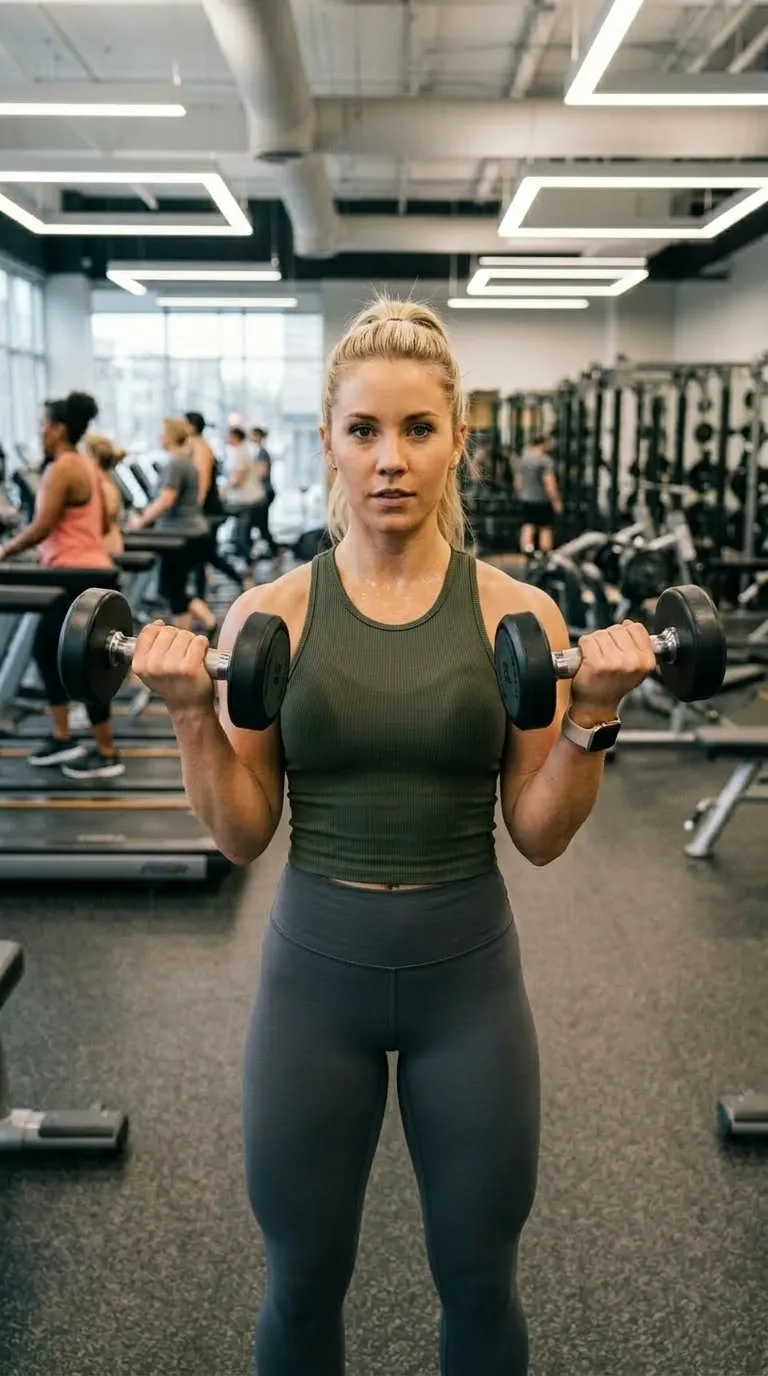
The same woman in the same gym, same stance, at the end of the blockA woman holding dumbbells in a gym at the start of a training blockBeforeAfter
Drawn at 9:16, which is this template's real canvas rather than a shape chosen to fit the page. Labels in Inter Bold, both read from the build. The pair of a training block is the app's own sample; your export is composited at 1080p from your two.
The job it is forFree pack

What Reels Ready is for

The vertical frame that does not name a platform, and one of the free ones. Black ground, a two point white rule, an ordinary sans label at the foot: nothing about it belongs to one surface, so the same export sits correctly in a Reel, a Short, a TikTok or a story without looking like it was made for somewhere else. Start here if the post is going to more than one place.

Behind the pair sits a 2 stop gradient, #000000 through #111111, drawn by the frame itself. Labels are set in Inter Bold, bottom centre, over a 2 point #FFFFFF divider. It ships with Before and After already typed, on a 9:16 vertical canvas, square, with no radius at all.

The specificationExtracted, not typed

Every value in Reels Ready, as the build holds it

Canvas shape is the value that decides this category, so the diagram leads with it: the frame at true proportion, the line the rule takes across it, the corner holding the labels, and any strip held back beneath the pair. Everything the record states in words rather than measurements is listed alongside.

The recordFree tier
  • Canvas9:16
  • Rule2 pt
  • LabelsBottom centre
  • BandNone
Canvas
9:16 vertical
Label face
Inter Bold
Label corner
Bottom centre
Rule
2 pt
Corners
Square
Ground
2 stop gradient
Branding
Overlaid, no band
Date stamp
Off by default
Default wording
Before and After
Pack
Free
  • Frame#000000
  • Ground stop 1#000000
  • Ground stop 2#111111
  • Rule#FFFFFF
  • Label#FFFFFF

Read out of the shipped app build by the catalogue extractor, not typed.

Shooting for itSocial category

How to shoot a pair for Reels Ready

The shape is the point, so compose for it. A vertical frame gives you height and takes away width, which suits a person, a door, a full-length pair and almost nothing that lies down. A driveway or a kitchen bench put into a vertical crop arrives as a stripe. Check where the platform's own interface sits too: captions, handles and buttons crowd the bottom of a vertical post, which is exactly where most of these templates put their labels.

In orderWritten for social work
  1. 01Decide where the post is going before you pick anything. That decision is the whole category.
  2. 02Shoot the pair in the orientation you will publish in. A landscape photograph cropped to vertical loses the sides, and the sides are usually where the mess was.
  3. 03Pick the template whose ground colour does not fight the platform's own interface sitting over it.
  4. 04Keep the label wording short. A vertical post is watched at arm's length on a phone held in a hand that is already scrolling.
  5. 05Export at the ratio the surface wants. The export sheet offers vertical and square, with portrait and the original ratio on Pro, and that choice is separate from the template's own canvas.

Before committing a pair to a tall crop, find out whether it survives one. The browser slider compares the two photographs where they already are, on your device, in roughly two seconds, and why before and after photos look fake deals with the halves that refuse to sit together.

Honest limitsTwo of them, and both are real

What Reels Ready will not do

A template's canvas and your export ratio are two different settings, and a mismatch is the commonest way one of these posts arrives letterboxed. The tall Pinterest crop in particular has no matching export ratio of its own, so it reaches its shape through the original ratio option. Platform interfaces also change without warning: the safe area at the foot of a vertical post is a moving target, and a label that cleared the caption last year may not clear it now. Two still photographs remain the whole input.

On this template in particularThe gradient is part of the template rather than a filter over your photographs, so it cannot be turned off or recoloured. If the ground is fighting your subject, the fix is a different template rather than a setting.

If this one is not itFour questions, four answers

The Pro step up

The same category with more of everything: a gradient ground and a 3 point rule.

Same pack, other end
A darker ground in the same pack, with a 3 point #00D2D3 rule.

Same shape, other register

The same 9:16 vertical canvas, filed under bold rather than social.

Same label face

Also set in Inter Bold, so a series can change frame without changing voice.

Back up to every social template, or to the whole catalogue. The free browser slider is at the slider tool, and the hashtag research by trade starts at the hashtag index.

Common questions

Who is the Reels Ready template for?
The vertical frame that does not name a platform, and one of the free ones. Black ground, a two point white rule, an ordinary sans label at the foot: nothing about it belongs to one surface, so the same export sits correctly in a Reel, a Short, a TikTok or a story without looking like it was made for somewhere else. Start here if the post is going to more than one place.
When should I use something other than Reels Ready?
Black grounds and black subjects do not mix. Shoot a dark interior, a night exterior or a dark coat and the photograph runs into the border with no edge between them.
Is Reels Ready free?
Yes. It is one of the 8 the free tier unlocks out of 100. Free exports are capped at three a day, each behind a short rewarded ad, and carry a watermark until you upgrade.
What shape is Reels Ready, and what will it export at?
The template's canvas is 9:16 vertical. The export ratio is a separate choice made in the export sheet: 9:16 and 1:1 on the free tier, plus 4:5 and the original ratio on Pro. 9:16 is among them, so the canvas and the export can match exactly.
Can I change the BEFORE and AFTER wording?
Yes. Reels Ready starts with "Before" and "After", and every part of that is editable: the text, the typeface, the colour, the size, bold and italic, uppercase, a shadow, the background opacity, and the position, either one of five presets or dragged anywhere on the canvas.
Can I compare two video clips with this?
It cannot. Every template on this site, this one included, is a frame around two photographs; the word video describes the export rather than the input, and the export is an MP4, a GIF or a still.

Put your own pair in Reels Ready

Two photographs, one template, and a reveal that plays in about four seconds. Three exports a day are free, each behind a short rewarded ad.

Get the app freeiPhone, iOS 17 and later