

 Day 190 Days
Free templateFreeSocial
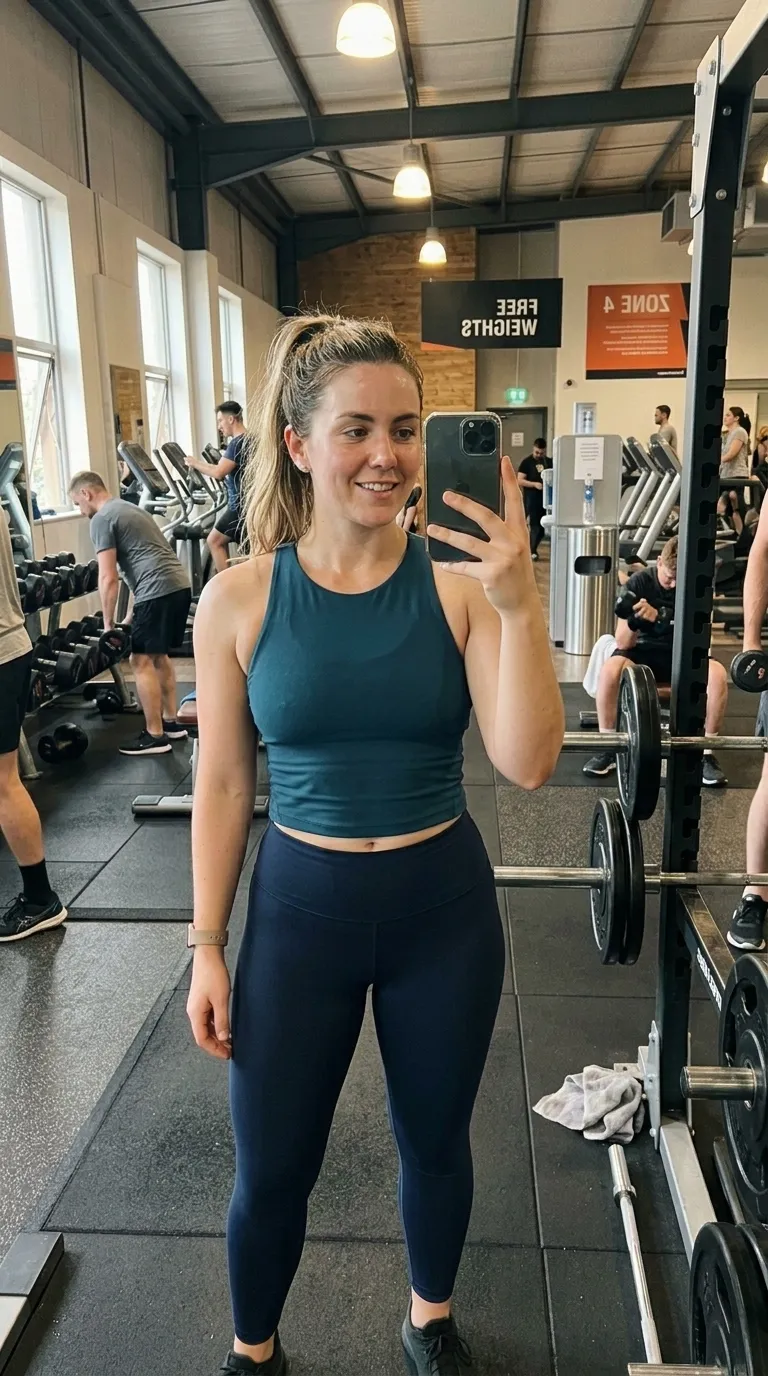
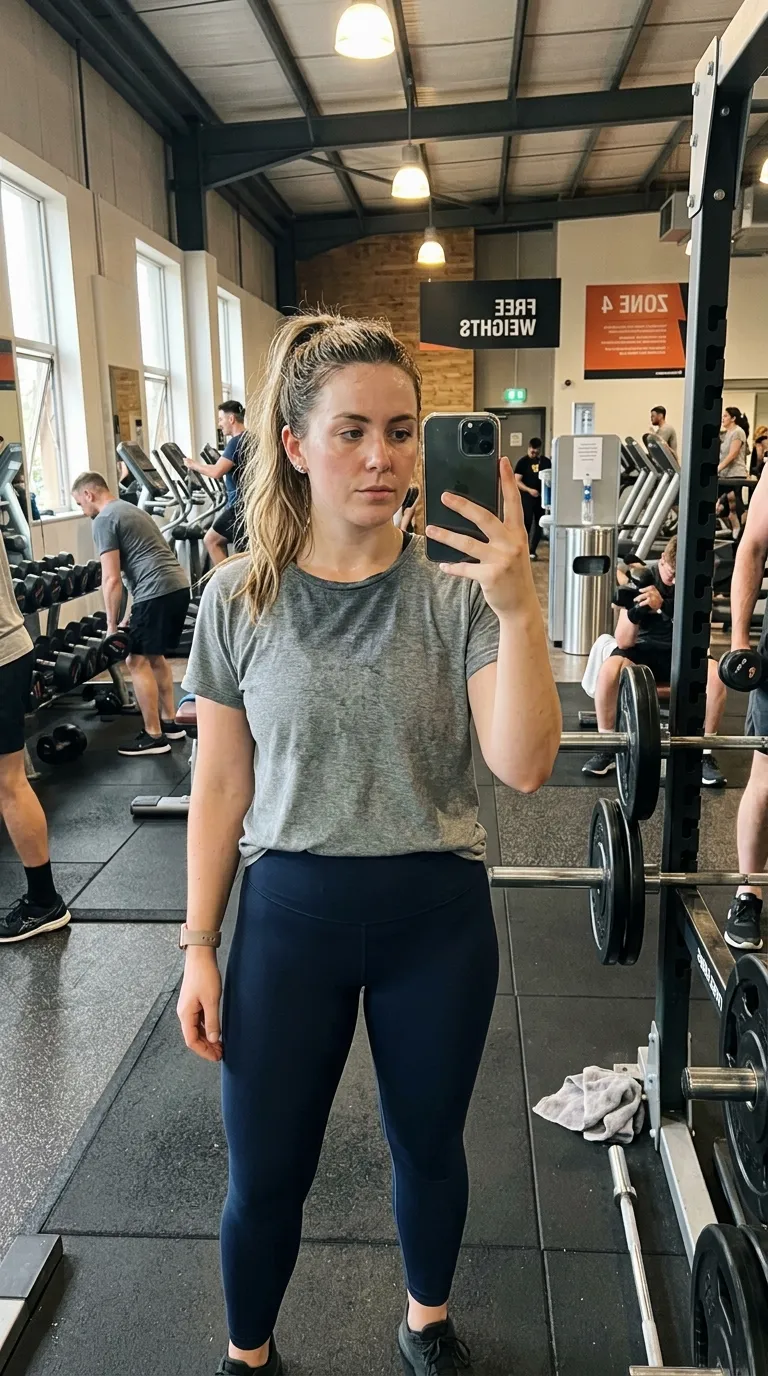
Social category, on a 9:16 vertical canvas, with Quicksand Bold labels reading Before and After, over a gradient ground. Drag the handle to see it work.
 BeforeAfter
The labels are at the top and the corners are the roundest on the site, and both of those are story decisions. A story puts a reply box, a sticker tray and a profile row across the bottom of the screen, so wording placed down there gets covered; moving it up clears all of it. The cyan rule is the only bright thing in an otherwise near-black frame.
The ground is a gradient of 2 stops, running #0D0D0D into #0A1628 behind the pair rather than over it. A 3 point #00D2D3 divider splits the canvas, and the Quicksand Bold labels sit top centre. Corners are rounded by 24 points, on a 9:16 vertical frame, and the default wording is Before and After.
Canvas shape is the value that decides this category, so the diagram leads with it: the frame at true proportion, the line the rule takes across it, the corner holding the labels, and any strip held back beneath the pair. Everything the record states in words rather than measurements is listed alongside.
Read out of the shipped app build by the catalogue extractor, not typed.
The shape is the point, so compose for it. A vertical frame gives you height and takes away width, which suits a person, a door, a full-length pair and almost nothing that lies down. A driveway or a kitchen bench put into a vertical crop arrives as a stripe. Check where the platform's own interface sits too: captions, handles and buttons crowd the bottom of a vertical post, which is exactly where most of these templates put their labels.
Before committing a pair to a tall crop, find out whether it survives one. The browser slider compares the two photographs where they already are, on your device, in roughly two seconds, and why before and after photos look fake deals with the halves that refuse to sit together.
A template's canvas and your export ratio are two different settings, and a mismatch is the commonest way one of these posts arrives letterboxed. The tall Pinterest crop in particular has no matching export ratio of its own, so it reaches its shape through the original ratio option. Platform interfaces also change without warning: the safe area at the foot of a vertical post is a moving target, and a label that cleared the caption last year may not clear it now. Two still photographs remain the whole input.
On this template in particularThe gradient is part of the template rather than a filter over your photographs, so it cannot be turned off or recoloured. If the ground is fighting your subject, the fix is a different template rather than a setting.
The Pro step up
Day 190 DaysThe same category with more of everything: a gradient ground and a 3 point rule.
Same pack, other end
BeforeAfterA darker ground in the same pack, with a 2 point #FFFFFF rule.
Same shape, other register
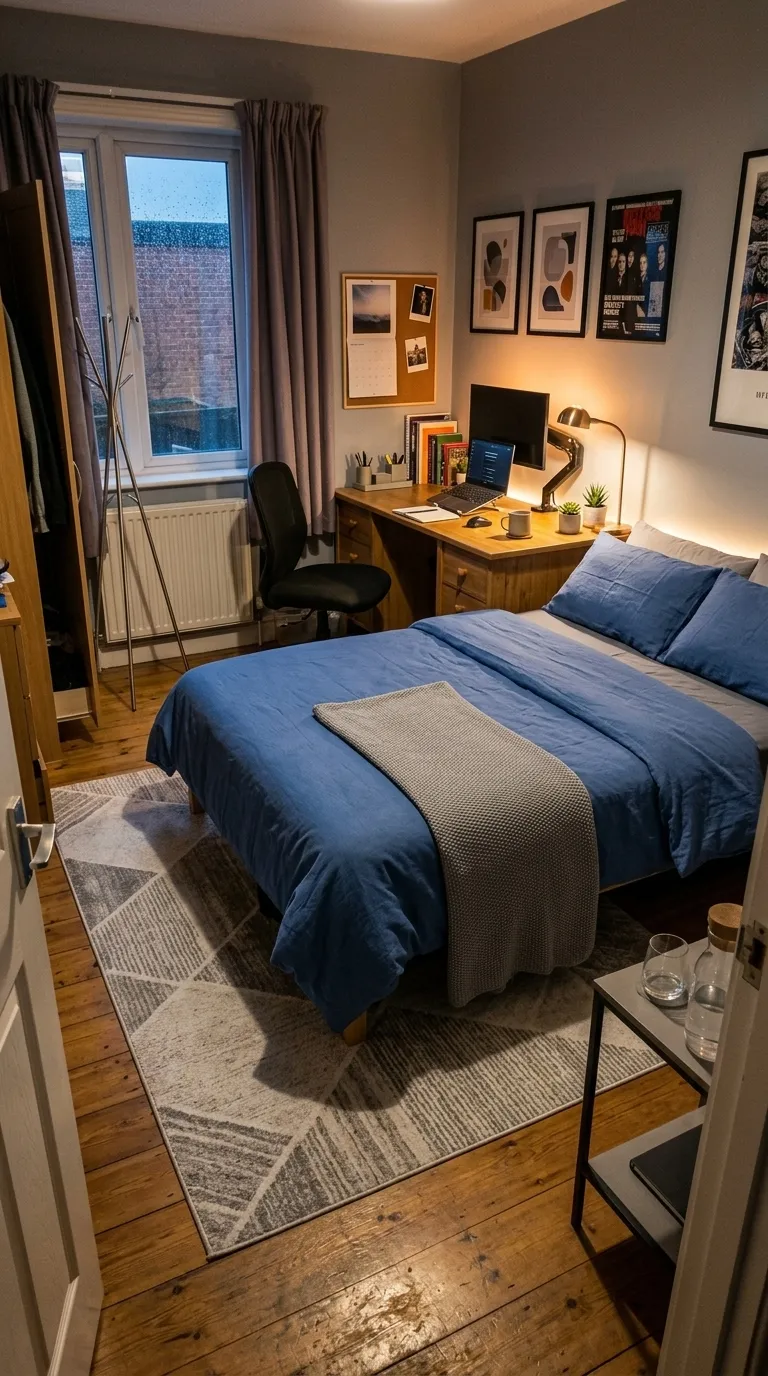
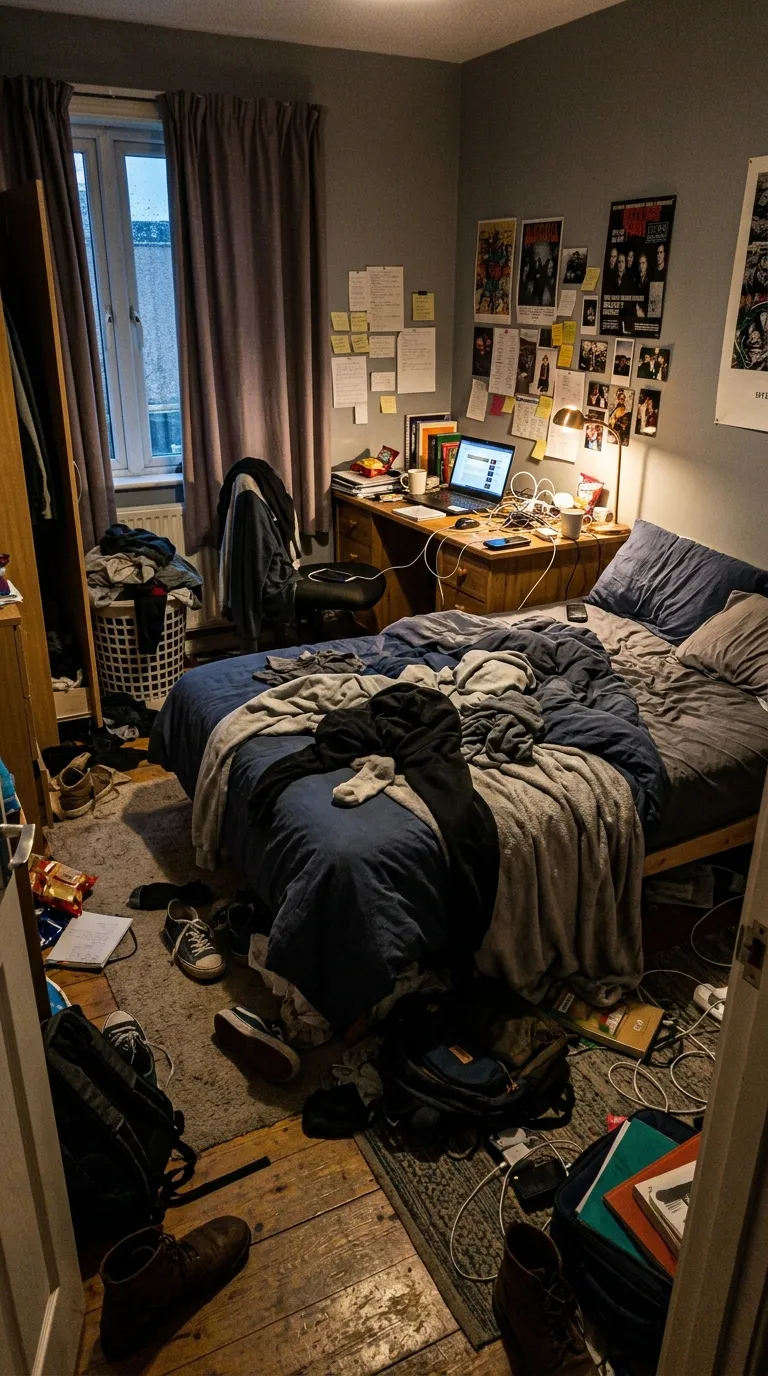
BeforeAfterThe same 9:16 vertical canvas, filed under bold rather than social.
Same label face
 BeforeAfter
Also set in Quicksand Bold, so a series can change frame without changing voice.
Back up to every social template, or to the whole catalogue. The free browser slider is at the slider tool, and the hashtag research by trade starts at the hashtag index.
Two photographs, one template, and a reveal that plays in about four seconds. Three exports a day are free, each behind a short rewarded ad.