
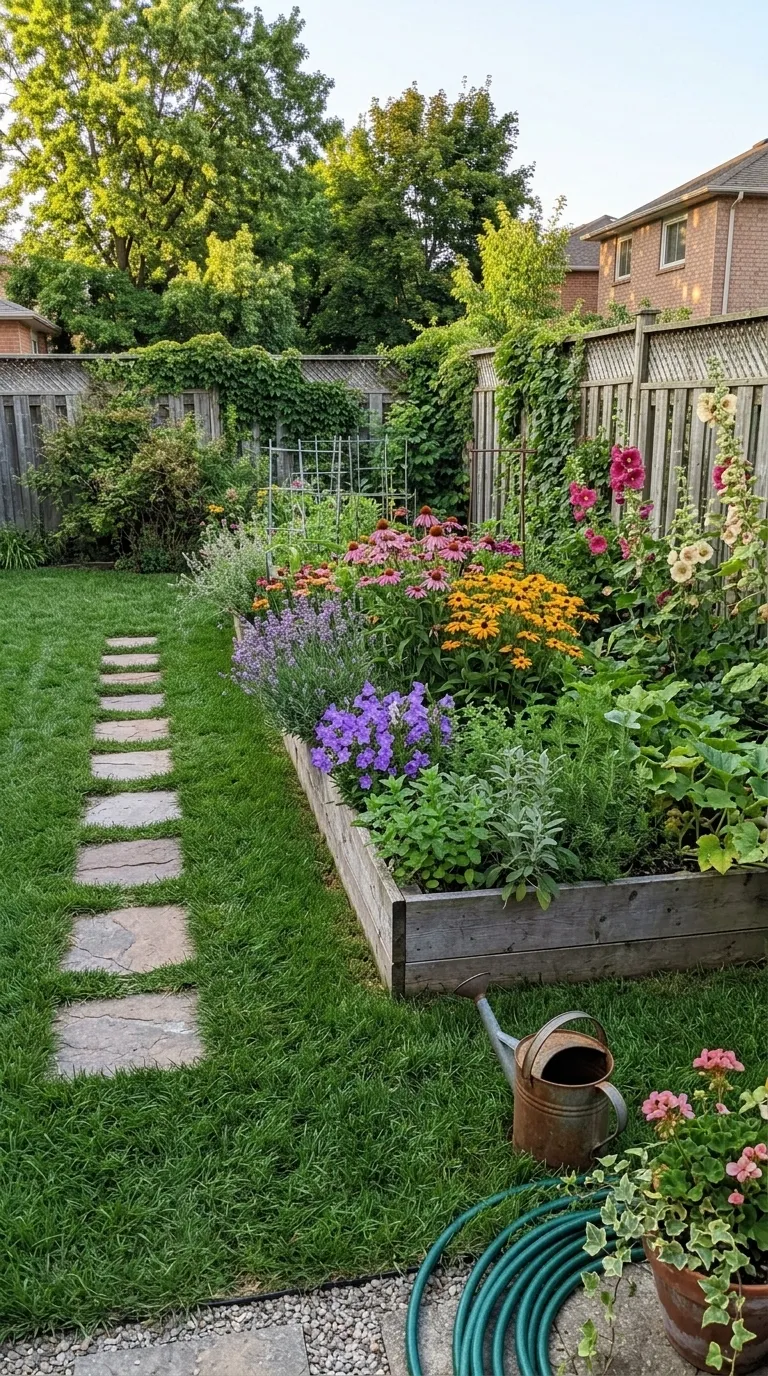
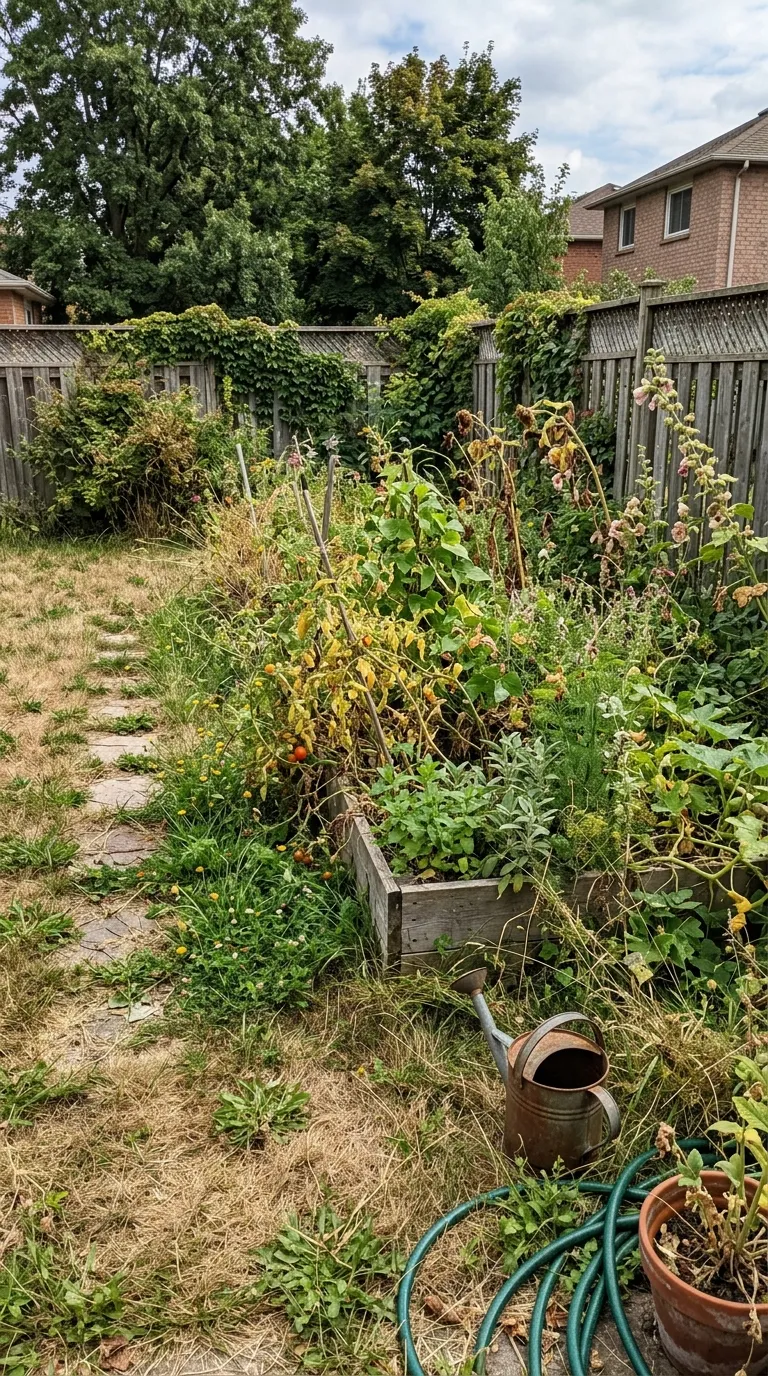
 BeforeAfter
Pro templatePremiumBold
Bold category, on a 1:1 square canvas, with Bebas Neue labels reading Before and After, over a gradient ground. Drag the handle to see it work.

 BeforeAfter
This carries the thickest rule in the category, five points of white across a teal ground, which is the widest visual split any bold frame gives you. That matters at thumbnail size, where the divider is doing the work of announcing that there are two photographs at all. Teal reads clean and slightly clinical, so it suits washing, valeting and grooming rather than gym work.
#00D2D3 shades into #0097A7 behind the two halves, and that wash is part of the template rather than a filter on your photographs. 5 points of #FFFFFF hold the two photographs apart, with Bebas Neue labels bottom centre. The canvas is 1:1 square, square, with no radius at all, and the labels arrive reading Before and After.
Divider width is the number to read first on a bold template, because the rule is what does the shouting. The diagram draws it at the app's own canvas scale, along with the shape of the frame, the corner the labels take and any band reserved under the pair. The panel beside it carries the parts of the record that arrive as words instead of numbers.
Read out of the shipped app build by the catalogue extractor, not typed.
Loud framing buys attention and spends credibility, so the pair underneath has to be obviously real. The safest bold post shows a change big enough to register at thumbnail size: a driveway half done, a bench cleared, a body at two dates. Subtle work loses in this category, because a five point white rule across the middle of the screen is competing with the very thing you are pointing at. Shoot wide, shoot the whole subject, and let the frame shout about a difference that was already visible.
A thick rule makes a poor pair worse, because it points straight at the seam. Run the two photographs through the slider tool in your browser first: it works on your own device, in about two seconds, and the guide to pairs that look fake explains what to do when the alignment is off.
A condensed display face at this weight has one job and it is the word BEFORE. Long custom label wording gets tight fast, and the label editor will let you set text that is technically legible and practically unreadable at feed size. The frames also draw the eye to the divider, so a pair whose two halves sit at slightly different heights shows it here first. And the input stays two still photographs: this category makes a punchy reveal out of a pair, not out of footage.
On this template in particularThe gradient is part of the template rather than a filter over your photographs, so it cannot be turned off or recoloured. If the ground is fighting your subject, the fix is a different template rather than a setting.
Without upgrading
BeforeAfterOpens on the free tier, on a 1:1 square canvas with Bebas Neue labels.
Same pack, other end
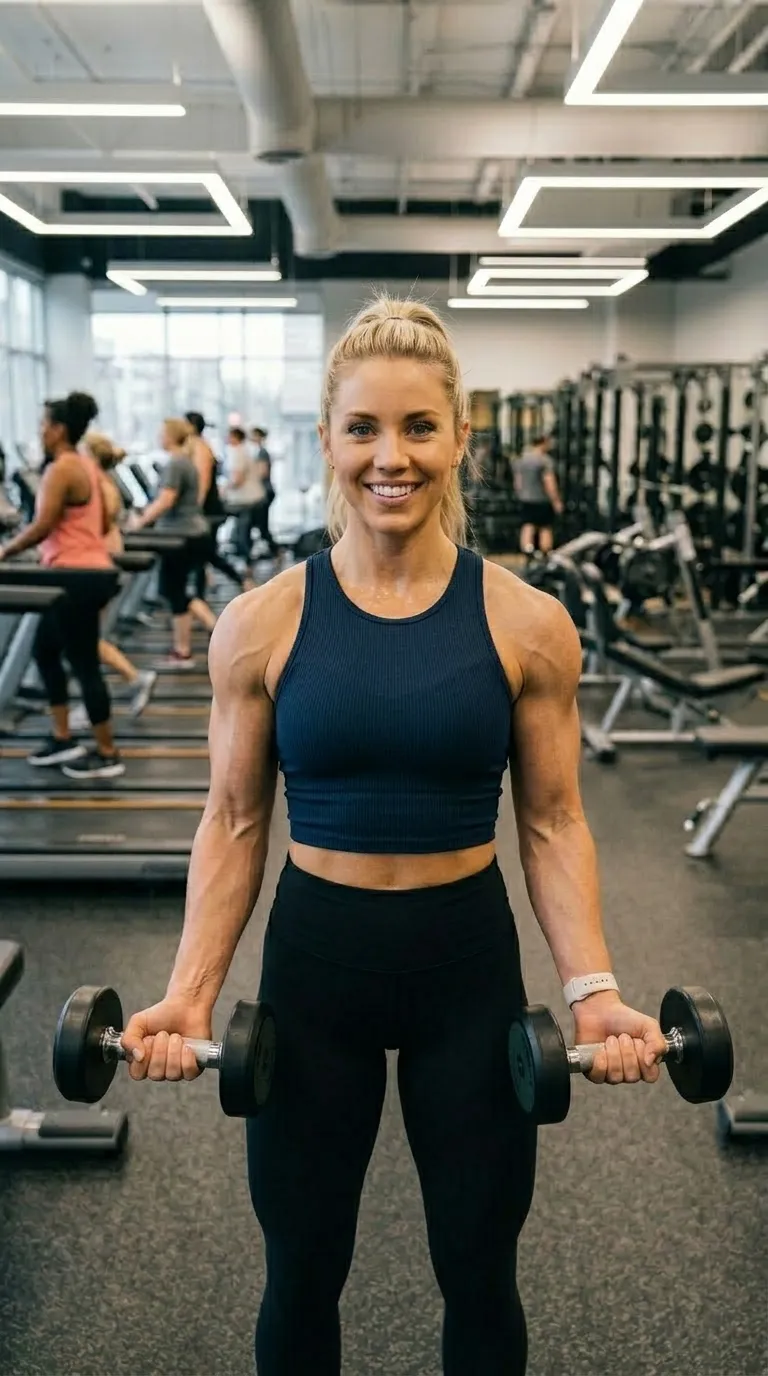
 Day 190 Days
A darker ground in the same pack, with a 4 point #FF6B6B rule.
Same shape, other register

 BeforeAfter
The same 1:1 square canvas, filed under clean rather than bold.
Same label face
Day 190 DaysAlso set in Bebas Neue, so a series can change frame without changing voice.
Back up to every bold template, or to the whole catalogue. The free browser slider is at the slider tool, and the hashtag research by trade starts at the hashtag index.
Two photographs, one template, and a reveal that plays in about four seconds. Three exports a day are free, each behind a short rewarded ad.