
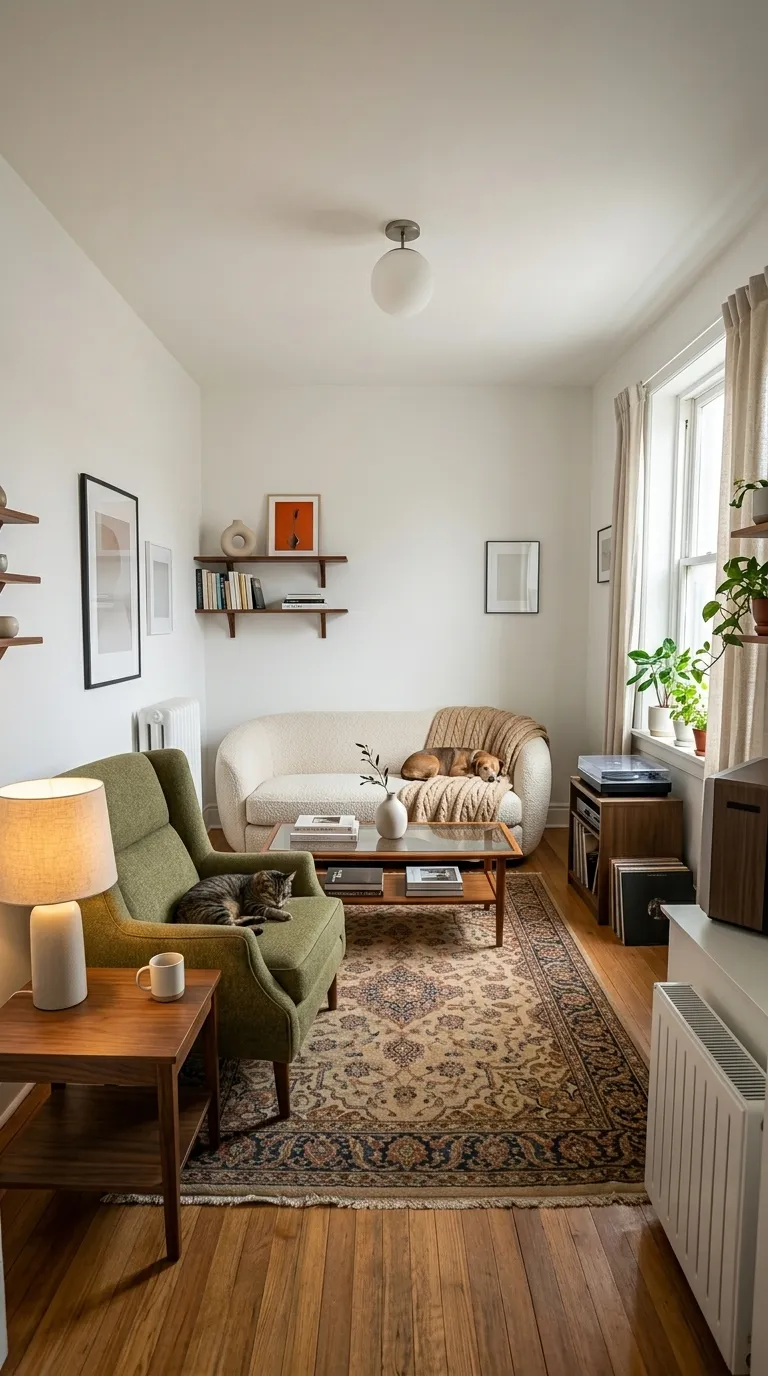
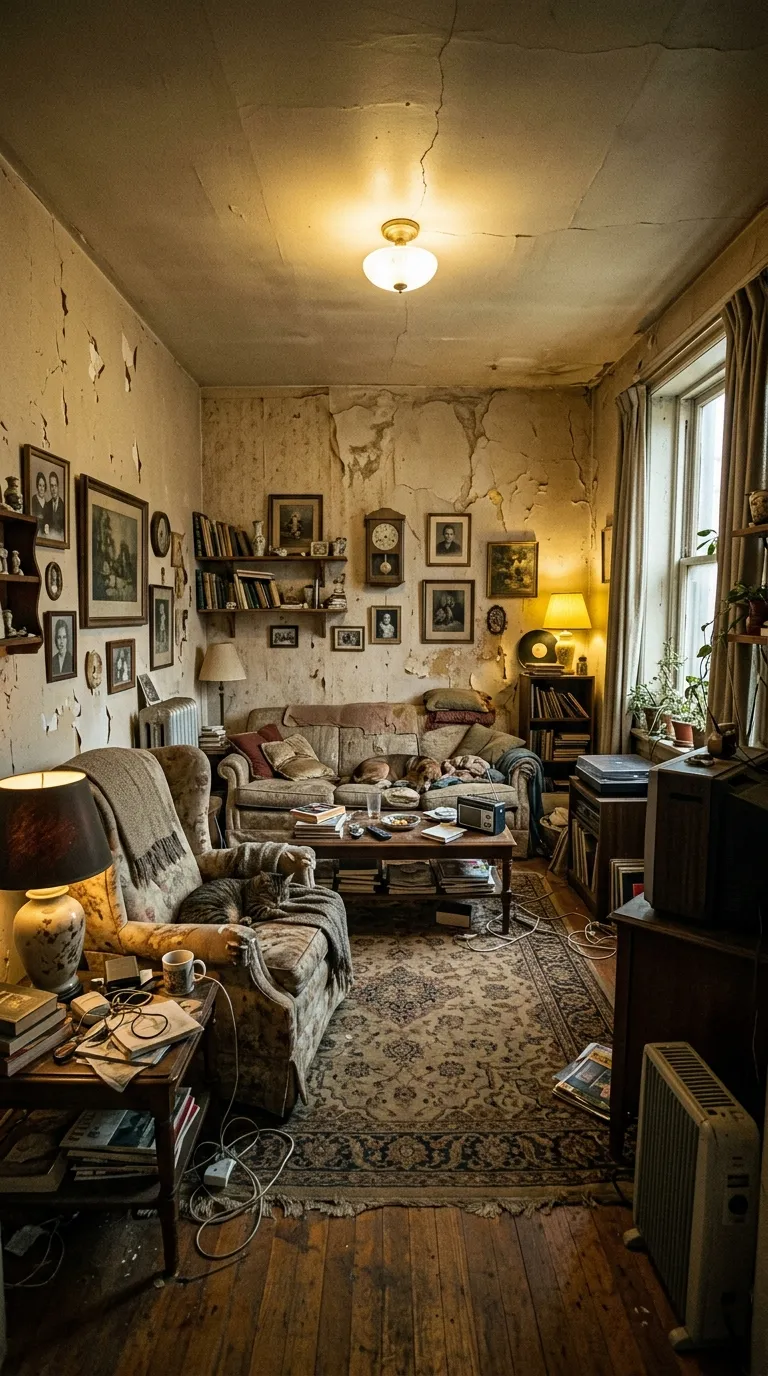
 BeforeAfter
Pro templatePremiumClean
Clean category, on a 1:1 square canvas, with Quicksand Bold labels reading Before and After Groom, over a gradient ground. Drag the handle to see it work.
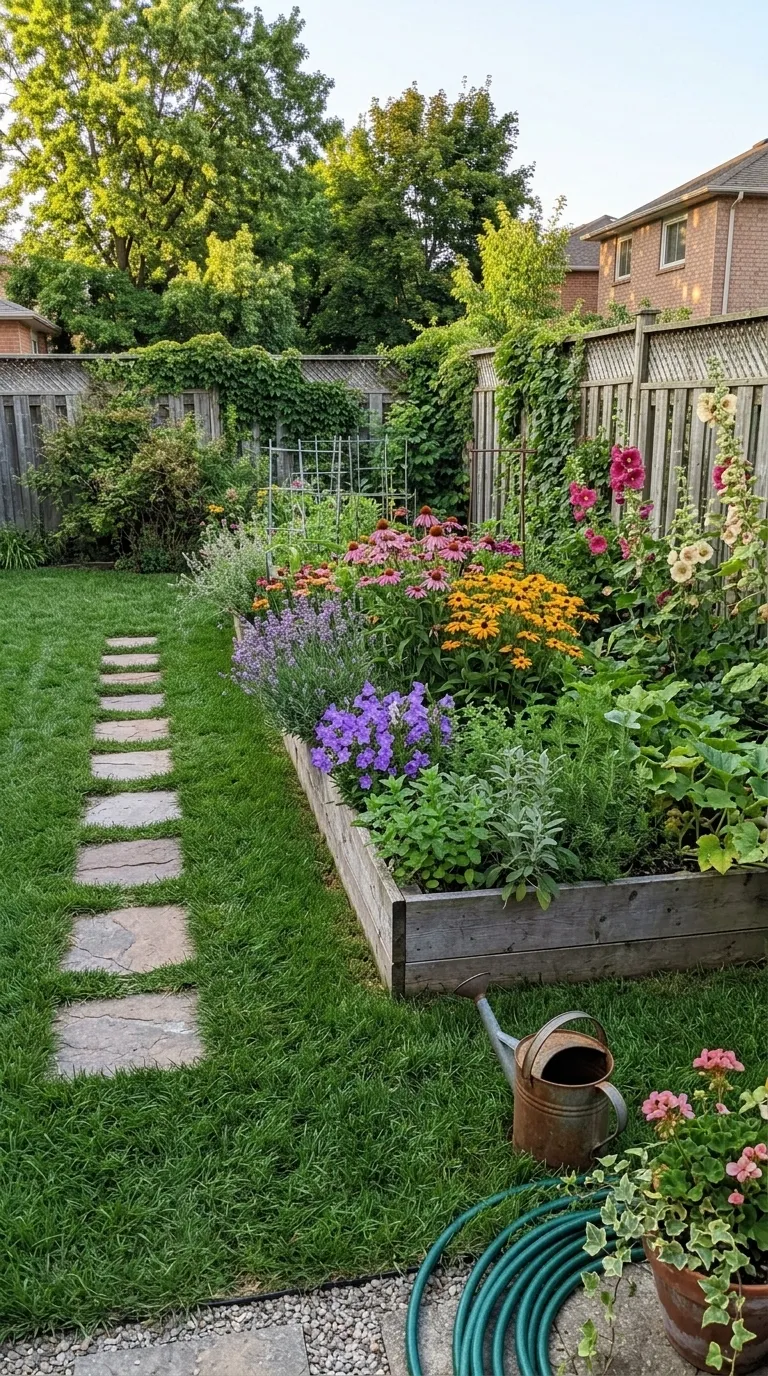
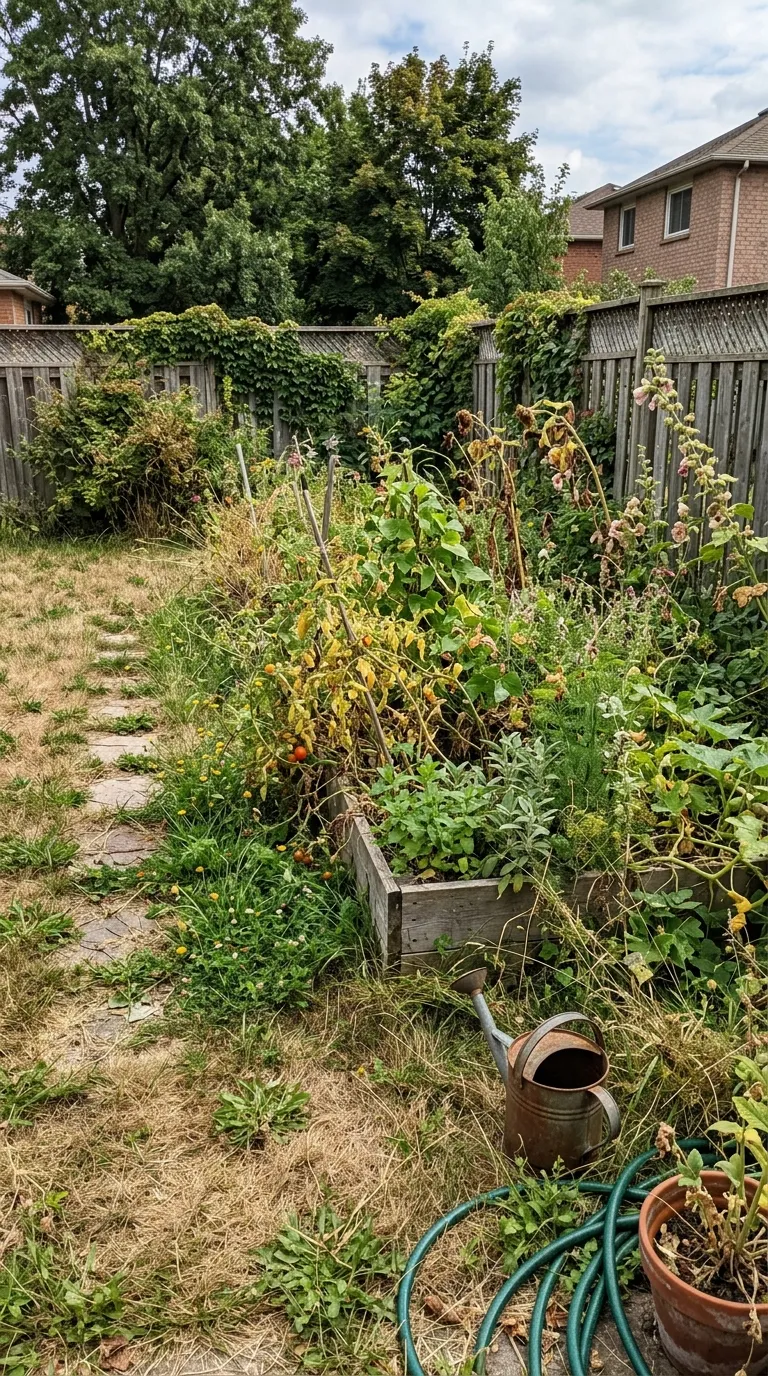 BeforeAfter Groom
Groomers who do not want to look like a clinic. The labels already say After Groom, so there is nothing to retype, the ground runs lilac into blue behind the dog, and the corners are the roundest in this category. It reads friendly at a glance, which is what a pet owner is scrolling for, and the square crop suits a dog photographed head-on twice.
Behind the pair sits a 2 stop gradient, #A29BFE through #74B9FF, drawn by the frame itself. Labels are set in Quicksand Bold, bottom centre, over a 2 point #FFFFFF divider. The canvas is 1:1 square, rounded by 20 points, and the labels arrive reading Before and After Groom.
The diagram below is this frame drawn at the scale the app itself uses, which matters more on a clean template than it sounds: when the rule is close to the ground in colour, looking at it is the only reliable way to see where the split actually falls. Beside the diagram sits everything the record holds that is a word rather than a measurement.
Read out of the shipped app build by the catalogue extractor, not typed.
A clean pair lives or dies on the match. There is no saturated band and no thick rule to pull the eye away from a wall that shifted between shots or a light that changed colour, so the framing has to do the work. Stand in one place, use one focal length, shoot at roughly the same hour of day, and let the divider travel across an unchanged background. Anything untidy that is present in the before and still present in the after gets noticed here before the improvement does.
A plain frame disguises nothing, a mismatch included, so it is worth catching one before you build the post. The free browser slider takes both photographs on your own device and shows the drift in about two seconds, and the guide to why pairs look fake covers the fix.
A plain frame hides nothing, and that cuts both ways. A pair shot on two different days under two different lights reads as two different rooms rather than one room improved, and nothing in this category rescues it. The sliders on these pages are web renderings drawn from the shipped build's own colours and measurements, not screenshots of an export. Video export takes its layout from the reveal animation rather than from the comparison mode, so a top and bottom or tap to switch arrangement reaches a still export but not a video one yet.
On this template in particularThe gradient is part of the template rather than a filter over your photographs, so it cannot be turned off or recoloured. If the ground is fighting your subject, the fix is a different template rather than a setting.
Without upgrading
BeforeAfterOpens on the free tier, on a 1:1 square canvas with Inter Bold labels.
Same pack, other end
 RawEdited
A lighter ground in the same pack, with a 1 point #222222 rule.
Same shape, other register
BeforeAfterThe same 1:1 square canvas, filed under bold rather than clean.
Same label face
BeforeAfterAlso set in Quicksand Bold, so a series can change frame without changing voice.
Back up to every clean template, or to the whole catalogue. The free browser slider is at the slider tool, and the hashtag research by trade starts at the hashtag index.
Two photographs, one template, and a reveal that plays in about four seconds. Three exports a day are free, each behind a short rewarded ad.