Before After Video MakerTwo photos, one reveal
Get the app free

Two photos, one reveal

Pro templatePremiumBold

Gold

Bold category, on a 1:1 square canvas, with Bebas Neue labels reading Before and After, over a gradient ground. Drag the handle to see it work.
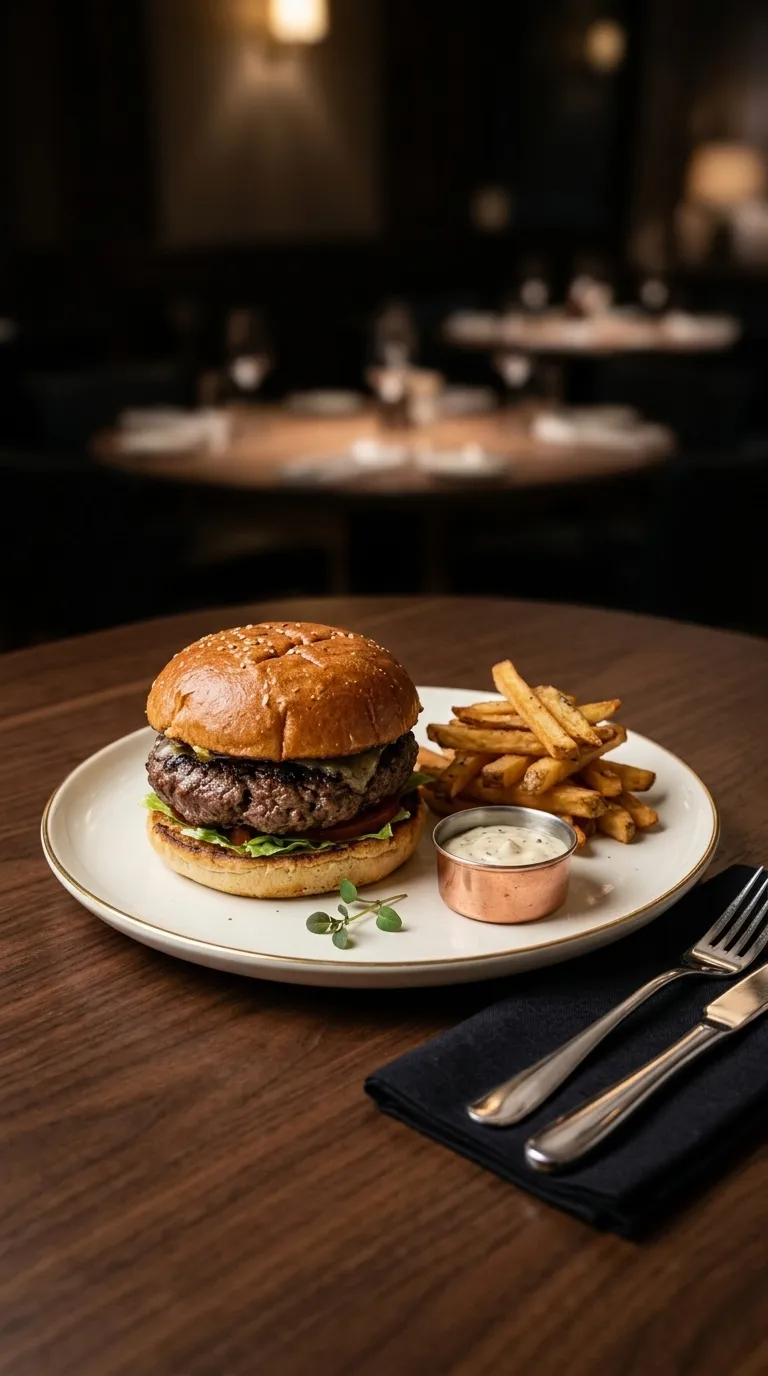
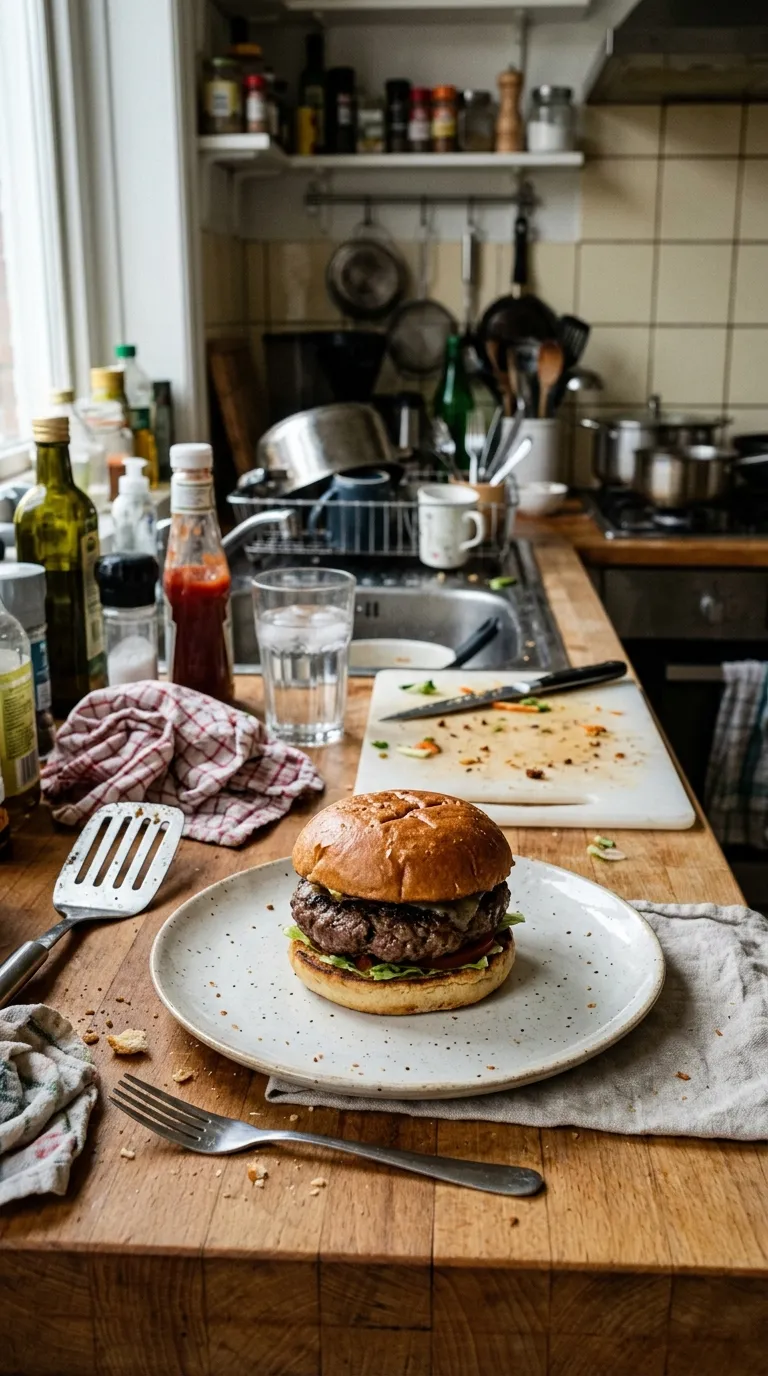
The same burger plated with fries and a dip on a dark restaurant tableA burger on a plate on a cluttered kitchen counter mid-serviceBeforeAfter
The rule you are dragging is 5 points wide because that is what the build says, and the ground behind it is the frame colour the app ships. Sample pair of a plated dish, supplied with the app. Your own export is composited at 1080p from two photographs of yours.
The job it is forPremium pack

What Gold is for

The one bold frame with dark labels. Gold into amber behind the pair, near-black wording on top, and five points of white down the middle: it lands as expensive rather than as urgent, which is a hard trick in a category built for shouting. Food, timber, brass, restored furniture and anything you would describe as warm all sit well in it.

Behind the pair sits a 2 stop gradient, #F9CA24 through #F0932B, drawn by the frame itself. 5 points of #FFFFFF hold the two photographs apart, with Bebas Neue labels bottom centre. The canvas is 1:1 square, rounded by 4 points, and the labels arrive reading Before and After.

The specificationExtracted, not typed

Every value in Gold, as the build holds it

Divider width is the number to read first on a bold template, because the rule is what does the shouting. The diagram draws it at the app's own canvas scale, along with the shape of the frame, the corner the labels take and any band reserved under the pair. The panel beside it carries the parts of the record that arrive as words instead of numbers.

The recordPro
  • Canvas1:1
  • Rule5 pt
  • LabelsBottom centre
  • BandNone
Canvas
1:1 square
Label face
Bebas Neue
Label corner
Bottom centre
Rule
5 pt
Corners
4 pt radius
Ground
2 stop gradient
Branding
Overlaid, no band
Date stamp
Off by default
Default wording
Before and After
Pack
Premium
  • Frame#F9CA24
  • Ground stop 1#F9CA24
  • Ground stop 2#F0932B
  • Rule#FFFFFF
  • Label#1A1A2E

Read out of the shipped app build by the catalogue extractor, not typed.

Shooting for itBold category

How to shoot a pair for Gold

Loud framing buys attention and spends credibility, so the pair underneath has to be obviously real. The safest bold post shows a change big enough to register at thumbnail size: a driveway half done, a bench cleared, a body at two dates. Subtle work loses in this category, because a five point white rule across the middle of the screen is competing with the very thing you are pointing at. Shoot wide, shoot the whole subject, and let the frame shout about a difference that was already visible.

In orderWritten for bold work
  1. 01Start from the wide shot. Bold frames crop tight and a close-up inside one loses the context that made the change readable.
  2. 02Match the second frame with Ghost Camera before you shoot it, not after. A thick divider makes a misalignment of a few degrees obvious.
  3. 03Pick the frame by the subject's colour, not by taste. A coral ground behind a red car cancels the car out.
  4. 04Slider reveal is the mode that suits this category: the rule is already the loudest object on screen, so let it move.
  5. 05Export vertical for a Reel or square for a feed post, and check it at the size a thumb actually sees it before you post.

A thick rule makes a poor pair worse, because it points straight at the seam. Run the two photographs through the slider tool in your browser first: it works on your own device, in about two seconds, and the guide to pairs that look fake explains what to do when the alignment is off.

Honest limitsTwo of them, and both are real

What Gold will not do

A condensed display face at this weight has one job and it is the word BEFORE. Long custom label wording gets tight fast, and the label editor will let you set text that is technically legible and practically unreadable at feed size. The frames also draw the eye to the divider, so a pair whose two halves sit at slightly different heights shows it here first. And the input stays two still photographs: this category makes a punchy reveal out of a pair, not out of footage.

On this template in particularThe gradient is part of the template rather than a filter over your photographs, so it cannot be turned off or recoloured. If the ground is fighting your subject, the fix is a different template rather than a setting.

If this one is not itFour questions, four answers

Without upgrading

Opens on the free tier, on a 1:1 square canvas with Bebas Neue labels.

Same pack, other end
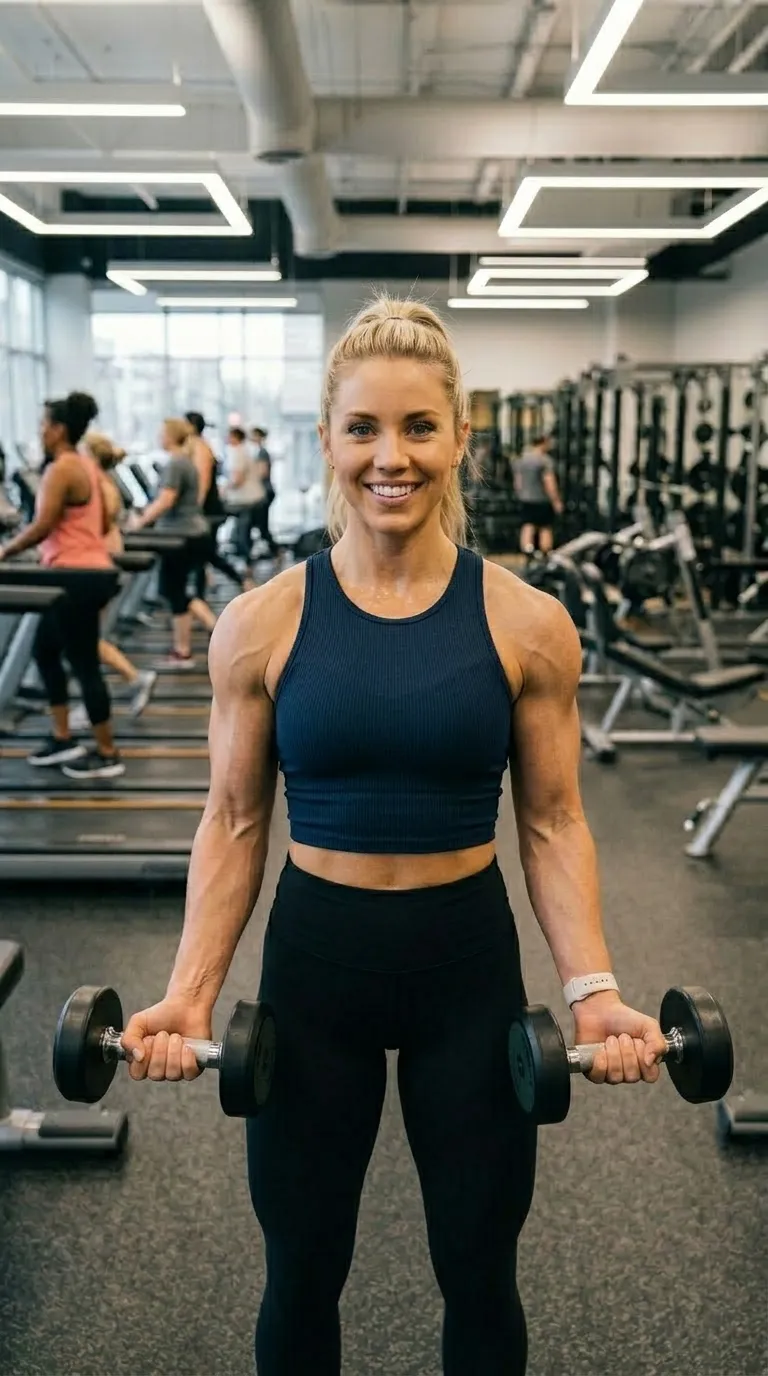
A darker ground in the same pack, with a 4 point #FF6B6B rule.

Same shape, other register

The same 1:1 square canvas, filed under clean rather than bold.

Same label face

Also set in Bebas Neue, so a series can change frame without changing voice.

Back up to every bold template, or to the whole catalogue. The free browser slider is at the slider tool, and the hashtag research by trade starts at the hashtag index.

Common questions

Who is the Gold template for?
The one bold frame with dark labels. Gold into amber behind the pair, near-black wording on top, and five points of white down the middle: it lands as expensive rather than as urgent, which is a hard trick in a category built for shouting. Food, timber, brass, restored furniture and anything you would describe as warm all sit well in it.
When should I use something other than Gold?
Yellow grounds are unforgiving of yellow subjects. A pine floor, a sandstone wall or a plated omelette blends into the border, and the dark labels then have less to sit against than they would on a saturated frame.
Is Gold free?
No, it is one of the Pro templates. The free tier opens 8 of the 100, and everything else in the editor is free with them: all four comparison modes, Ghost Camera, the filters, the stickers, the full label editor, and your own logo and business name.
What shape is Gold, and what will it export at?
The template's canvas is 1:1 square. The export ratio is a separate choice made in the export sheet: 9:16 and 1:1 on the free tier, plus 4:5 and the original ratio on Pro. 1:1 is among them, so the canvas and the export can match exactly.
Can I change the BEFORE and AFTER wording?
Yes. Gold starts with "Before" and "After", and every part of that is editable: the text, the typeface, the colour, the size, bold and italic, uppercase, a shadow, the background opacity, and the position, either one of five presets or dragged anywhere on the canvas.
Can I compare two video clips with this?
No. The app takes two still photographs, and the reveal you are watching on this page is made by moving a divider across them. Footage never enters the picture, however cinematic the frame looks.

Put your own pair in Gold

Two photographs, one template, and a reveal that plays in about four seconds. Three exports a day are free, each behind a short rewarded ad.

Get the app freeiPhone, iOS 17 and later