

 BeforeAfter
Pro templateMakeup ArtistNiche
Niche category, on a 9:16 vertical canvas, with Bebas Neue labels reading Before and After, over a gradient ground. Drag the handle to see it work.
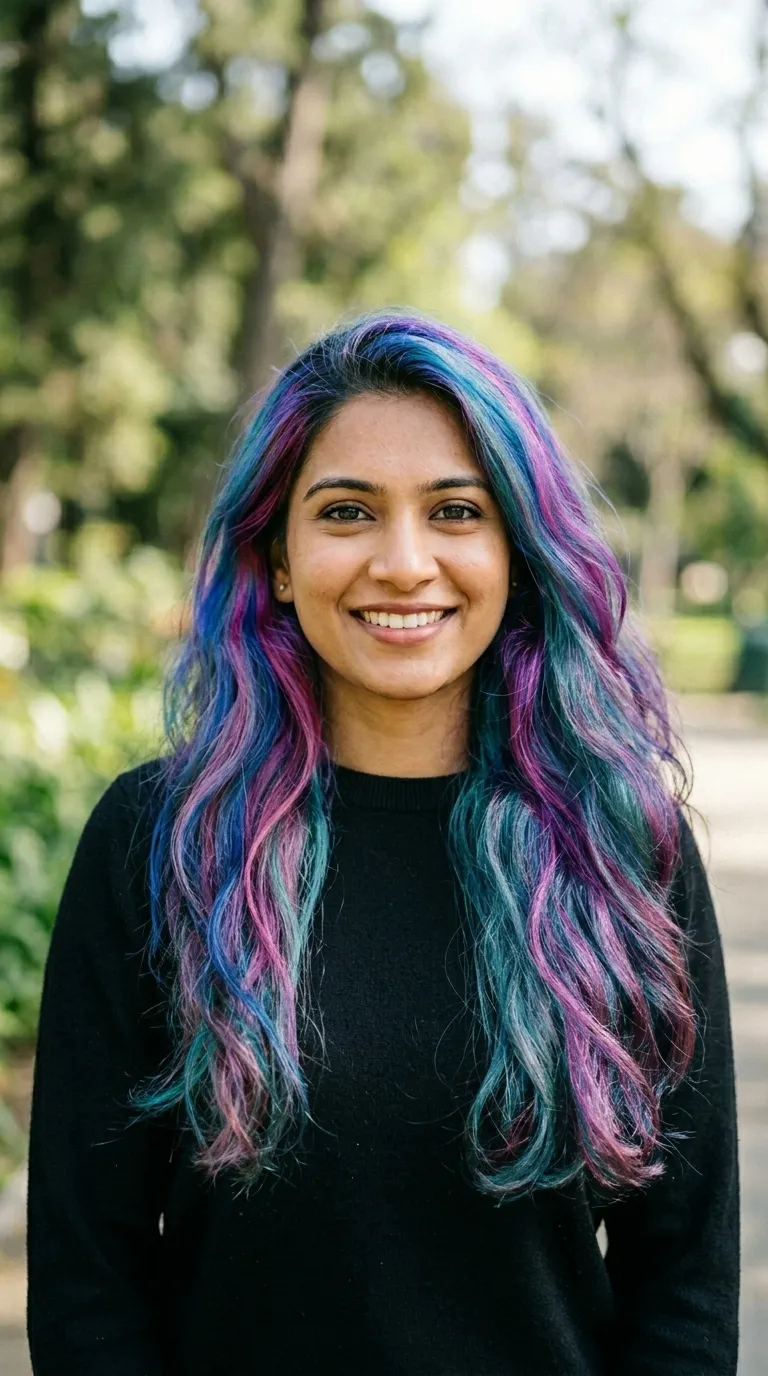
 BeforeAfter
Black ground, a four point hot pink rule, pink condensed caps, vertical, hard corners. Editorial and graphic looks live here: cut crease, a strong lip, festival and stage work, anything where the makeup is a statement rather than an enhancement. Black behind a lit face gives the best separation of anything in this pack.
The ground is a gradient of 2 stops, running #0A0A0A into #1A0014 behind the pair rather than over it. The rule between the halves is #FF1493 at 4 points, and the wording sits bottom centre in Bebas Neue. It ships with Before and After already typed, on a 9:16 vertical canvas, square, with no radius at all.
What makes a trade template a trade template lives mostly in the small values: the wording already sitting in the labels, the palette, the crop it was cut to. The geometry is drawn below at the app's drawing scale, and the panel next to it lists the record's words, default labels included, so the retyping you avoid is visible up front.
Read out of the shipped app build by the catalogue extractor, not typed.
Trade work is judged by people who do the same work, so the pair has to survive an expert eye. Hair and makeup need the same head angle and the same light, because a chin lifted two inches reads as a different face. Nails need one fixed distance, hands in the same position both times. Detailing and landscaping need the wide shot before the close-up, or nobody believes the panel belongs to the car. A pair that would satisfy somebody in your trade will satisfy a customer easily.
Trade work gets judged by people who do the same work, so hold the pair up to that eye before it goes out. The browser slider tool does it on your own device in about two seconds, and the guide to fake-looking pairs is built around the mistakes trade pairs make most often.
A template tuned to a trade is a palette and a default label, nothing more. It does not know your subject, and it will happily frame a pair that does not match. The two hardest cases in this category are honest ones: hair and makeup change with the light, so a warm salon bulb over the after does most of the work you were hoping the haircut would do, and a pet photographed wet looks like a different animal from a pet photographed dry. Shoot both frames dry, in the same spot, or the post argues with itself.
On this template in particularThe gradient is part of the template rather than a filter over your photographs, so it cannot be turned off or recoloured. If the ground is fighting your subject, the fix is a different template rather than a setting.
Without upgrading
BeforeAfterOpens on the free tier, on a 9:16 vertical canvas with Inter Bold labels.
Same pack, other end
BeforeAfterA lighter ground in the same pack, with a 1 point #FFAACC rule.
Same label face

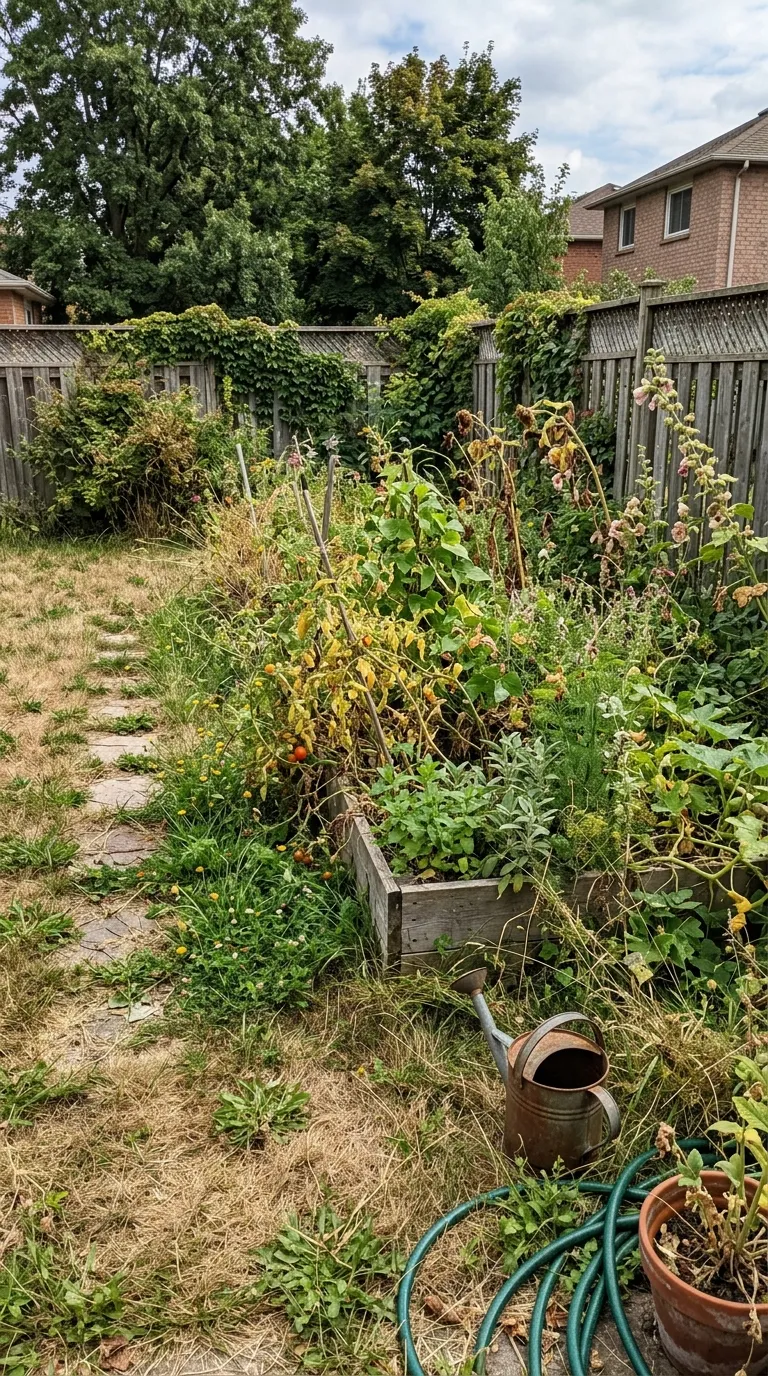 BeforeAfter
Also set in Bebas Neue, so a series can change frame without changing voice.
Nearby in the catalogue

 BeforeAfter
clean category, 1:1 square, Free pack.
Back up to every niche template, or to the whole catalogue. The free browser slider is at the slider tool, and the hashtag research by trade starts at the hashtag index.
Two photographs, one template, and a reveal that plays in about four seconds. Three exports a day are free, each behind a short rewarded ad.