

 BeforeAfter
Pro templateReal Estate ExtendedBrand
Brand category, on a 4:5 portrait canvas, with Playfair Display Bold labels reading Before and After, over a gradient ground. Drag the handle to see it work.
BeforeAfterVery dark navy, a three point gold rule, gold serif labels at the bottom left, portrait, dated, with the deepest branding band. It is the top-end listing frame: gold on navy is the register of a prestige agency, and portrait takes a room from ceiling to floor. Dated matters here, because a staging or renovation claim without a timeline is the one buyers question.
#0A1428 shades into #050A14 behind the two halves, and that wash is part of the template rather than a filter on your photographs. Labels are set in Playfair Display Bold, bottom left, over a 3 point #D4AF37 divider. It ships with Before and After already typed, on a 4:5 portrait canvas, rounded by 8 points. Under the pair the template holds back 64 points for a logo and a business name, which is what makes it worth using twice. It arrives with the date stamp switched on, because work in this register is usually being dated as well as shown.
The value to check first on a brand template is the branding band: whether one is reserved at all, and how deep it runs. The diagram shows it at the scale the build specifies, under the outline of the frame, the rule and the label corner. What is left of the record, the part made of words, is set out in the panel next to it.
Read out of the shipped app build by the catalogue extractor, not typed.
Consistency across posts matters more here than any single pair. A company feed is read as a body of work, so the frame, the ground colour and the label wording want to stay the same from post to post until they are recognisable. Pick one template and stay on it. What must be visible in each pair is the job: a room emptied, a listing staged, a product photographed on the same seamless twice. Vary the subject, never the frame.
A company feed gets read as a body of work, so a weak pair costs more than the single post it sits in. The slider that runs in this browser checks the two photographs on your own device in about two seconds, and the guide to pairs that lose trust covers the drift that most often gets through.
The branding strip is a reserved band of a fixed depth under the pair, so a wide or unusually shaped logo is scaled to fit inside it rather than laid over the photograph. It is not a watermark and not a full brand kit: one logo, one business name, in one place. Nothing in the app checks that you have the rights to a property photograph or a product shot, and listing photographs in particular usually belong to whoever took them. And a branded frame around a weak pair still shows a weak pair, with your name under it.
On this template in particularThe branding strip is a reserved band of a fixed depth under the pair rather than an overlay, so a tall or unusually shaped logo is scaled to fit inside it. It is one logo and one business name in one place, which is the whole of the app's branding.
Without upgrading
BeforeAfterOpens on the free tier, on a 1:1 square canvas with Inter Bold labels.
Same pack, other end
BeforeAfterA lighter ground in the same pack, with a 2 point #0D2B5E rule.
Same shape, other register
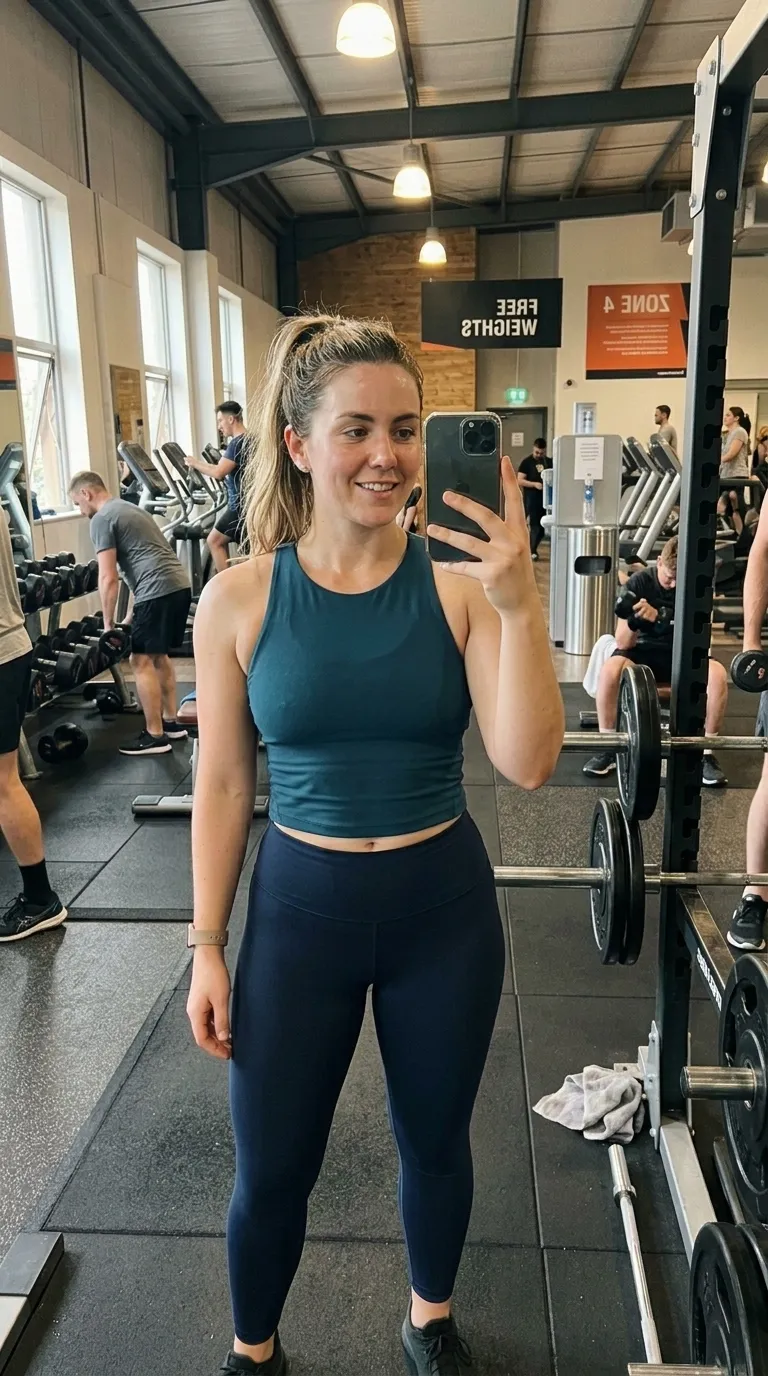
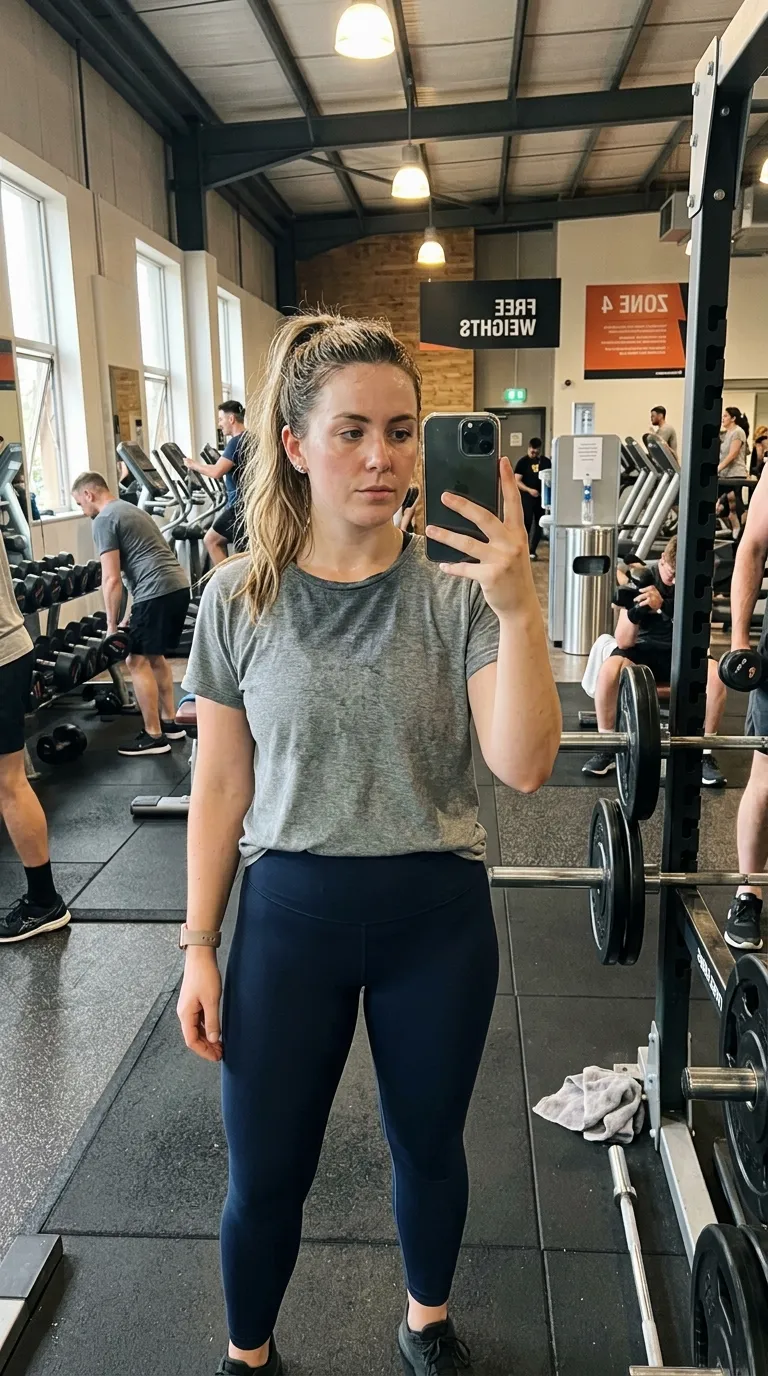 RawEdited
The same 4:5 portrait canvas, filed under clean rather than brand.
Nearby in the catalogue

 BeforeAfter
clean category, 1:1 square, Free pack.
Back up to every brand template, or to the whole catalogue. The free browser slider is at the slider tool, and the hashtag research by trade starts at the hashtag index.
Two photographs, one template, and a reveal that plays in about four seconds. Three exports a day are free, each behind a short rewarded ad.