Before After Video MakerTwo photos, one reveal
Get the app free

Two photos, one reveal

Pro templateFitness ExtendedLifestyle

Gym Neon

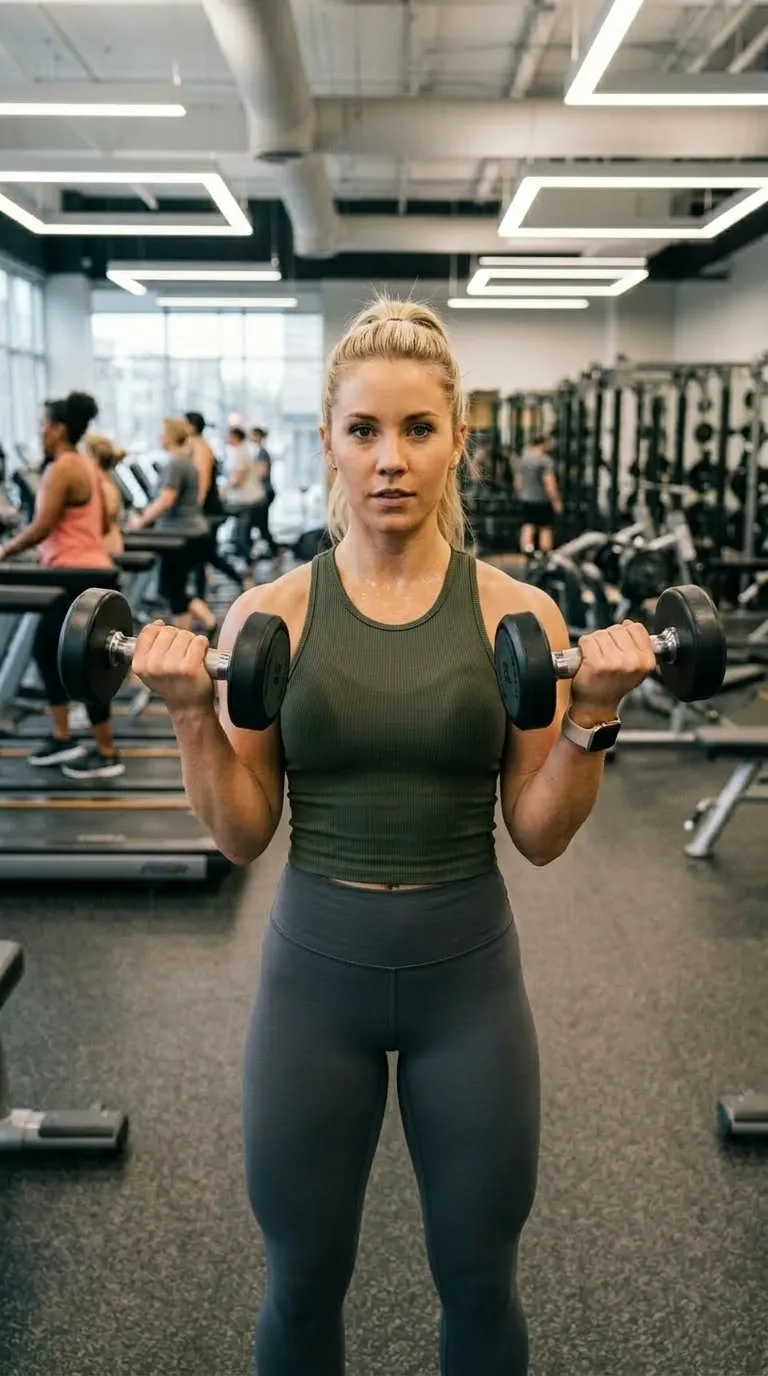
Lifestyle category, on a 9:16 vertical canvas, with Bebas Neue labels reading Day 1 and 90 Days, over a gradient ground. Drag the handle to see it work.

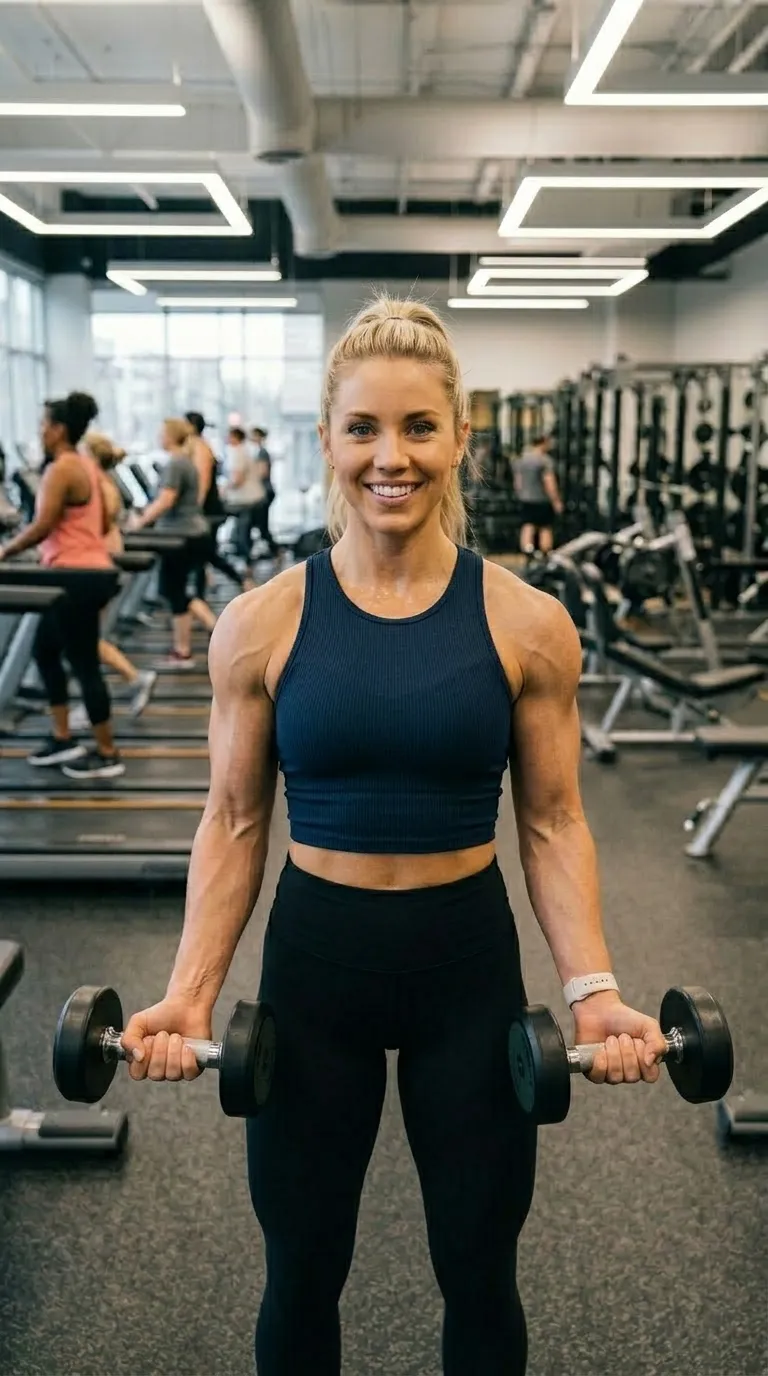
The same woman in the same gym, same stance, at the end of the blockA woman holding dumbbells in a gym at the start of a training blockDay 190 Days
Gym Neon rendered in the browser from the build's own frame, rule and label face, date stamp included. The a training block shown are the sample pair shipped with the app, standing in for the two photographs you would supply. Exports are composited at 1080p.
The job it is forFitness Extended pack

What Gym Neon is for

Five points of acid green on near-black, green condensed caps, vertical, dated, with Day 1 and 90 Days already typed. It carries the widest rule anywhere in the lifestyle category, which is the point: a progress pair at thumbnail size needs the split to be visible before the content is. Best in a dark gym, where the ground matches the room.

The ground is a gradient of 2 stops, running #050505 into #001A00 behind the pair rather than over it. Labels are set in Bebas Neue, bottom centre, over a 5 point #39FF14 divider. Corners are square, with no radius at all, on a 9:16 vertical frame, and the default wording is Day 1 and 90 Days. It arrives with the date stamp switched on, because work in this register is usually being dated as well as shown.

The specificationExtracted, not typed

Every value in Gym Neon, as the build holds it

On a template built for a long gap, two values earn a second look before any of the others: whether the date stamp is switched on, and what the labels already say. Both sit in the panel beside the diagram. The diagram is the frame at the size the app composes it, showing the outline, the rule, the label corner and any reserved band.

The recordPro
  • Canvas9:16
  • Rule5 pt
  • LabelsBottom centre
  • BandNone
Canvas
9:16 vertical
Label face
Bebas Neue
Label corner
Bottom centre
Rule
5 pt
Corners
Square
Ground
2 stop gradient
Branding
Overlaid, no band
Date stamp
On by default
Default wording
Day 1 and 90 Days
Pack
Fitness Extended
  • Frame#050505
  • Ground stop 1#050505
  • Ground stop 2#001A00
  • Rule#39FF14
  • Label#39FF14

Read out of the shipped app build by the catalogue extractor, not typed.

Shooting for itLifestyle category

How to shoot a pair for Gym Neon

A long-gap pair has one enemy and it is drift. Everything moves over six weeks: the light, the room, the phone, the haircut, the clothes. The pair that convinces is the one where nothing changed except the thing being claimed, so the setup has to be repeatable by somebody who has forgotten how they did it. Same wall, same time of day, same distance, feet in the same place. Write down where you stood. In three months you will not remember, and the shot you cannot repeat is worth nothing.

In orderWritten for lifestyle work
  1. 01Set the shot up once and write down the setup. Distance, wall, time of day, what you were wearing. The note is the asset.
  2. 02Take the first frame on the first day even if there is nothing to show yet. There is no way to go back for it later.
  3. 03Repeat the shot on a schedule rather than when you feel like it. Ghost Camera makes the repeat exact, and the date stamp records when it happened.
  4. 04Pick the template that matches the register of what you are claiming. A neon frame around a modest change reads as a stretch.
  5. 05Keep the intermediate frames. A pair is one post, and a run of dated frames is a month of them.

Weeks between two photographs is weeks for something to drift. Put the pair through the free slider tool before you build the post, on your own device and in about two seconds, then use the guide to why pairs look staged to work out which part moved.

Honest limitsTwo of them, and both are real

What Gym Neon will not do

This is the category where an honest pair is easiest to make and easiest to fake, and the difference shows. Lighting, posture, a tan, a pump, the time of day, and the same body reads two ways with nothing having changed. Nothing in the app adjusts a body or a face, and nothing in it should be used to imply a result you did not get. On the mechanical side, the labels shipped with these templates are editable text, so Day 1 and 90 Days are starting points rather than measurements the app checks.

On this template in particularThe date stamp records the date the export was made rather than the date either photograph was taken. On a series shot over weeks that distinction matters, so export as you go rather than in one batch at the end.

If this one is not itFour questions, four answers

Without upgrading

Opens on the free tier, on a 9:16 vertical canvas with Inter Bold labels.

Same pack, other end

A lighter ground in the same pack, with a 2 point #111111 rule.

Same label face
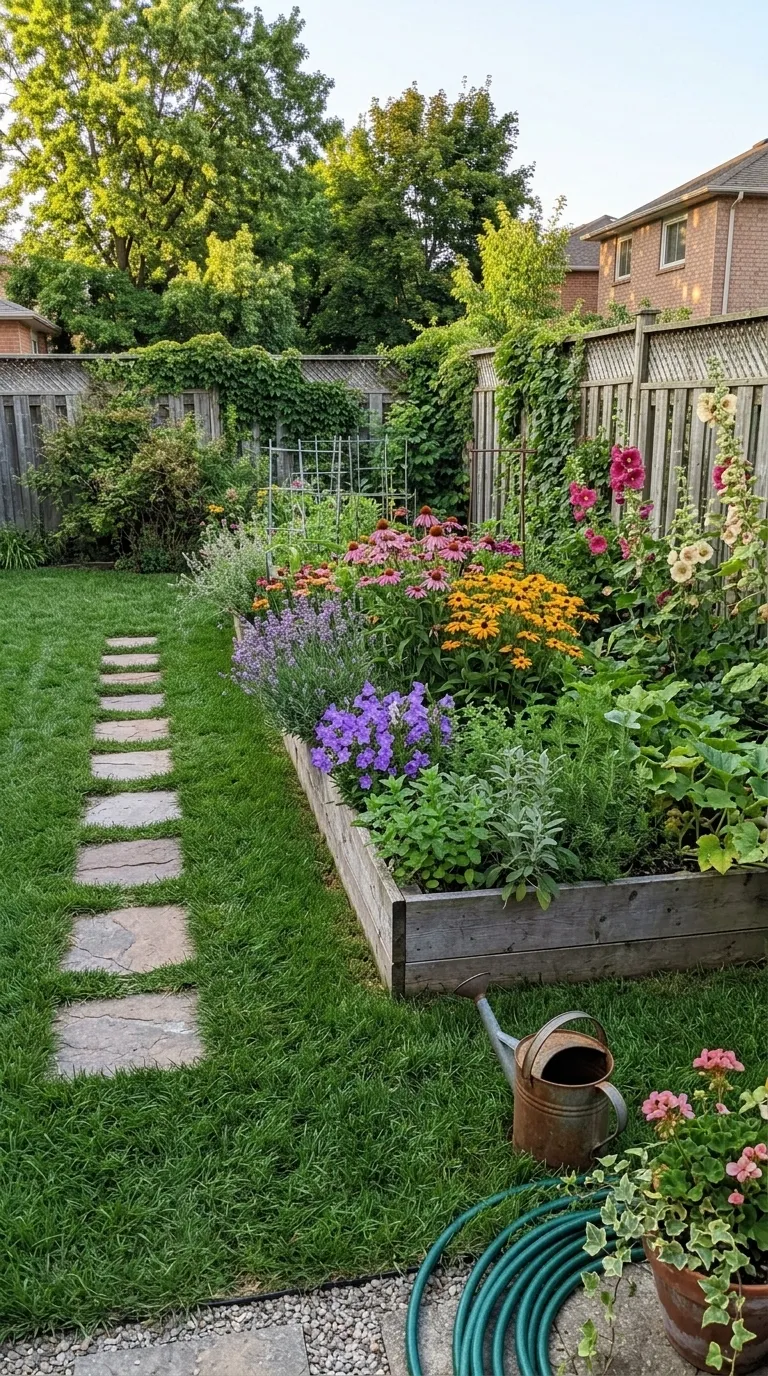
Also set in Bebas Neue, so a series can change frame without changing voice.

Nearby in the catalogue
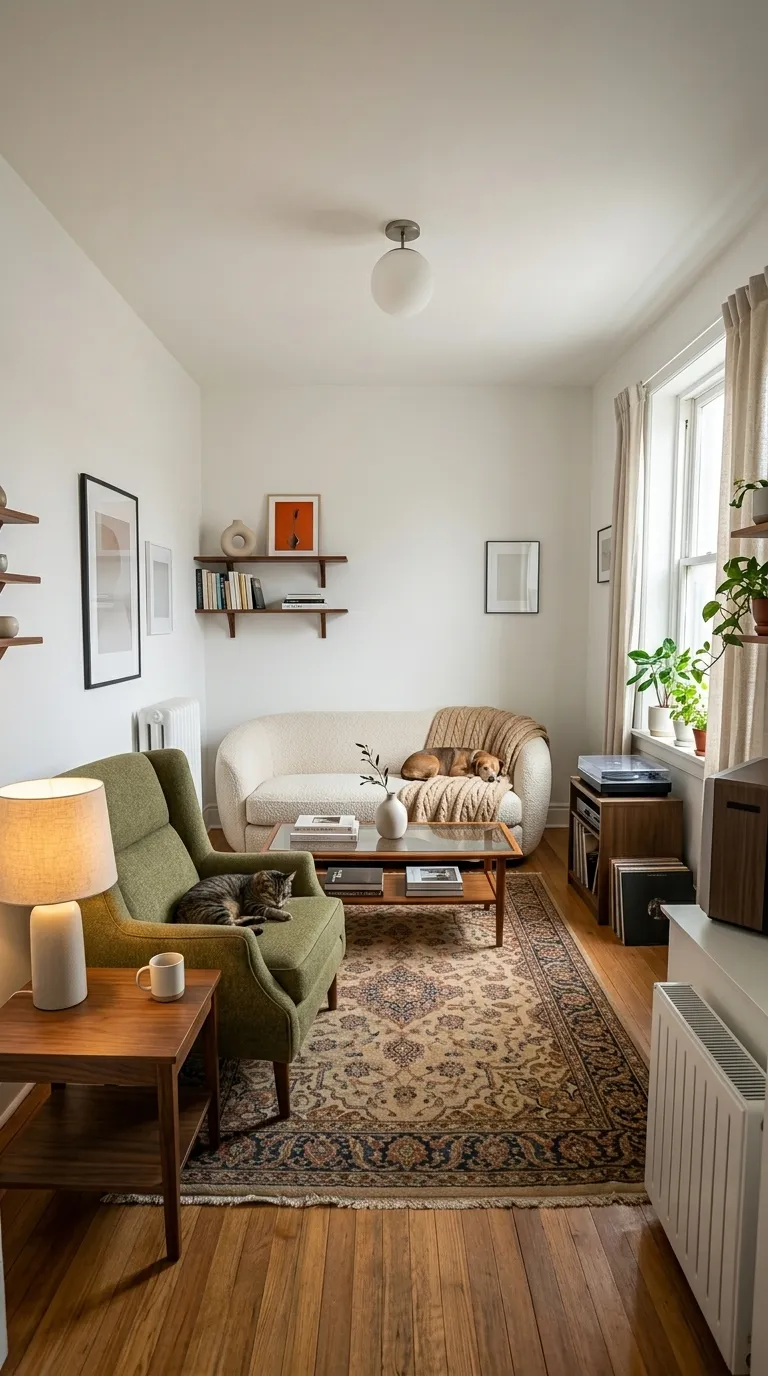
clean category, 1:1 square, Free pack.

Back up to every lifestyle template, or to the whole catalogue. The free browser slider is at the slider tool, and the hashtag research by trade starts at the hashtag index.

Common questions

Who is the Gym Neon template for?
Five points of acid green on near-black, green condensed caps, vertical, dated, with Day 1 and 90 Days already typed. It carries the widest rule anywhere in the lifestyle category, which is the point: a progress pair at thumbnail size needs the split to be visible before the content is. Best in a dark gym, where the ground matches the room.
When should I use something other than Gym Neon?
Five points is a lot of frame on a tall canvas, and it takes real height out of a full-length pair. Fit Minimal gives the same dated progress framing without spending the space.
Is Gym Neon free?
No, it is one of the Pro templates. The free tier opens 8 of the 100, and everything else in the editor is free with them: all four comparison modes, Ghost Camera, the filters, the stickers, the full label editor, and your own logo and business name.
What shape is Gym Neon, and what will it export at?
The template's canvas is 9:16 vertical. The export ratio is a separate choice made in the export sheet: 9:16 and 1:1 on the free tier, plus 4:5 and the original ratio on Pro. 9:16 is among them, so the canvas and the export can match exactly.
Can I change the BEFORE and AFTER wording?
Yes. Gym Neon starts with "Day 1" and "90 Days", and every part of that is editable: the text, the typeface, the colour, the size, bold and italic, uppercase, a shadow, the background opacity, and the position, either one of five presets or dragged anywhere on the canvas.
Can I compare two video clips with this?
No, and for a progress series that is the point. Two dated photographs are the unit of evidence here, not a clip, and the app builds the reveal out of them without ever touching footage.

Put your own pair in Gym Neon

Two photographs, one template, and a reveal that plays in about four seconds. Three exports a day are free, each behind a short rewarded ad.

Get the app freeiPhone, iOS 17 and later