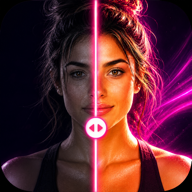
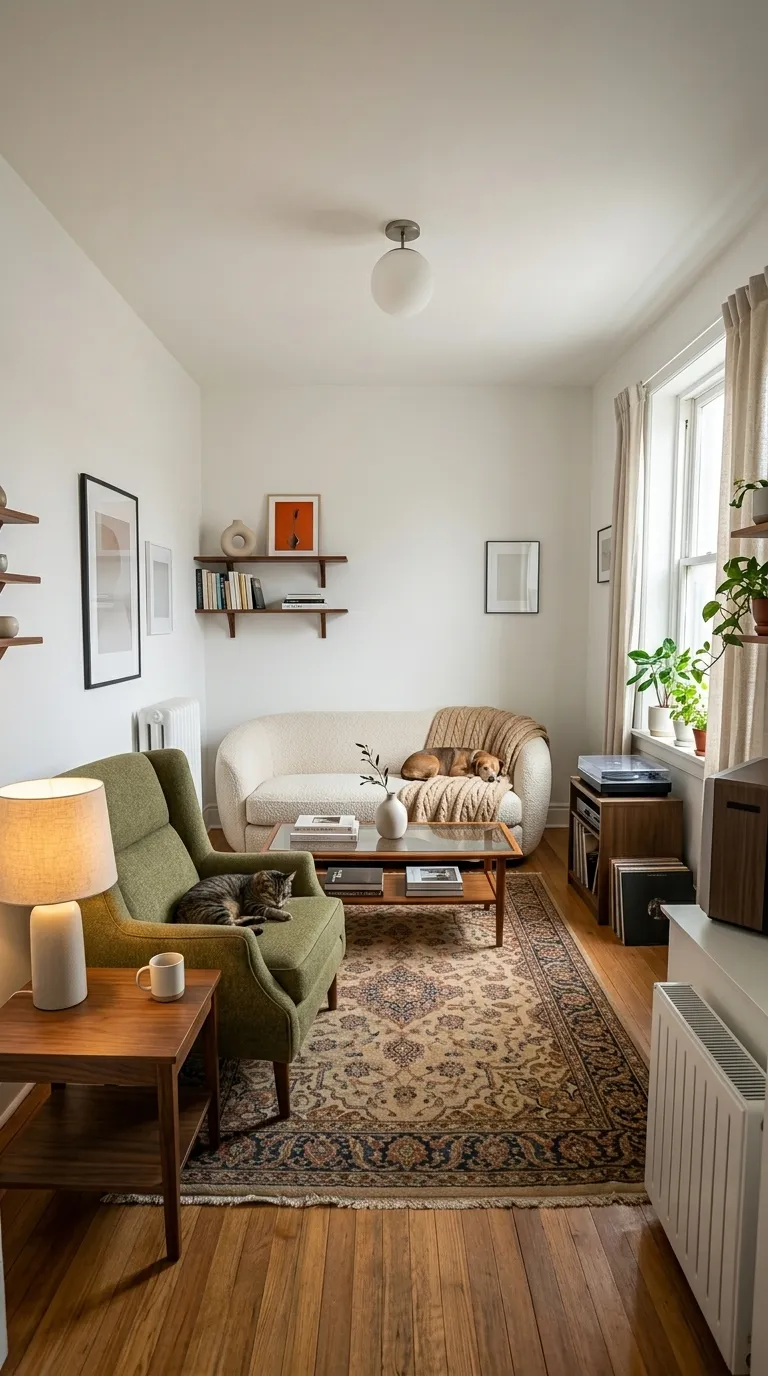
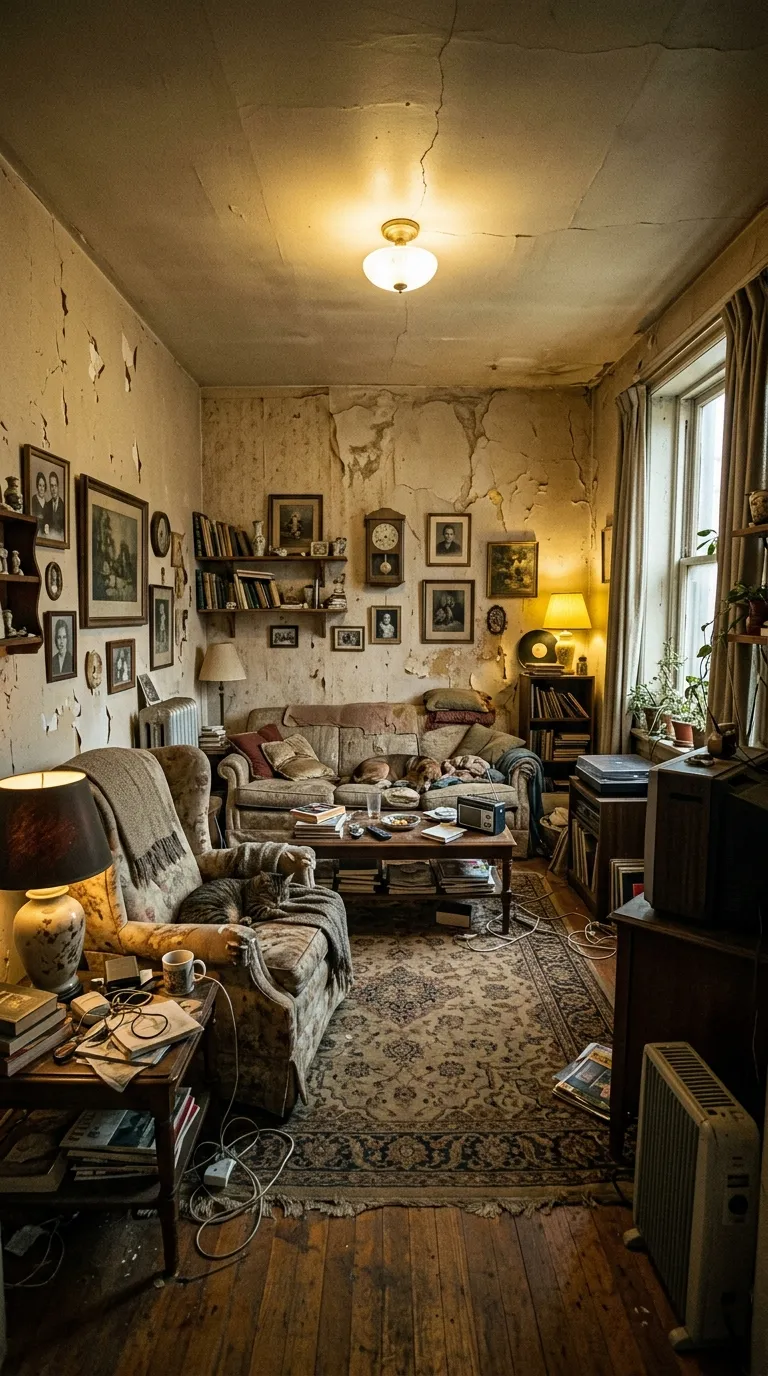
 BeforeAfter
Pro templateFashionLifestyle
Lifestyle category, on a 4:5 portrait canvas, with Quicksand Bold labels reading Before and After, over a gradient ground. Drag the handle to see it work.
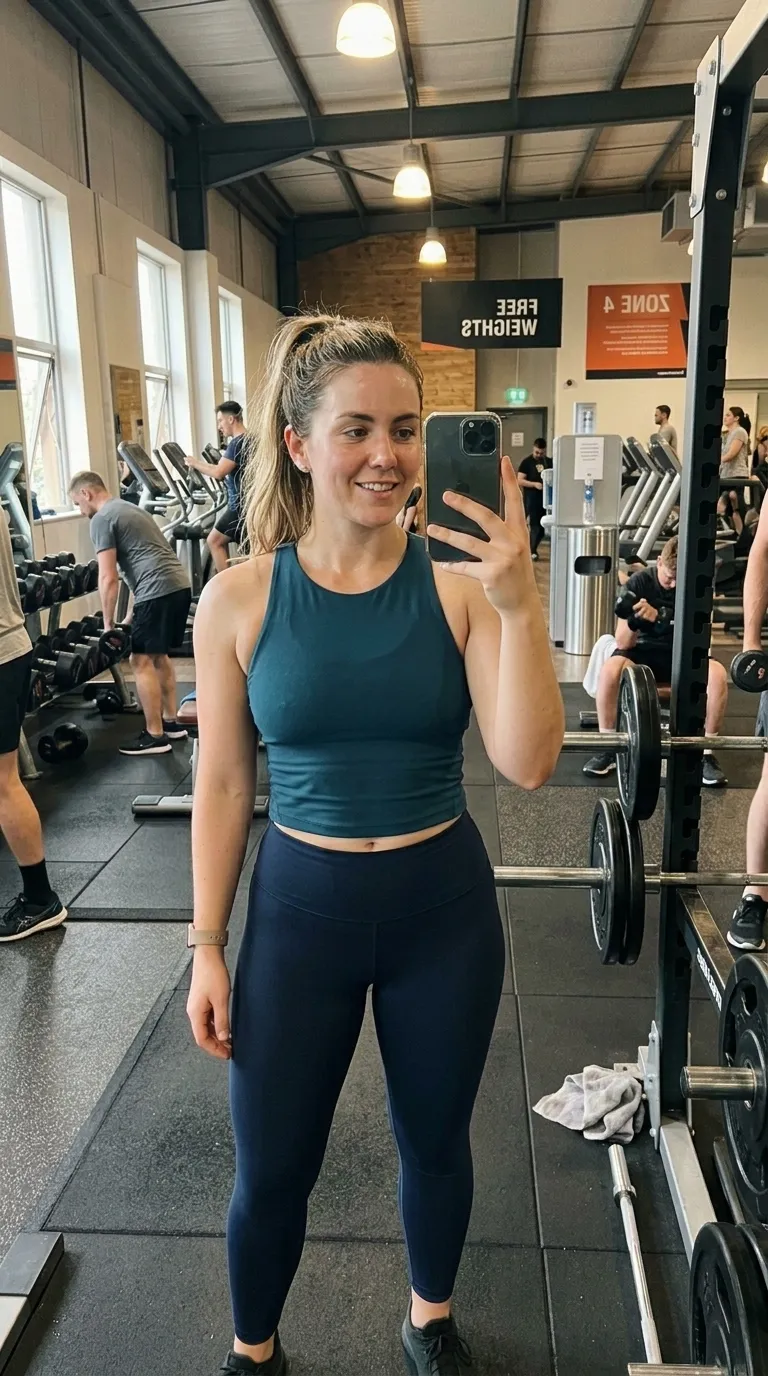
 BeforeAfter
Lilac into pink with rounded corners and rounded sans labels in deep purple, portrait. Soft styling work sits in it well: a capsule wardrobe, a colour palette change, a room-to-outfit flat lay. The two point white rule is thin enough to stay out of the way of a detailed garment, and the gradient is pale enough that dark clothing reads sharply against it.
Behind the pair sits a 2 stop gradient, #C9B1FF through #FFB3C6, drawn by the frame itself. A 2 point #FFFFFF divider splits the canvas, and the Quicksand Bold labels sit bottom centre. Corners are rounded by 20 points, on a 4:5 portrait frame, and the default wording is Before and After.
On a template built for a long gap, two values earn a second look before any of the others: whether the date stamp is switched on, and what the labels already say. Both sit in the panel beside the diagram. The diagram is the frame at the size the app composes it, showing the outline, the rule, the label corner and any reserved band.
Read out of the shipped app build by the catalogue extractor, not typed.
A long-gap pair has one enemy and it is drift. Everything moves over six weeks: the light, the room, the phone, the haircut, the clothes. The pair that convinces is the one where nothing changed except the thing being claimed, so the setup has to be repeatable by somebody who has forgotten how they did it. Same wall, same time of day, same distance, feet in the same place. Write down where you stood. In three months you will not remember, and the shot you cannot repeat is worth nothing.
Weeks between two photographs is weeks for something to drift. Put the pair through the free slider tool before you build the post, on your own device and in about two seconds, then use the guide to why pairs look staged to work out which part moved.
This is the category where an honest pair is easiest to make and easiest to fake, and the difference shows. Lighting, posture, a tan, a pump, the time of day, and the same body reads two ways with nothing having changed. Nothing in the app adjusts a body or a face, and nothing in it should be used to imply a result you did not get. On the mechanical side, the labels shipped with these templates are editable text, so Day 1 and 90 Days are starting points rather than measurements the app checks.
On this template in particularThe gradient is part of the template rather than a filter over your photographs, so it cannot be turned off or recoloured. If the ground is fighting your subject, the fix is a different template rather than a setting.
Without upgrading
BeforeAfterOpens on the free tier, on a 1:1 square canvas with Inter Bold labels.
Same pack, other end
BeforeAfterA darker ground in the same pack, with a 4 point #FFE600 rule.
Same shape, other register
RawEditedThe same 4:5 portrait canvas, filed under clean rather than lifestyle.
Same label face
BeforeAfterAlso set in Quicksand Bold, so a series can change frame without changing voice.
Back up to every lifestyle template, or to the whole catalogue. The free browser slider is at the slider tool, and the hashtag research by trade starts at the hashtag index.
Two photographs, one template, and a reveal that plays in about four seconds. Three exports a day are free, each behind a short rewarded ad.