Before After Video MakerTwo photos, one reveal
Get the app free

Two photos, one reveal

Pro templatePet GroomingNiche

Pet Playful

Niche category, on a 9:16 vertical canvas, with Quicksand Bold labels reading Before and After Groom, over a gradient ground. Drag the handle to see it work.
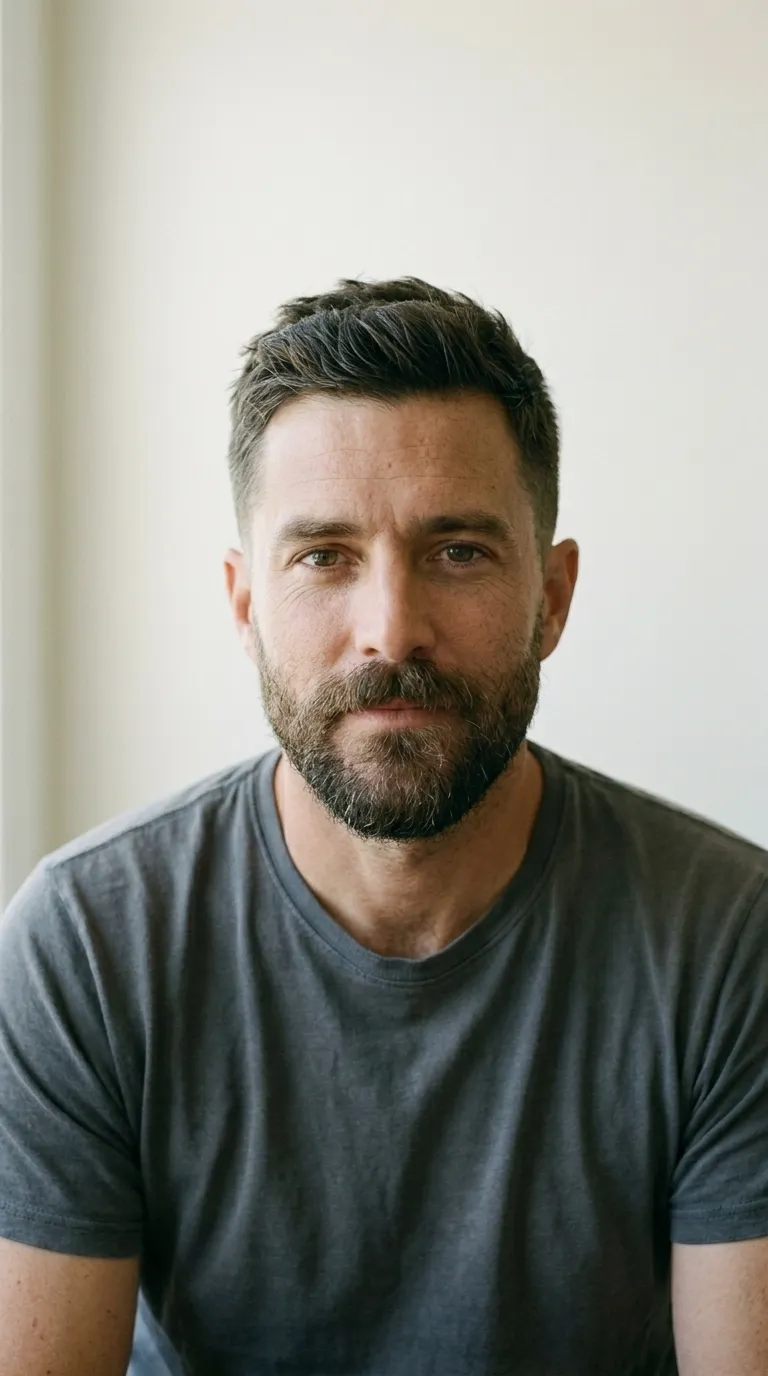
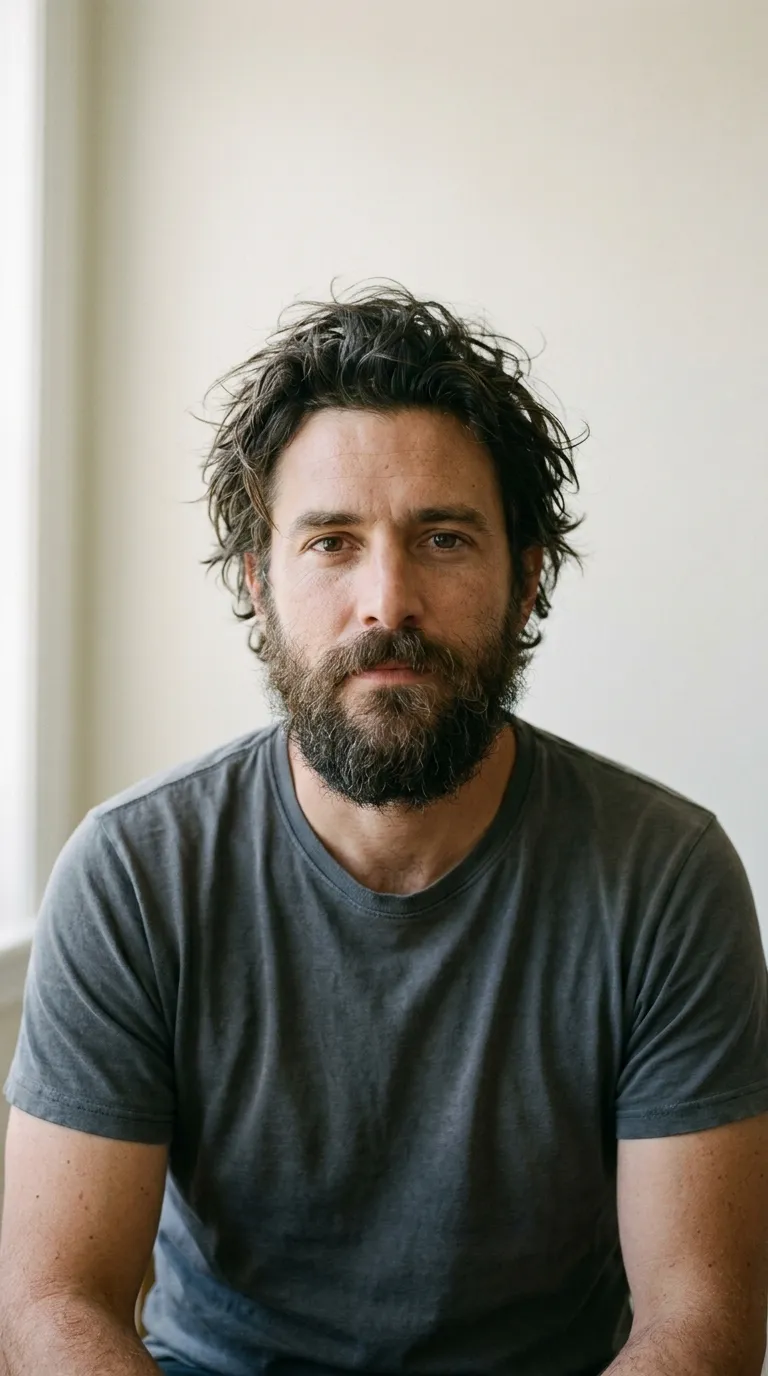
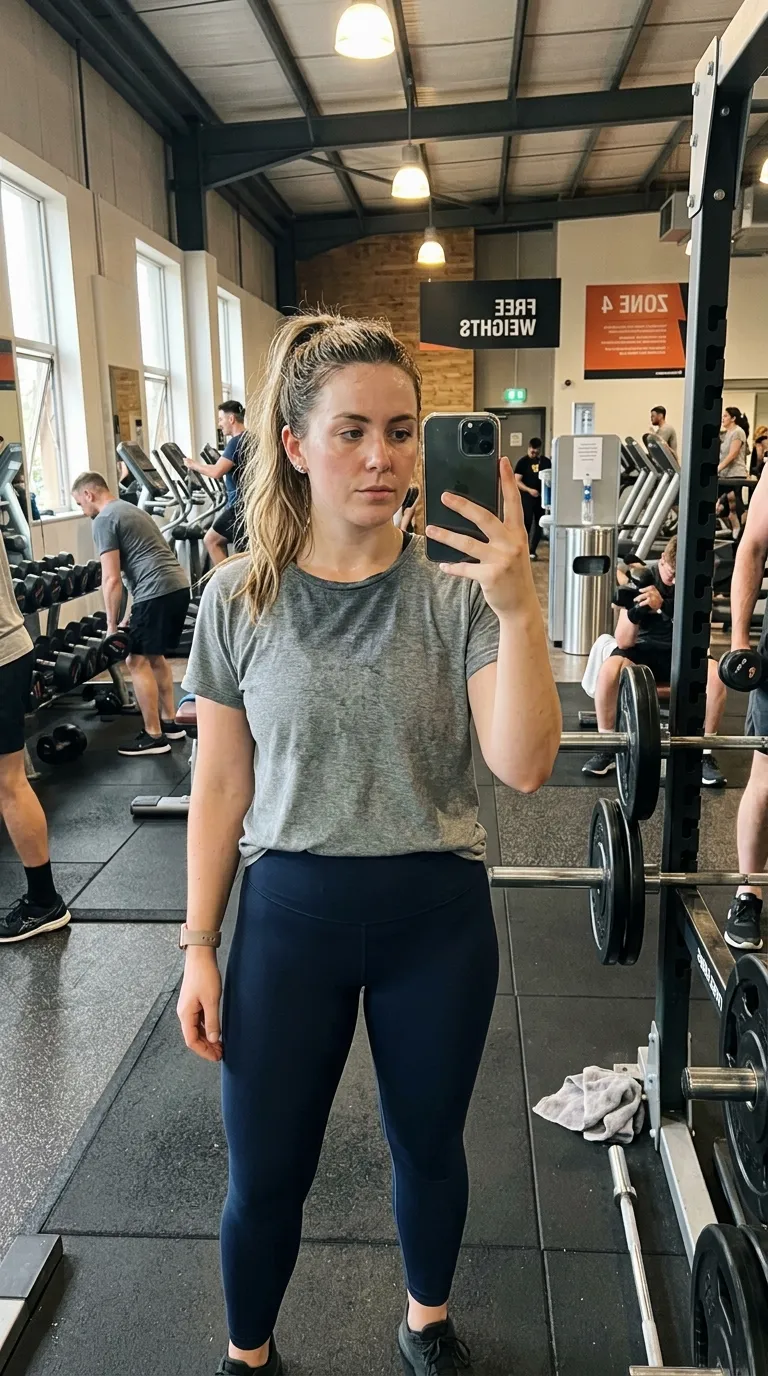
The same man in the same light after a cut and a beard trimA man with long unkempt hair and an untrimmed beard against a plain wallBeforeAfter Groom
The labels arrive reading Before and After Groom here because that is what the build has typed into this template already. Photographs are the app's sample pair of a cut and beard trim. Your export is composited at 1080p from your own two.
The job it is forPet Grooming pack

What Pet Playful is for

Orange into gold, a three point white rule, rounded sans labels reading After Groom, rounded corners, vertical. The fun end of grooming is what it was drawn for: a scruffy terrier tidied up, a puppy's first cut, the posts an owner reshares rather than the shop. Vertical is right because a dog stood on a table is a tall subject, not a wide one.

#FF8C00 shades into #FFD700 behind the two halves, and that wash is part of the template rather than a filter on your photographs. 3 points of #FFFFFF hold the two photographs apart, with Quicksand Bold labels bottom centre. Corners are rounded by 20 points, on a 9:16 vertical frame, and the default wording is Before and After Groom.

The specificationExtracted, not typed

Every value in Pet Playful, as the build holds it

What makes a trade template a trade template lives mostly in the small values: the wording already sitting in the labels, the palette, the crop it was cut to. The geometry is drawn below at the app's drawing scale, and the panel next to it lists the record's words, default labels included, so the retyping you avoid is visible up front.

The recordPro
  • Canvas9:16
  • Rule3 pt
  • LabelsBottom centre
  • BandNone
Canvas
9:16 vertical
Label face
Quicksand Bold
Label corner
Bottom centre
Rule
3 pt
Corners
20 pt radius
Ground
2 stop gradient
Branding
Overlaid, no band
Date stamp
Off by default
Default wording
Before and After Groom
Pack
Pet Grooming
  • Frame#FF8C00
  • Ground stop 1#FF8C00
  • Ground stop 2#FFD700
  • Rule#FFFFFF
  • Label#FFFFFF

Read out of the shipped app build by the catalogue extractor, not typed.

Shooting for itNiche category

How to shoot a pair for Pet Playful

Trade work is judged by people who do the same work, so the pair has to survive an expert eye. Hair and makeup need the same head angle and the same light, because a chin lifted two inches reads as a different face. Nails need one fixed distance, hands in the same position both times. Detailing and landscaping need the wide shot before the close-up, or nobody believes the panel belongs to the car. A pair that would satisfy somebody in your trade will satisfy a customer easily.

In orderWritten for niche work
  1. 01Take the before before you start work, not after you have half finished. This is the step every trade skips and every trade regrets.
  2. 02Mark your standing spot. A tile, a chair leg, a wheel arch, a paving stone: something that will still be there when you shoot the after.
  3. 03Shoot the after from that mark with Ghost Camera on, then take a second one a step closer for the detail.
  4. 04Pick the pack for your trade. The label wording and the palette are already right, so the only real decision left is the canvas shape.
  5. 05Add your business name in the branding strip if the template reserves one, then export. Trade work gets shared, and a name in the frame travels with it.

Trade work gets judged by people who do the same work, so hold the pair up to that eye before it goes out. The browser slider tool does it on your own device in about two seconds, and the guide to fake-looking pairs is built around the mistakes trade pairs make most often.

Honest limitsTwo of them, and both are real

What Pet Playful will not do

A template tuned to a trade is a palette and a default label, nothing more. It does not know your subject, and it will happily frame a pair that does not match. The two hardest cases in this category are honest ones: hair and makeup change with the light, so a warm salon bulb over the after does most of the work you were hoping the haircut would do, and a pet photographed wet looks like a different animal from a pet photographed dry. Shoot both frames dry, in the same spot, or the post argues with itself.

On this template in particularThe gradient is part of the template rather than a filter over your photographs, so it cannot be turned off or recoloured. If the ground is fighting your subject, the fix is a different template rather than a setting.

If this one is not itFour questions, four answers

Without upgrading

Opens on the free tier, on a 9:16 vertical canvas with Inter Bold labels.

Same pack, other end

A lighter ground in the same pack, with a 2 point #008B8B rule.

Same label face
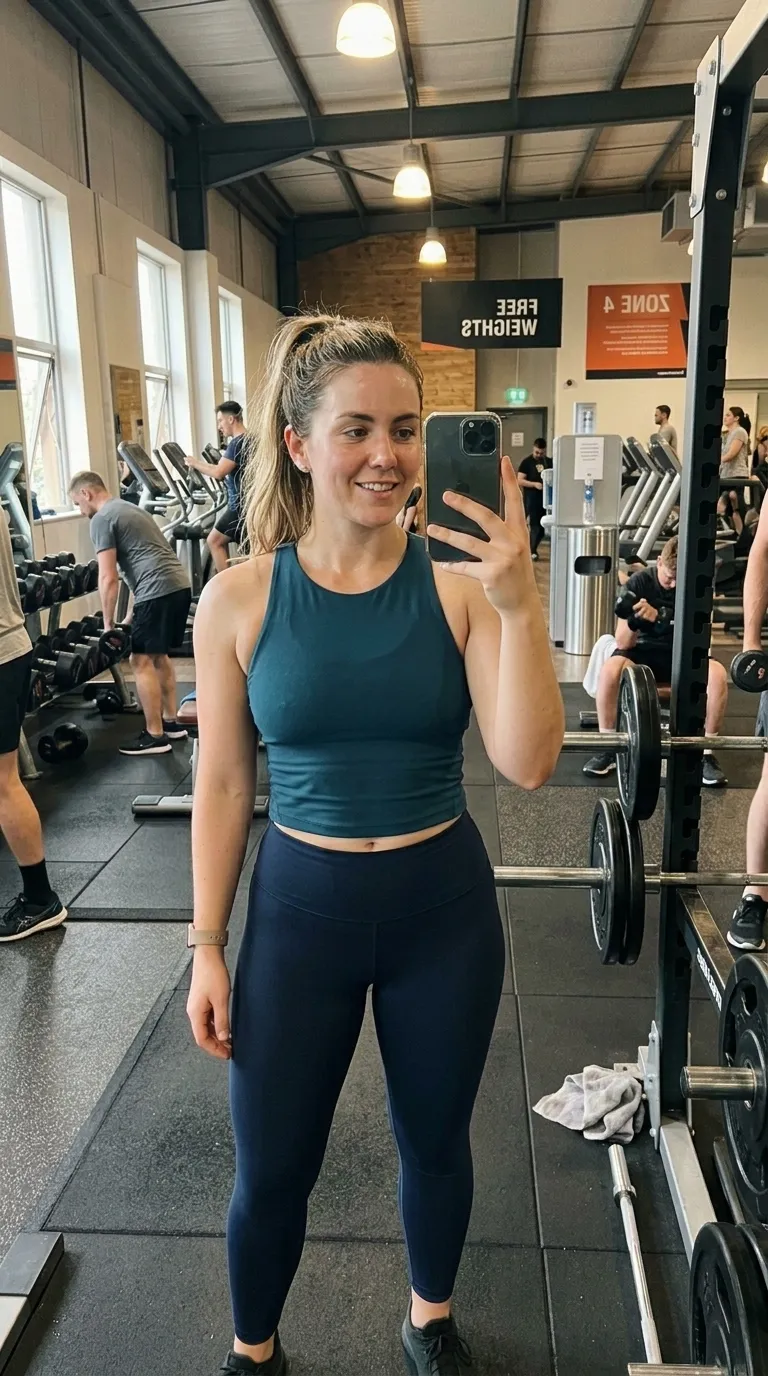
Also set in Quicksand Bold, so a series can change frame without changing voice.

Nearby in the catalogue
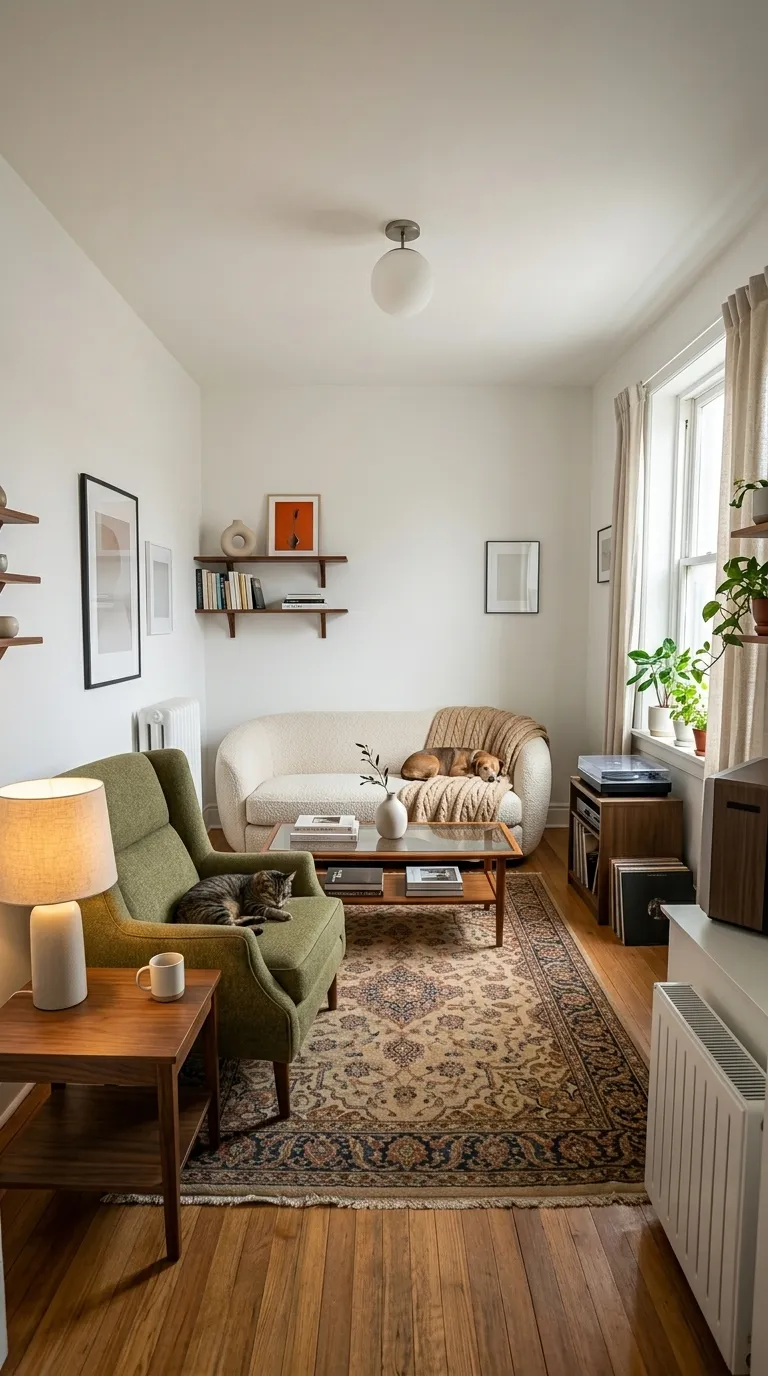
clean category, 1:1 square, Free pack.

Back up to every niche template, or to the whole catalogue. The free browser slider is at the slider tool, and the hashtag research by trade starts at the hashtag index.

Common questions

Who is the Pet Playful template for?
Orange into gold, a three point white rule, rounded sans labels reading After Groom, rounded corners, vertical. The fun end of grooming is what it was drawn for: a scruffy terrier tidied up, a puppy's first cut, the posts an owner reshares rather than the shop. Vertical is right because a dog stood on a table is a tall subject, not a wide one.
When should I use something other than Pet Playful?
A golden retriever, a cocker or any tan coat sits almost inside this gradient. Pet Pastel puts the same warmth behind a purple to blue ground that separates from every warm coat.
Is Pet Playful free?
No, it is one of the Pro templates. The free tier opens 8 of the 100, and everything else in the editor is free with them: all four comparison modes, Ghost Camera, the filters, the stickers, the full label editor, and your own logo and business name.
What shape is Pet Playful, and what will it export at?
The template's canvas is 9:16 vertical. The export ratio is a separate choice made in the export sheet: 9:16 and 1:1 on the free tier, plus 4:5 and the original ratio on Pro. 9:16 is among them, so the canvas and the export can match exactly.
Can I change the BEFORE and AFTER wording?
Yes. Pet Playful starts with "Before" and "After Groom", and every part of that is editable: the text, the typeface, the colour, the size, bold and italic, uppercase, a shadow, the background opacity, and the position, either one of five presets or dragged anywhere on the canvas.
Can I compare two video clips with this?
Not at all. Take a photograph before the job and a photograph after it; that pair is the entire input, and the app turns it into a reveal. Filming the job and cutting it down is a different tool's work.

Put your own pair in Pet Playful

Two photographs, one template, and a reveal that plays in about four seconds. Three exports a day are free, each behind a short rewarded ad.

Get the app freeiPhone, iOS 17 and later