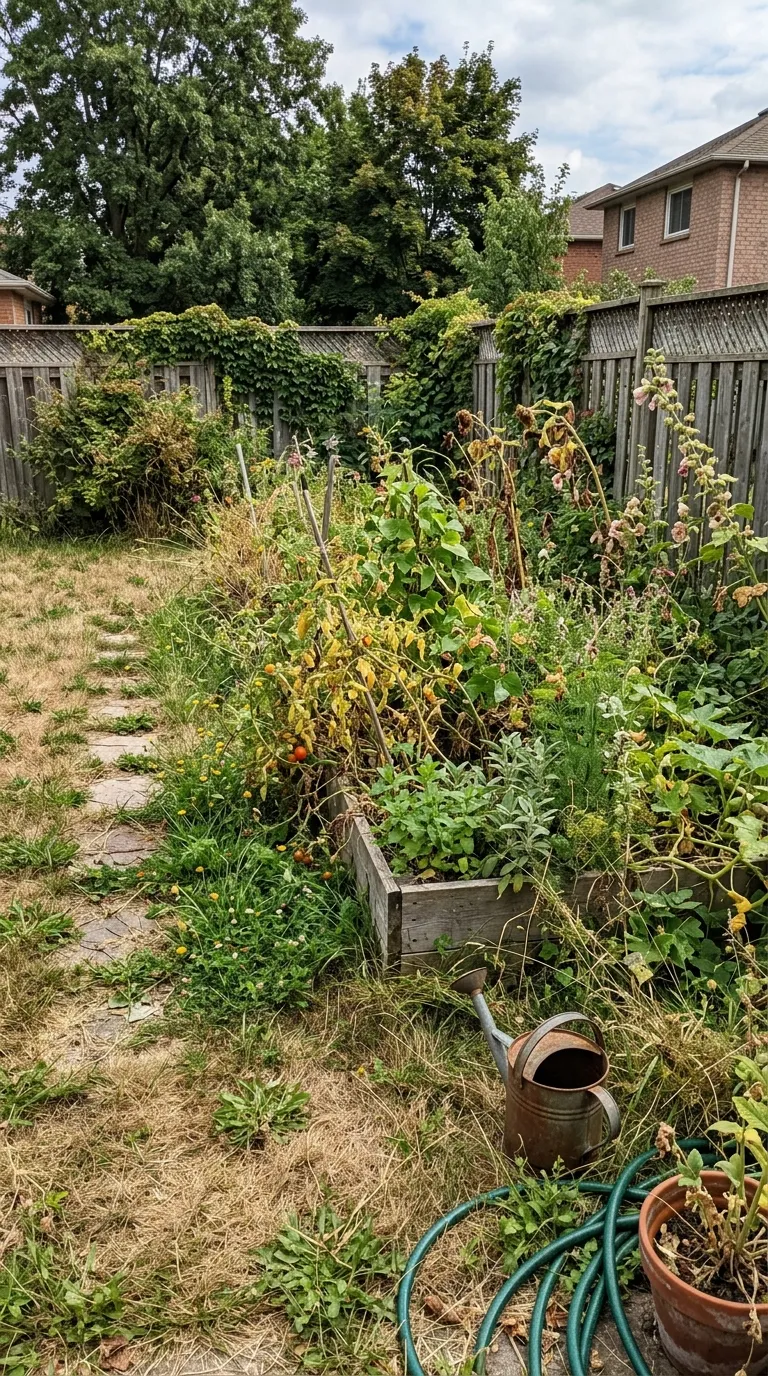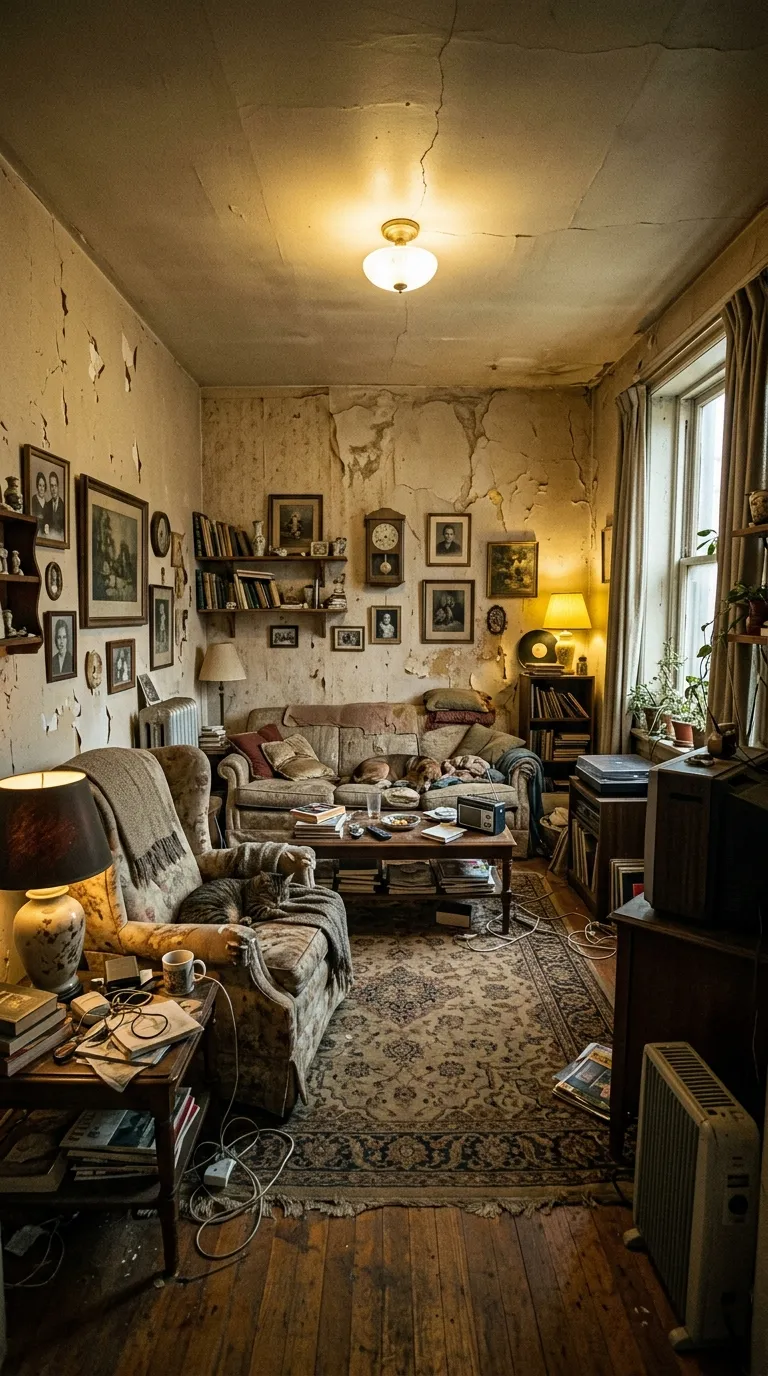
Before After Video MakerTwo photos, one reveal
Get the app free

Two photos, one reveal

Pro templateNeon/CyberpunkPlatform

Cyber Yellow

Platform category, on a 9:16 vertical canvas, with Bebas Neue labels reading Before and After, over a gradient ground. Drag the handle to see it work.

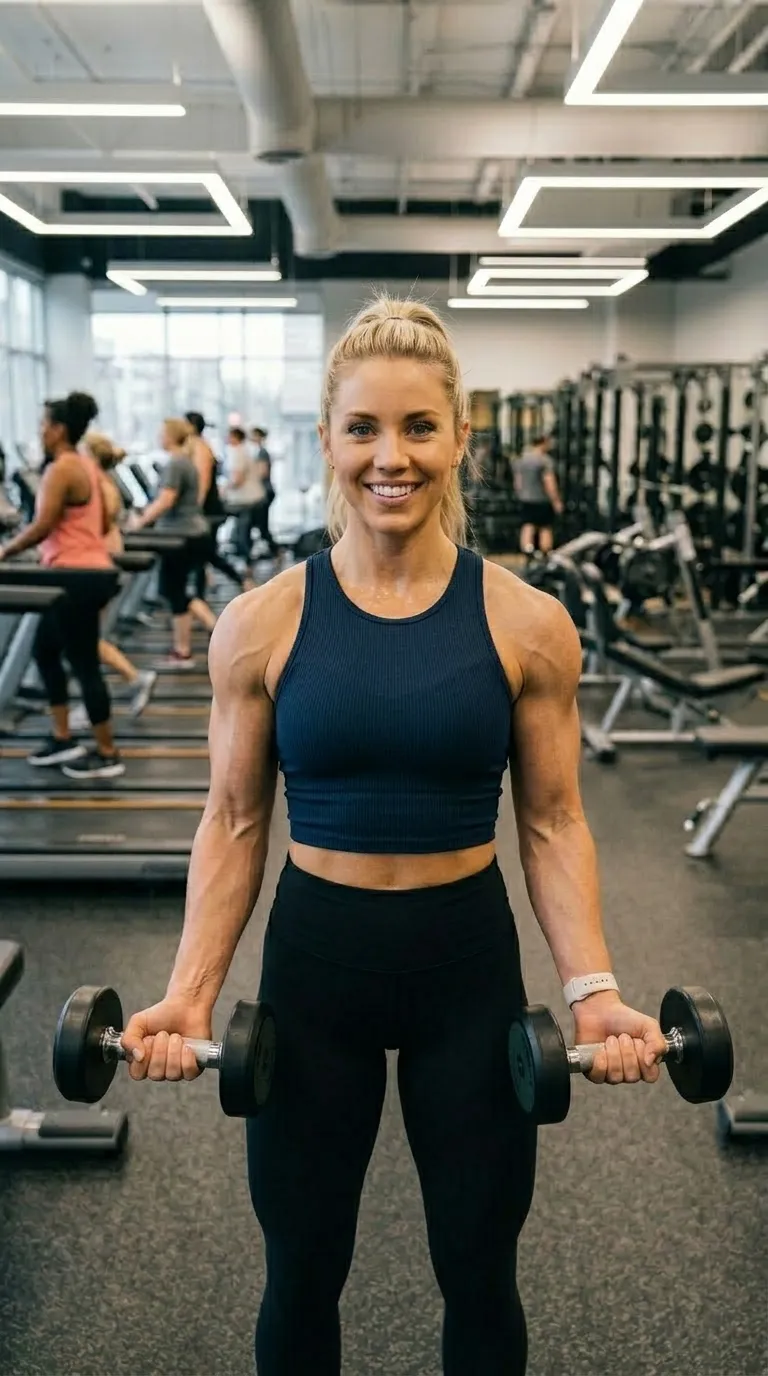
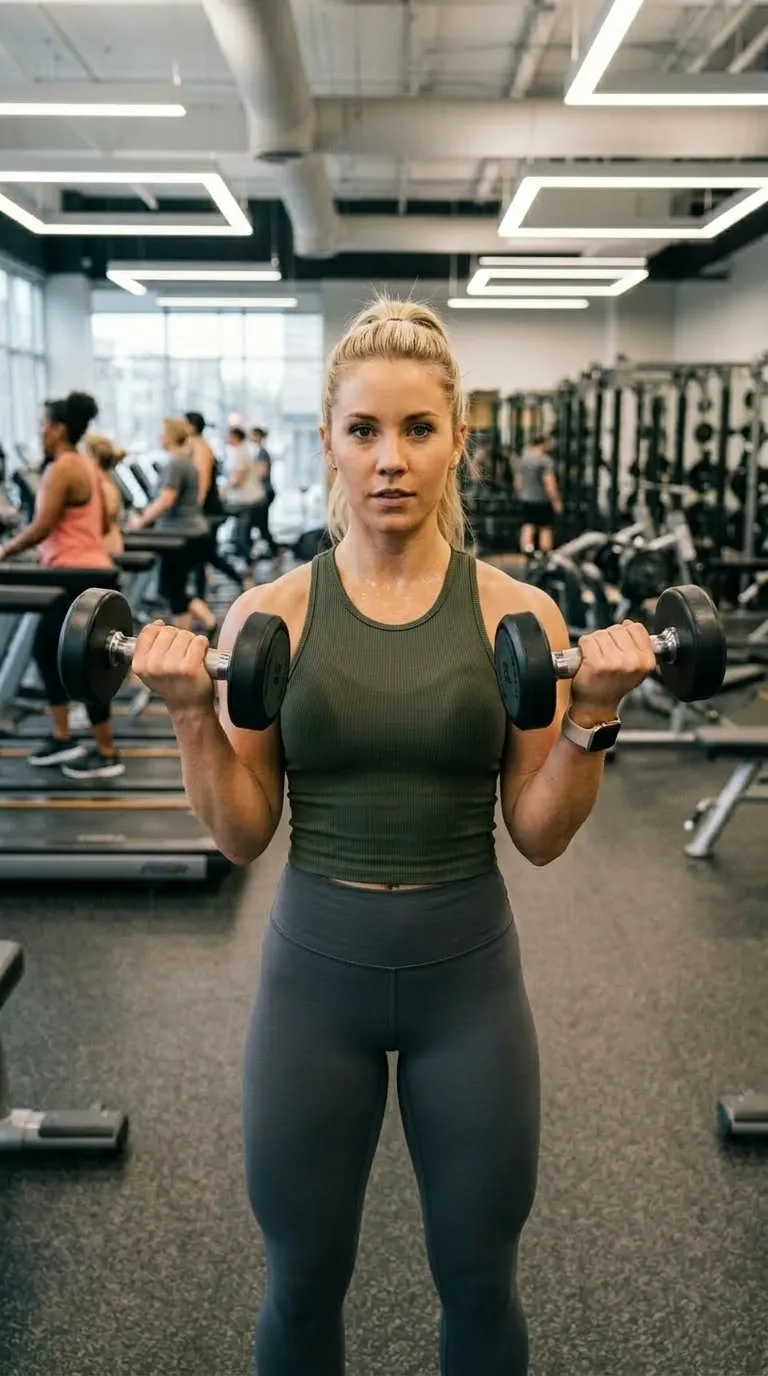
The same woman in the same gym, same stance, at the end of the blockA woman holding dumbbells in a gym at the start of a training blockBeforeAfter
Ground, rule and label colour all come straight out of the build, which is the only honest way to show a frame chosen for its look. The a training block pair ships with the app. Your export is composited at 1080p from two photographs of your own.
The job it is forNeon/Cyberpunk pack

What Cyber Yellow is for

A near-black ground with a warm shift and a four point yellow rule, which is one point narrower than the rest of the set. That makes it the least aggressive of the four and the one that survives a subject with detail in it: a workbench, a restoration, a repaint, anything where a wider rule would start eating the photograph. Yellow also stays legible in daylight better than magenta does.

The ground is a gradient of 2 stops, running #080800 into #111100 behind the pair rather than over it. Labels are set in Bebas Neue, bottom centre, over a 4 point #FFE600 divider. It ships with Before and After already typed, on a 9:16 vertical canvas, square, with no radius at all.

The specificationExtracted, not typed

Every value in Cyber Yellow, as the build holds it

A stylised frame is mostly colour, and colour is the part of any record that reads badly as a column of hex values. So the diagram draws the frame at the scale the app renders it, letting the ground, the rule and the label corner arrive as a picture instead. The record's remaining words are in the panel beside it.

The recordPro
  • Canvas9:16
  • Rule4 pt
  • LabelsBottom centre
  • BandNone
Canvas
9:16 vertical
Label face
Bebas Neue
Label corner
Bottom centre
Rule
4 pt
Corners
Square
Ground
2 stop gradient
Branding
Overlaid, no band
Date stamp
Off by default
Default wording
Before and After
Pack
Neon/Cyberpunk
  • Frame#080800
  • Ground stop 1#080800
  • Ground stop 2#111100
  • Rule#FFE600
  • Label#FFE600

Read out of the shipped app build by the catalogue extractor, not typed.

Shooting for itPlatform category

How to shoot a pair for Cyber Yellow

A stylised frame sets an expectation the pair has to meet. Neon on near-black flatters a subject with hard edges and hard light, and drowns a soft one. Gold on dark asks the photograph to be composed rather than snapped. The wide layouts show the sides of a subject that vertical crops away, which is what makes them the right shape for a driveway, a garden, a room or a workbench, and the wrong shape for a person.

In orderWritten for platform work
  1. 01Decide the surface first. The wide layouts are for a site, an embed or a video thumbnail, and they will letterbox badly inside a vertical feed.
  2. 02Match the subject to the treatment. Neon wants hard edges and contrast; the luxury frames want an even, composed photograph.
  3. 03Shoot wider than feels necessary for the wide layouts. Cropping in is free, and inventing the edges of a frame is not.
  4. 04Keep the labels short. Serif labels at small sizes and condensed caps at large ones both punish long wording, in opposite ways.
  5. 05Export at the ratio that matches where it lands, remembering the export sheet's ratios are chosen separately from the template's own canvas.

A frame with this much character will either flatter the pair or expose it, and rarely neither. The in-browser slider tells you which, on your own device, in about two seconds. The guide to unconvincing pairs covers the causes when the answer is the wrong one.

Honest limitsTwo of them, and both are real

What Cyber Yellow will not do

The wide layouts are the honest catch in this category. The export sheet offers vertical, square, portrait and the original ratio, so a wide canvas arrives at its shape through the original ratio option rather than through a wide preset of its own. Check the first export before you build a set on it. Beyond that, a strong look does not survive a weak pair: a neon frame around two mismatched photographs makes the mismatch look deliberate, which is worse than making it look careless.

On this template in particularThe gradient is part of the template rather than a filter over your photographs, so it cannot be turned off or recoloured. If the ground is fighting your subject, the fix is a different template rather than a setting.

If this one is not itFour questions, four answers

Without upgrading

Opens on the free tier, on a 9:16 vertical canvas with Inter Bold labels.

Same pack, other end

A darker ground in the same pack, with a 5 point #FF00AA rule.

Same label face
Also set in Bebas Neue, so a series can change frame without changing voice.

Nearby in the catalogue
clean category, 1:1 square, Free pack.

Back up to every platform template, or to the whole catalogue. The free browser slider is at the slider tool, and the hashtag research by trade starts at the hashtag index.

Common questions

Who is the Cyber Yellow template for?
A near-black ground with a warm shift and a four point yellow rule, which is one point narrower than the rest of the set. That makes it the least aggressive of the four and the one that survives a subject with detail in it: a workbench, a restoration, a repaint, anything where a wider rule would start eating the photograph. Yellow also stays legible in daylight better than magenta does.
When should I use something other than Cyber Yellow?
Yellow is the neon colour most likely to be in the photograph already: hazard tape, signage, hi-vis, machinery. When the subject wears it, Cyber Pink separates instead.
Is Cyber Yellow free?
No, it is one of the Pro templates. The free tier opens 8 of the 100, and everything else in the editor is free with them: all four comparison modes, Ghost Camera, the filters, the stickers, the full label editor, and your own logo and business name.
What shape is Cyber Yellow, and what will it export at?
The template's canvas is 9:16 vertical. The export ratio is a separate choice made in the export sheet: 9:16 and 1:1 on the free tier, plus 4:5 and the original ratio on Pro. 9:16 is among them, so the canvas and the export can match exactly.
Can I change the BEFORE and AFTER wording?
Yes. Cyber Yellow starts with "Before" and "After", and every part of that is editable: the text, the typeface, the colour, the size, bold and italic, uppercase, a shadow, the background opacity, and the position, either one of five presets or dragged anywhere on the canvas.
Can I compare two video clips with this?
No. However stylised the frame, the input is two stills. The look is applied to a pair of photographs, and the export is a short reveal, a looping GIF or a single image.

Put your own pair in Cyber Yellow

Two photographs, one template, and a reveal that plays in about four seconds. Three exports a day are free, each behind a short rewarded ad.

Get the app freeiPhone, iOS 17 and later